Breaking regular streaks with best friends and family by accident seems a bit depressing, as that count shows how much effort two people are putting into staying connected.
But thankfully, there are two effective ways that can bring back your streak count in minutes. Follow along and learn how to restore a snap streak using the restore button and official Snapchat support help.
At a Glance
To restore your streak on chat with someone, you have two official methods:
- Restore Streak: From here, you can restore up to 6 free streaks, and after that, you have to pay for restoration.
- Snapchat Support: If you have a genuine issue that caused the breakdown of your streak, then you can submit your reviews on https://help.snapchat.com/hc/en-us, where your reasons are validated and solved by experts.
There are two effective ways to revive a lost snapstreak: the first one is the Restore Button, which pops up immediately after the streak dies, and you will get 6 free tokens to revive streaks, which can be used with one person or with 6 different people.
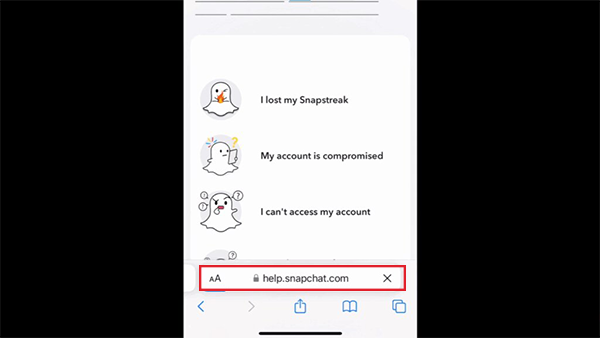
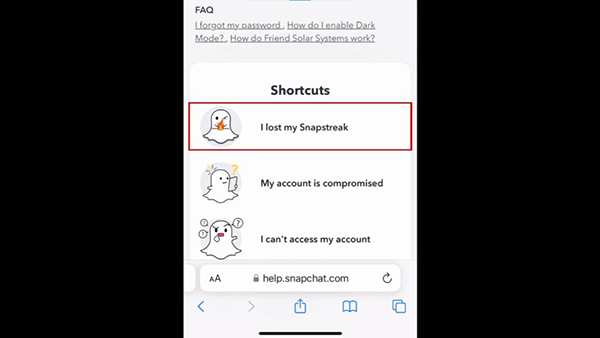
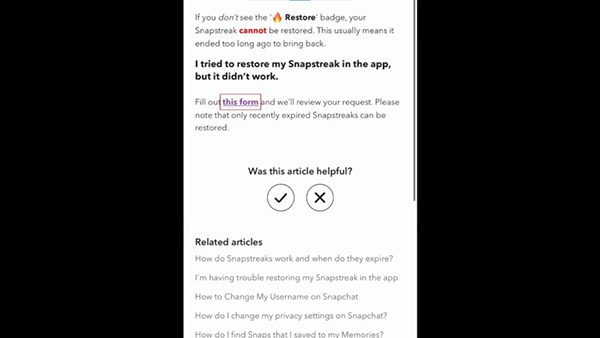
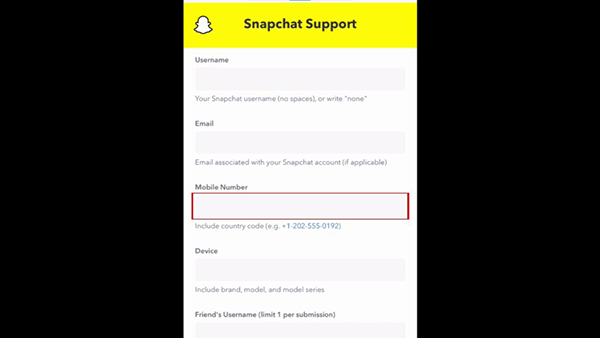
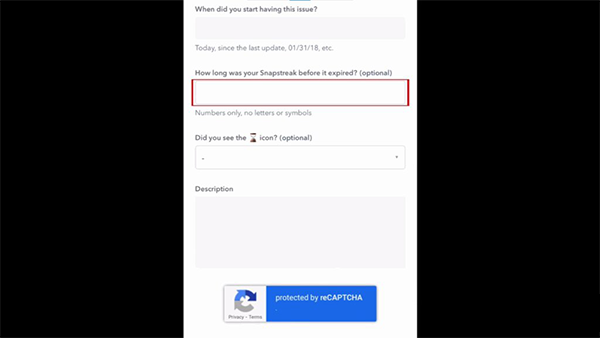
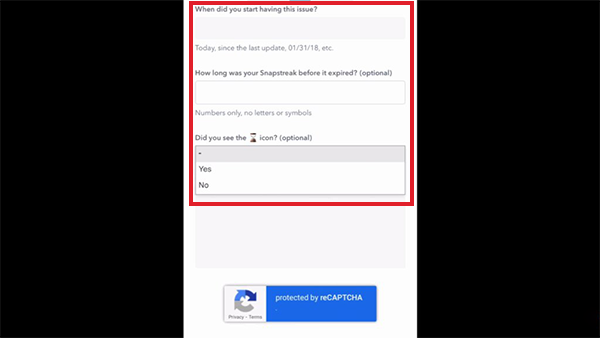
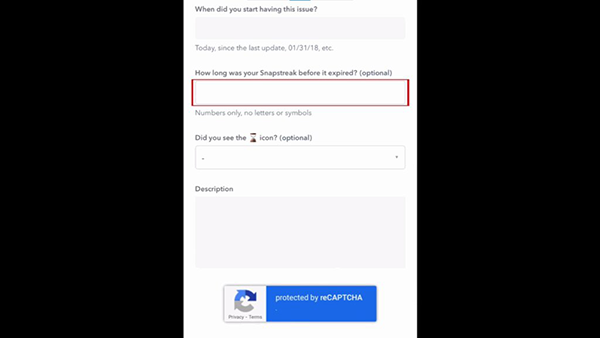
The second method is a bit lengthy, as you have to visit help.snapchat.com and add crucial details about yourself, along with the reason that caused the deletion of your snapstreak.
Let’s break down the process in detail one by one.
The restore button on your Snapchat profile is an easy-to-access toggle that restores your snapstreak in just a single click and protects your snapscore on snapchat from getting reduced. All you have to do is:
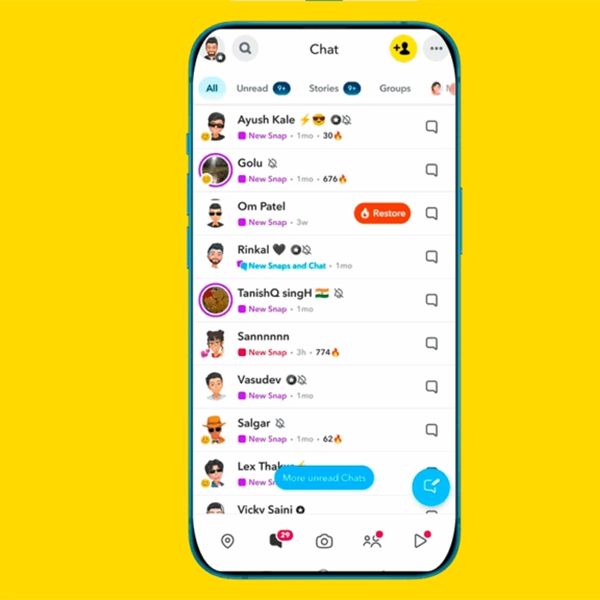
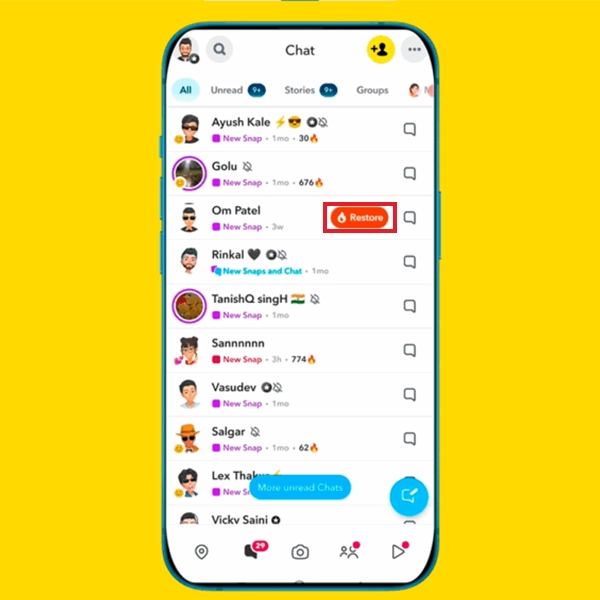
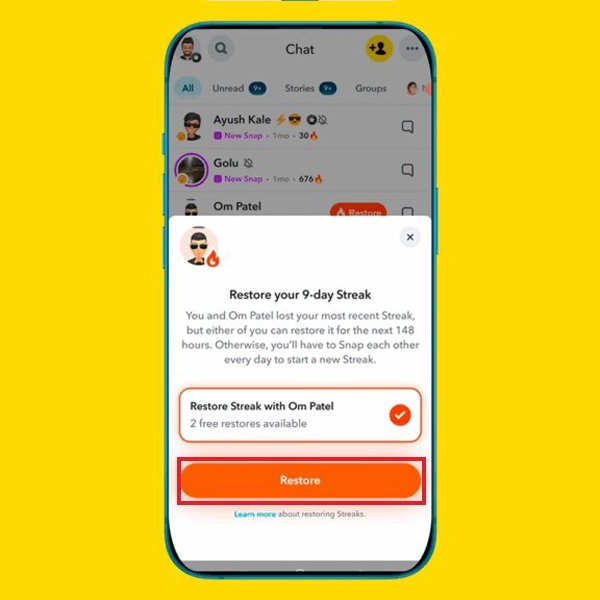
If somehow the restore button is not visible while your streak is broken, the official snapchat support window can do the job.

Tired of breaking snap streak again and again, well, this happened because of some common human errors like:
Then, how to maintain the streak?
Restoring a streak on Snapchat with free tokens is the easiest way, while the Snapchat support window takes time in authentication, and paid restoration can hurt your pocket. You should stay attentive on the app for at least 10-15 mins and send a streak snap even if you are not having a good day.
Still, if you have missed the chance or got out of the token due to a serious reason, then show faith in the meta admins or pay to restore instantly. Got more errors like this in your digital handles? Make sure to stay connected with GetAssist for daily troubleshooting blogs.
Well, this is the hourglass indicator that pops up on the profile of your friends whenever your streak is about to expire. This icon starts showing after 20 hours of your last, enabling a countdown of 4 hours to restore your streak by sending a snap.
A 2000-day-long streak is approximately 5 years, 5 months, and 25 days, which makes it 65 months long and a great achievement of the bond between two people.
Yellow heart represents the bond of the #1 best friend on Snapchat, and it stays for a week.