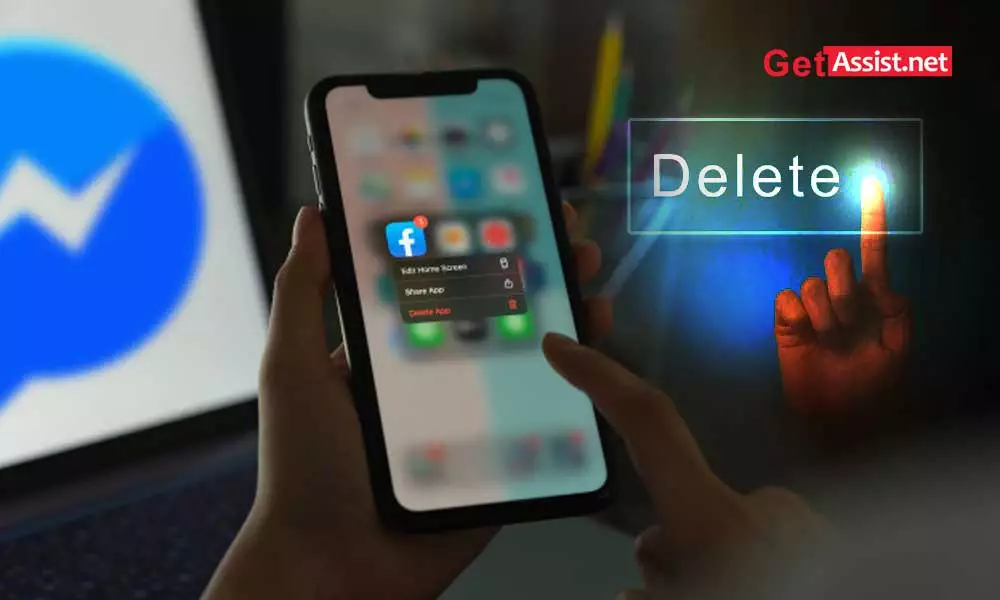
Voicemail has its own storage, and there is a limit to the number of voicemails you can save; that’s why you need to remove voicemails on iPhone. After removing the old voicemail, the iPhone creates a backup for the deleted voicemails; you can recover them within a fixed period of time.
In this article, we will show how to remove voicemail on iPhone and how to turn off voicemail.
Before deleting, you can select the voicemails you answered and leave the ones you haven’t answered yet. This will make some free space for new voicemails.
Check out the process on how to remove voicemail on iphone.
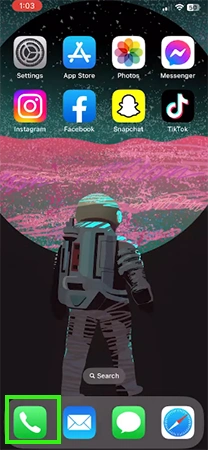
Step 1: Open the Phone app.

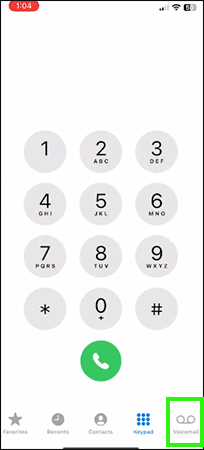
Step 2: Tap Voicemail at the bottom right.
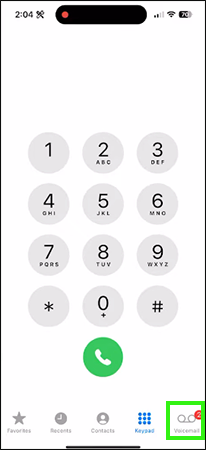
Step 3: Tap Edit at the top left corner.
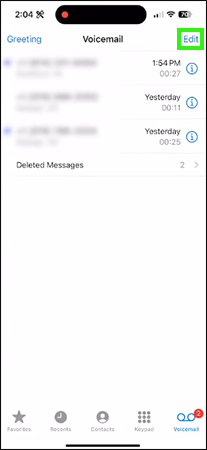
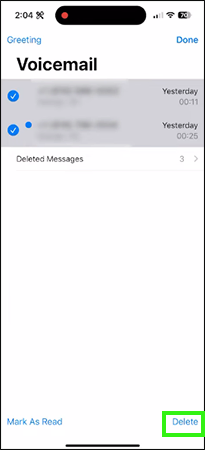
Step 4: Select the voicemail you want to delete. Drag your finger down to quickly select multiple messages.

Step 5: Once you are done selecting, Tap Delete.
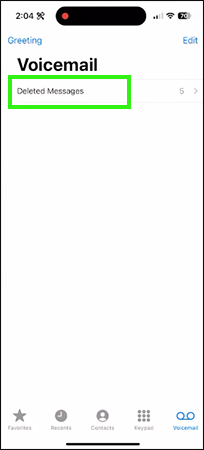
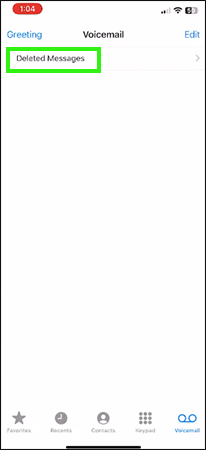
Step 6: Now, tap Deleted Messages.
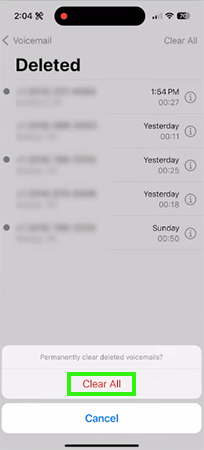
Step 7: In the top right corner, tap Clear All.
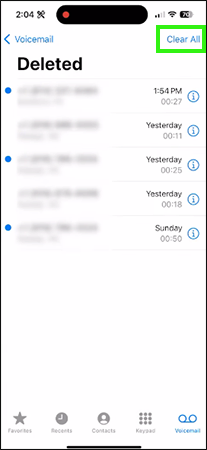
Step 8: From the confirmation dialog box, press Clear All.
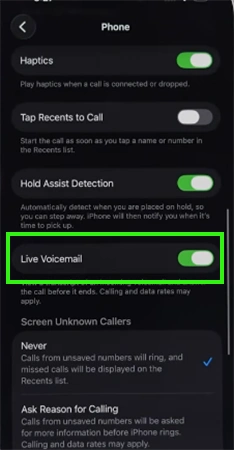
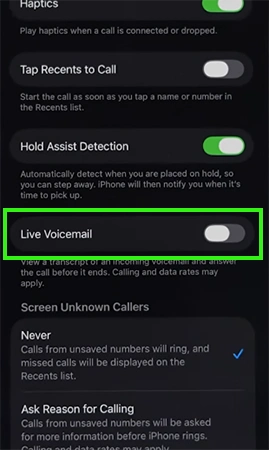
If you’re an iPhone user and looking for how to deactivate your voicemail, check out the steps below:
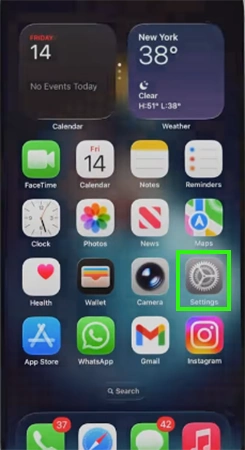
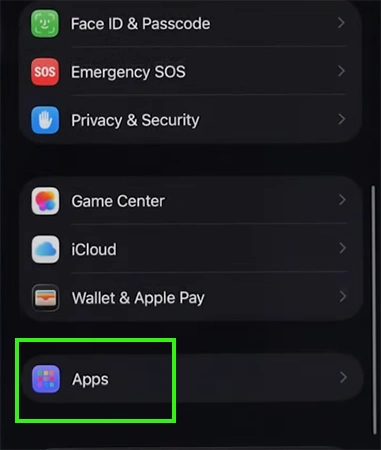
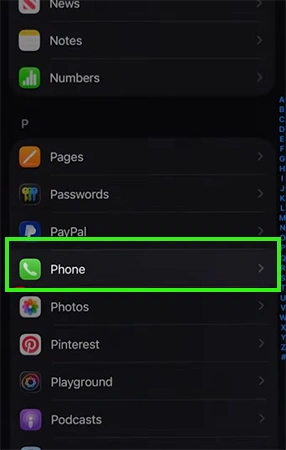
Yes, iphone deleting voicemails aren’t really deleted. There is an option where you can recover your deleted voicemail within a limited period of time.

If you miss that time period, you can contact Apple Support; they can also help you out with the deleted voicemail.
You need to clear voicemail on the iphone due to limited storage. After deleting the voicemails, you can recover them within a fixed time window. If you somehow miss that time window, you need to contact Apple Support for help regarding deleted voicemails. For more video guides, check out the Getassist YouTube channel.
Due to a fixed amount of voicemail storage, when the voicemail storage gets full, the iPhone stops forwarding the call to voicemail.
Yes, you can recover deleted voicemails within a certain period of time after deleting them.
Because there is a feature on iPhone called voicemail that you can turn off so that your incoming calls don’t go to voicemail.
Yes, we can pick up the call while the person is recording the voicemail. This feature helps you accept calls after missing them.