You can easily delete tabs on any browser in just a few clicks. After deleting the tabs, you will lose all the unsaved data on that webpage. There are slightly different steps for different browsers. How to delete tabs at once. Let’s follow this guide and delete all the unwanted tabs.
You can delete tabs in Chrome on Android easily, and clear cache on Android will decrease the risk of viruses and malware and protect your personal information and data from viruses and malware. It also helps to increase performance and battery backup by reducing CPU and memory usage.
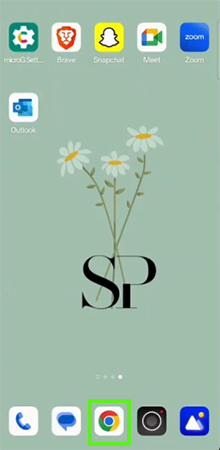
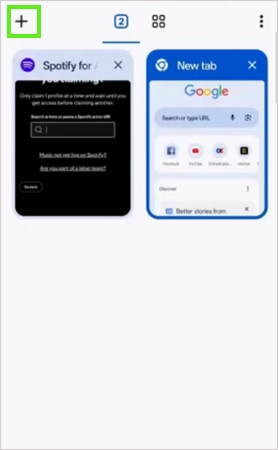
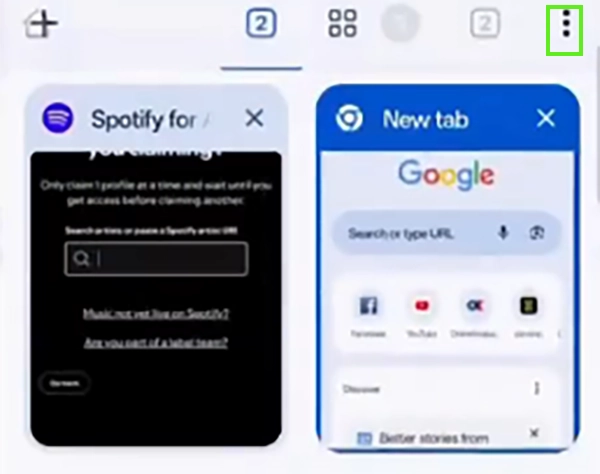
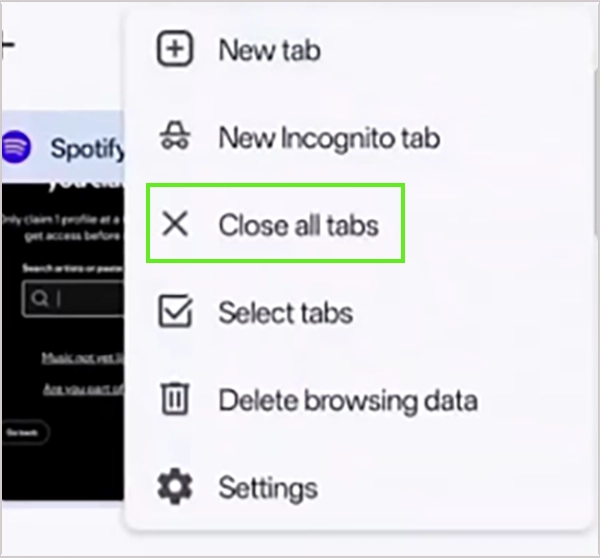
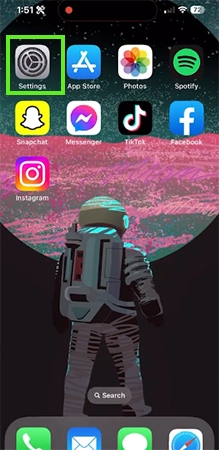
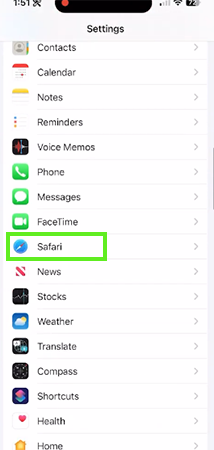
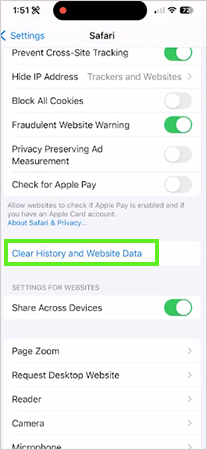
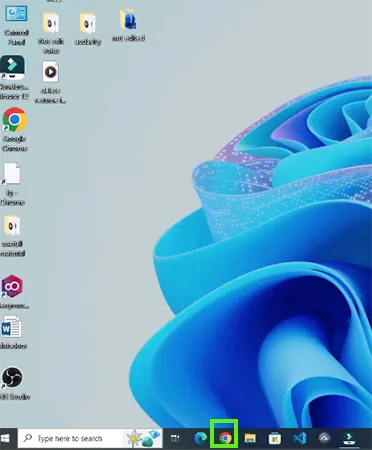
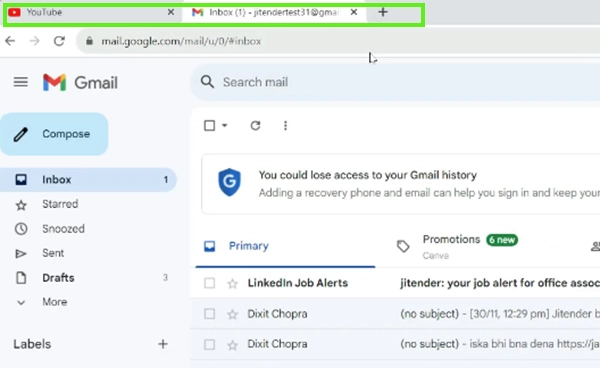
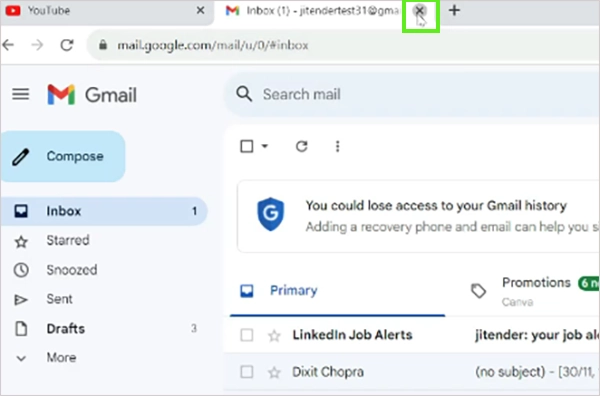
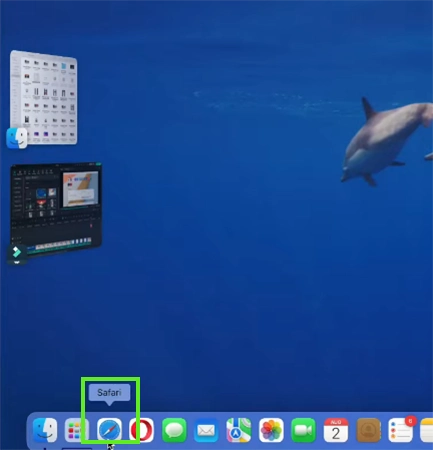
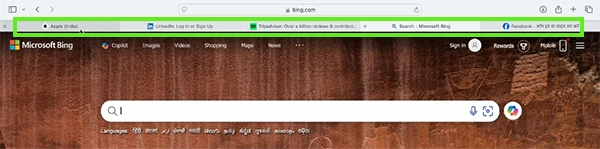
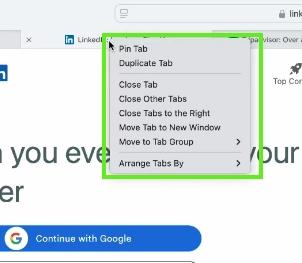
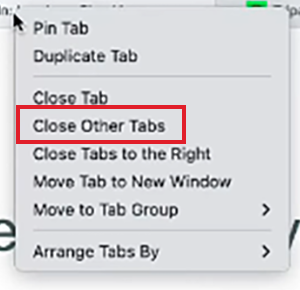
After deleting the tabs, they disappear, and you lose all the unsaved information and data on that tab. You can recover your deleted tabs easily in the browser history. After deleting the tab running, on you memory usage will decrease, and performance will increase. You can use a shortcut to recover your deleted tab on Windows and Mac: for Windows, Ctrl+Shift+T, and for Mac, Cmd+Shift+T.
It is important to delete old tabs or tabs you are not using; those tabs run in your memory in your device’s background, which causes many problems like high memory usage, high CPU usage, a laggy experience while using your device, less battery life, and viruses. Regularly clear the old open tabs that you are not using; you will see the performance difference instantly. In this guide, we show you how to delete tabs on your iPhone, Android, computer, and Mac. For more such guide videos, check out the Getassist YouTube channel.
Yes, you can bring back deleted tabs in Windows by clicking Ctrl+Shift+T, and for Android or iPhone, you can check the deleted history in your browser and find all the deleted tabs.
Yes, you can see the history of closed tabs in Windows. Press Ctrl+H, and on a phone, open your browser, click on the three dots, and open browser history.
No, tabs do not close usually unless you use a specific setting or browser extension.
Yes, anyone can see your Chrome history if they have your device, if you share your synced Google account, or if they manage your network.
You are not able to delete your tabs cause of a temporary software glitch or a frozen browser. You can just restart your device.