A motherboard is the most important part of any hardware; it connects all the other components together. All components includes the CPU, GPU, RAM, and storage.
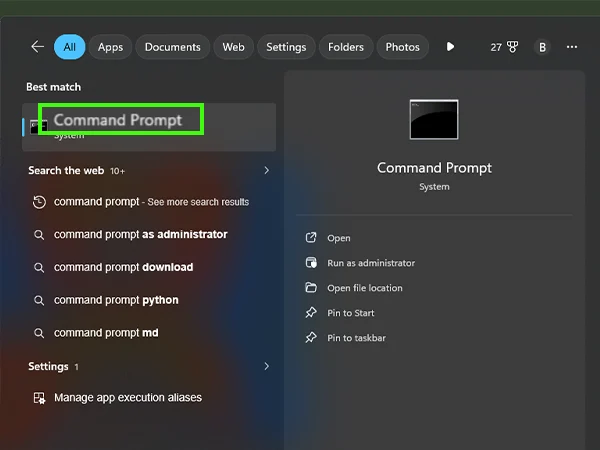
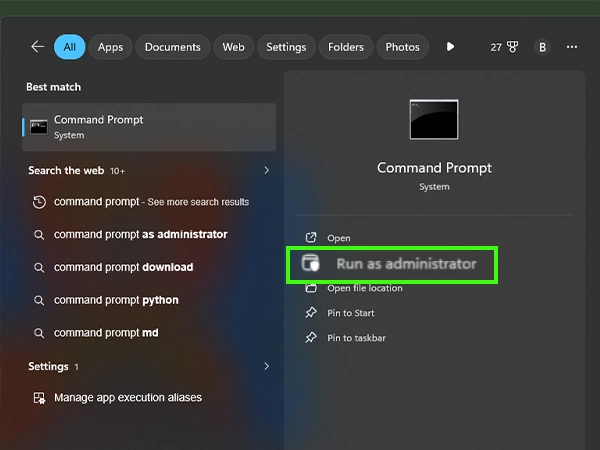
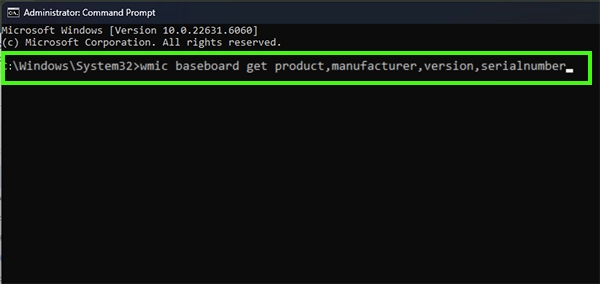
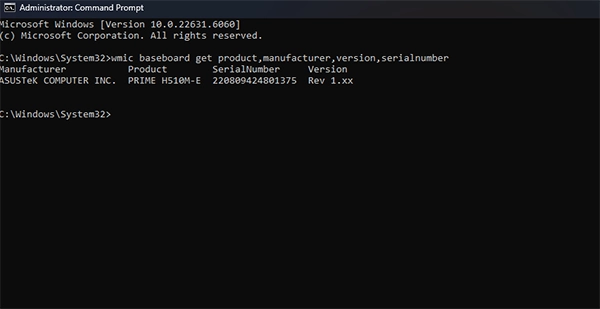
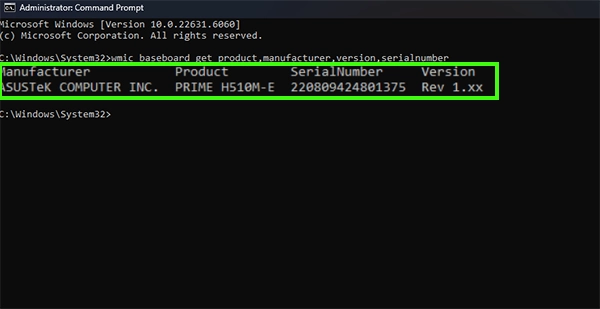
All upgrades and BIOS updates depend on the motherboard model. In this guide, we will show you how to check Motherboard on pc in two different built-in methods. One is from Windows Run, and the second is with Command Prompt.
You can check your motherboard model without stripping down the hardware. There are two built-in methods to how to check motherboard on pc. There is a chance that your motherboard needs repair if your computer randomly restarts.
Always make sure your motherboard works perfectly because a faulty motherboard can damage other components.

Identifying your motherboard is very important because it will help you check the upgradeability of your hardware. The motherboard creates a link and connection between other components. Identifying your motherboard is important for:
The motherboard is the essential part in the operating system; it connects all the components and makes an operating system. All the upgrades, like hardware and software, depend on the motherboard version.
You can check the motherboard version without stripping it down with the help of 2 built-in features in Windows. In this guide, we show you how to check Motherboard on pc in two easy methods. For more such video solutions, you can check out our Getassist YouTube channel.
You can test your motherboard outside the pc cabinet with basic components like a CPU, power supply, and RAM. Always place your motherboard on a non-conductive surface.
To find out the CPU model, go to the taskbar, click on the Performance tab, then click on CPU; here you can see the CPU model.
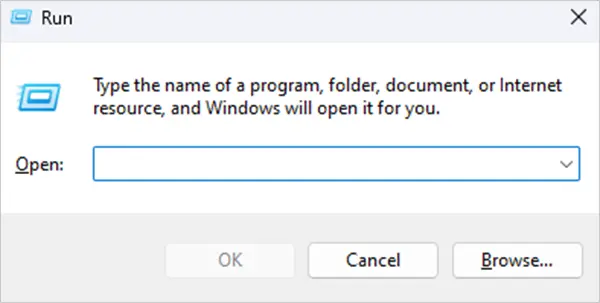
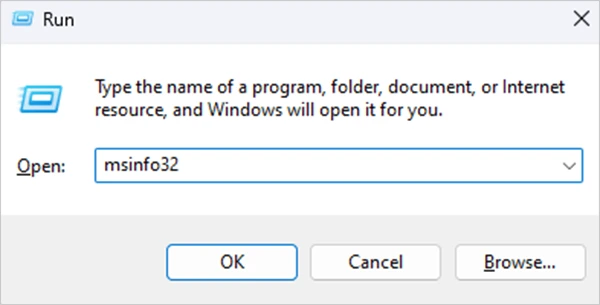
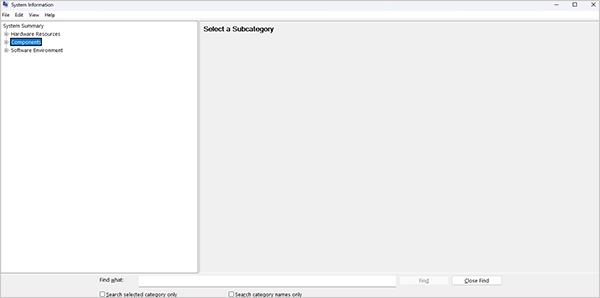
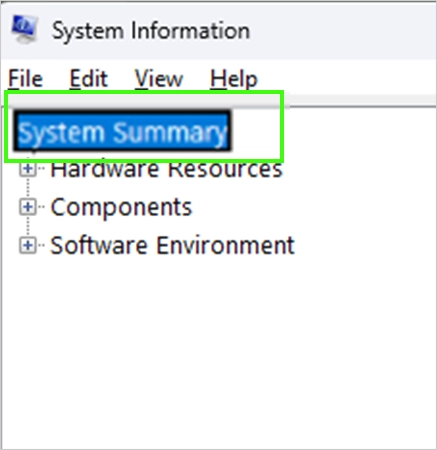
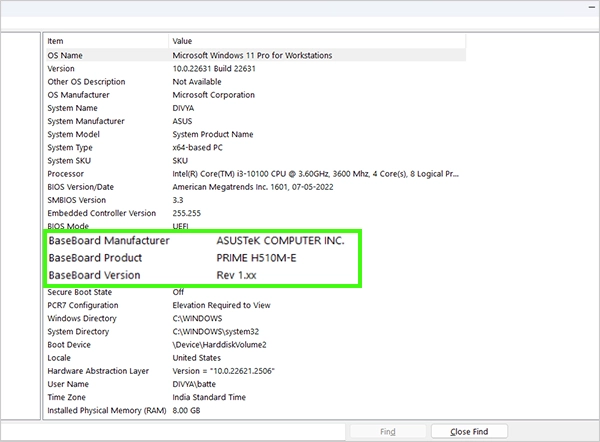
To find the motherboard model, press Windows + R, type msinfo32, and hit Enter; here you can find the motherboard model.
Yes, a motherboard can be repaired, but it also depends on the damaged component or area.