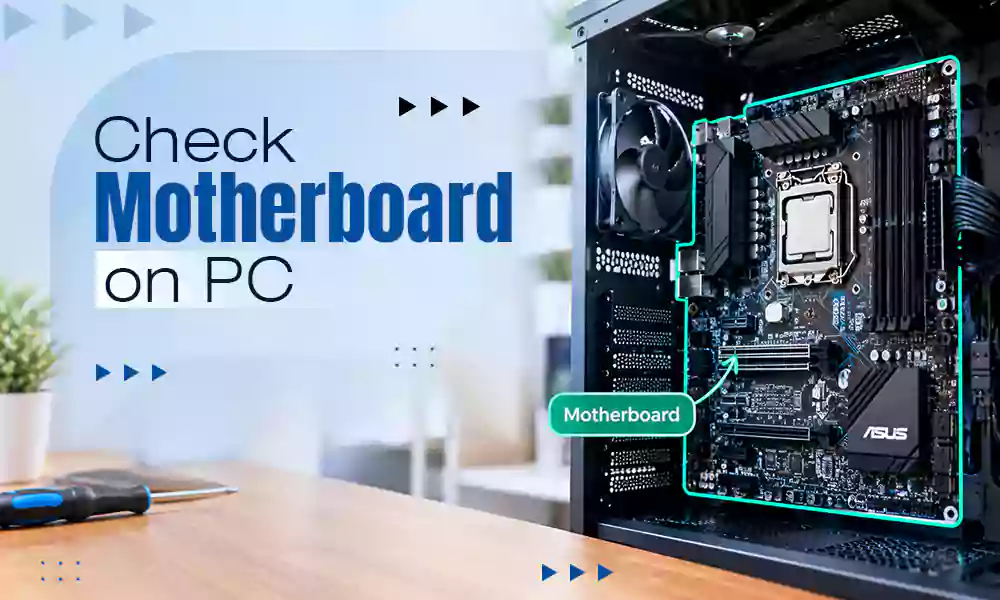
There are mainly two reasons why the CPU won’t turn on: physical or software issues. While both have their own methods to fix the issue, software issues are simpler and easier to resolve; you need a professional’s help for physical issues, like a faulty PSU, monitor, graphics card, and other peripherals. In this article, we will be fixing the CPU won’t turn on issue with 6 simple methods.
Most CPUs won’t turn on because of power-related issues such as a faulty PSU, a faulty GPU, or loose power cables. Start by checking all the power cable connections or the PSU power switch; these are the most common issues. After checking all the power-related issues, move on to software issues like corrupt files or a faulty Windows installation. Let’s fix all the hardware and software issues with these 6 simple steps.
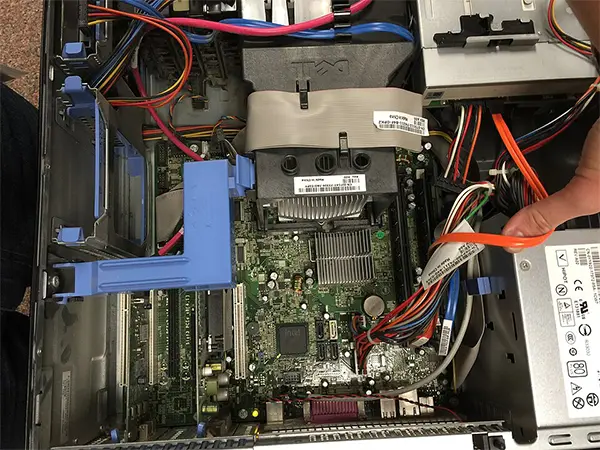
There is a higher chance of having a faulty power supply or loosely connected cables. You can check whether your power supply is faulty or not by turning off your computer PSU for 30 seconds, then turning it back on. Make sure to check the PSU fan or any small light blinking on your motherboard.
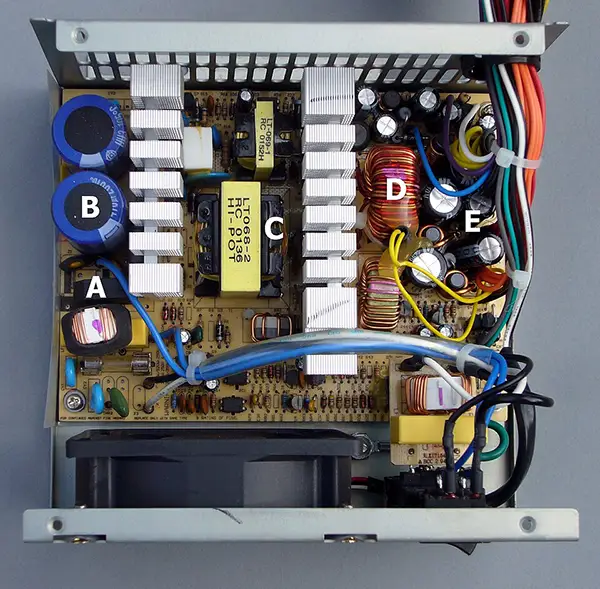
If these things don’t happen, that means you have a faulty PSU. Make sure all cables are plugged in properly to avoid loose connections.
Remove all the peripherals one by one to identify the faulty one. Faulty peripherals can be a reason for no CPU response. There is a safety feature on the motherboard: if there is a leaking current or any kind of short circuit, the motherboard doesn’t respond to any boot command to protect other components.
Resetting your BIOS will help you to boot your CPU by resetting all the BIOS settings to default, which removes the possibility of faulty BIOS settings. After the BIOS page opens, use the arrow keys to switch to the Exit section and select “Load Setup Defaults.”
Changing your display output will make sure that you don’t have a faulty graphics card. Just disconnect the display output cable from the graphics card and connect it to the motherboard. If your computer boots, it means you have a faulty graphics card.
Booting into safe mode requires fewer Windows files, so if there is any faulty or corrupt file in Windows, it will be detected in safe mode. You can fix the corrupt files and troubleshoot your PC.
“Hit and try” means removing all the components of the CPU except the main one, like the processor, CPU fan, RAM, and storage.
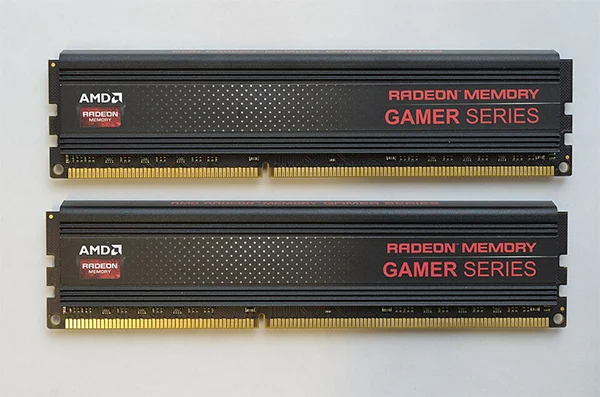
Start by removing one RAM stick, turning off the power supply, removing one RAM stick, and restarting the CPU. Then exchange the RAM with the previous one and remove the GPU. Do this with all the components until you find the problem. Lastly, after finding the faulty component, replace it with a good one, and you are good to go.
There are many reasons a CPU won’t turn on, like software and hardware, and the majority of the hardware issues are caused by a faulty PSU. With a faulty PSU, you can notice computer random restarts and shutdowns. Always go for a good PSU with reputable certification and at least 5 years of warranty because the PSU is the power manager of your CPU, and a faulty PSU can permanently damage the hardware.
In this guide, you get all the effective methods to fix your CPU; for more such video guides, check out the Getassist YouTube channel.
If your computer doesn’t restart automatically, you can force-restart your computer by holding the power button until the CPU turns off, then click the power button to start your CPU.
No. A broken CPU can’t turn on; it gets stuck in the BIOS menu.
Faulty RAM sticks, damaged power supplies, corrupt windows, corrupt software, malware and viruses, and faulty peripherals are common causes of your PC not starting.
Yes, it can, but it would be more dangerous for the CPU because force shutdown builds a heavy current load on the hardware and forces the system to shutdown and can damage the processor, GPU, and storage.
Yes, a faulty PSU can damage your entire system. Most people always compromise on the power supply for their CPU, which causes random shutdowns, unstable performance, and hardware damage.