Forgot to carry the charger for your Apple Watch and worried about charging your watch?
Don’t worry, I’ll show you how to charge Apple Watch without charger in a few simple and easy steps. There are three ways that can bring your Apple Watch charging back to life: Charging Your Apple Watch with the help of a power bank, through a USB-C wireless charging adapter and charging with a laptop and an iPhone
You can charge your Apple Watch without a charger with the help of three methods. Take a look at them below:
When it comes to charging the device with the help of a power bank, there are two methods:
Many wireless power banks now come with a dedicated magnetic wireless charging pad for charging the Apple Watch. You can easily place your Apple Watch on that puck, and it will start charging your Apple Watch.
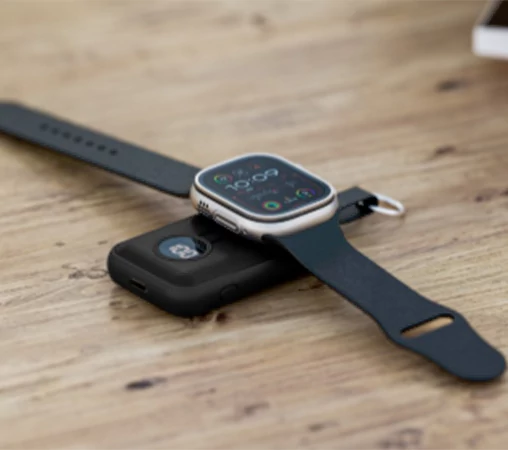
To charge your Apple Watch with the help of your magnetic cable, you just have to
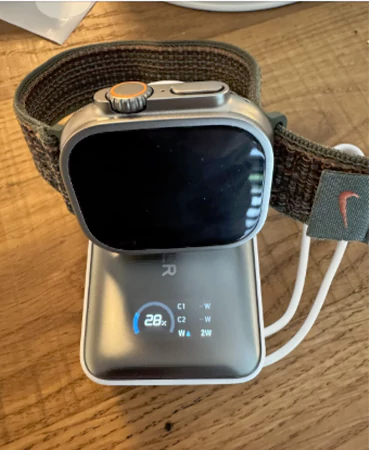
You can also charge your Apple Watch with the help of a USB-C wireless adapter; the only condition is that the adapter must have the special Apple Watch magnetic charging module.
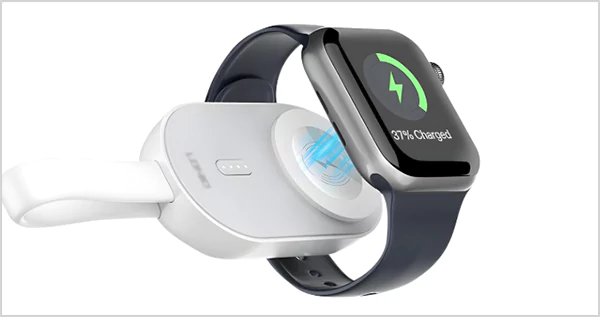
To charge your Apple Watch with a laptop, you simply need to plug your magnetic charging cable directly into one of its USB ports. Also, make sure that your laptop is turned on or awake or else your Apple Watch is not gonna charge.
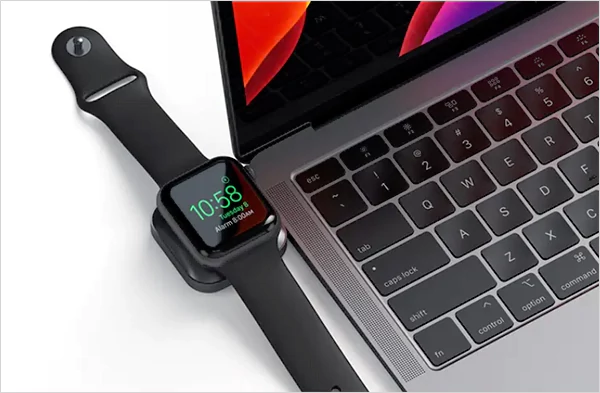
Can you charge Apple Watch with iPhone? The answer is yes. To charge your Apple Watch using an iPhone, you’ll first need an iPhone 15 or newer model that has a USB-C port. You need to connect the Apple Watch magnetic fast charger directly into the phone’s charging port & your phone will start giving reverse charging to your Apple Watch.
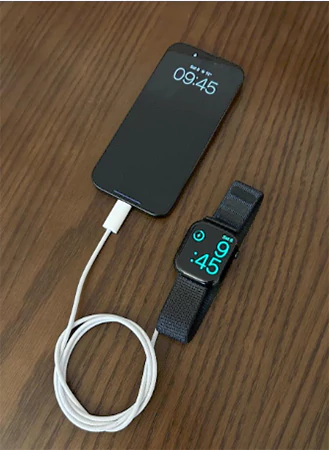
Forgetting or losing the charger of your Apple Watch can be really frustrating when you need it or have something important to do with the watch. The above-mentioned 3 ways can help you charge your Apple Watch when you don’t have your charger nearby. Remember not to use any third-party charger, as it can damage your Apple Watch in unknown ways. And, if you need more tech assistance, subscribe to the GetAssist YouTube channel.
No, you cannot charge your Apple Watch with a normal wireless charger because Apple uses a unique proprietary magnetic charging puck. Regular wireless chargers’ coils are too large to work on the watch.
Yes, you can use a third-party Apple Watch charger, but only if it has an MFi (Made for Apple) badge. Uncertified and cheap chargers are dangerous as they can overheat and damage your battery.
Yes, we can charge our Apple Watch using a standard power bank. The only thing we need to keep in mind is that Apple Watches draw very little power; some power banks might mistake them for being fully charged and shut off on their own. Make sure to check the power bank’s low-current charging mode.