Everytime when you want to download any content that you love, whether it’s an episode or a music video, you only see the option of saving it on YouTube, which requires a premium and does not even save the file on your device. So to avoid this frustrating situation, we are going to tell you how to download YouTube videos Mac through a simple way that doesn’t require any screen sharing intervention to third-party sites.
To directly download videos on Mac or from any other site, you need to add a plugin to your system that instantly transfers the file into your local storage drives or download folders. Let’s decode everything in detail.
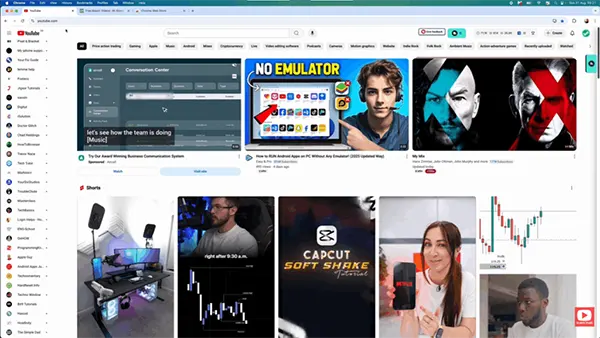
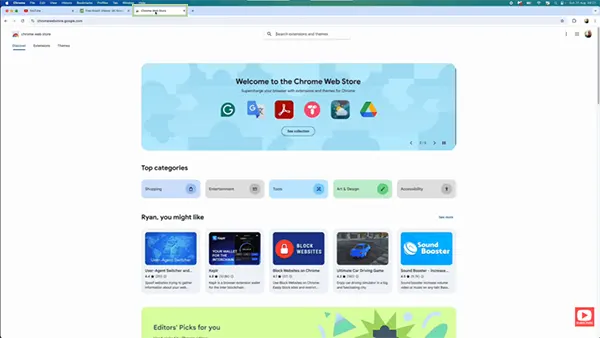
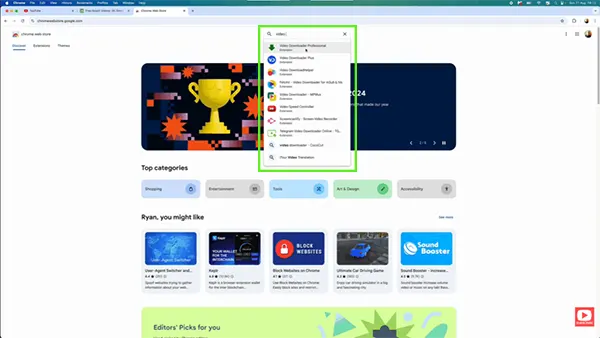
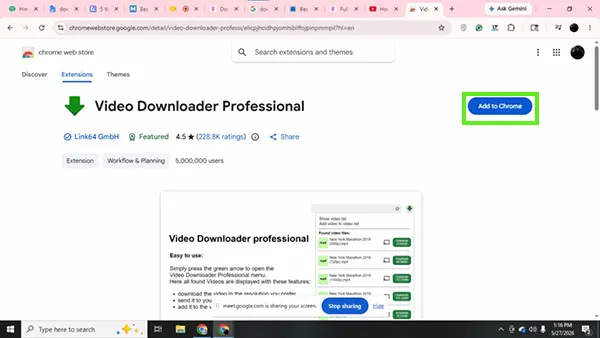
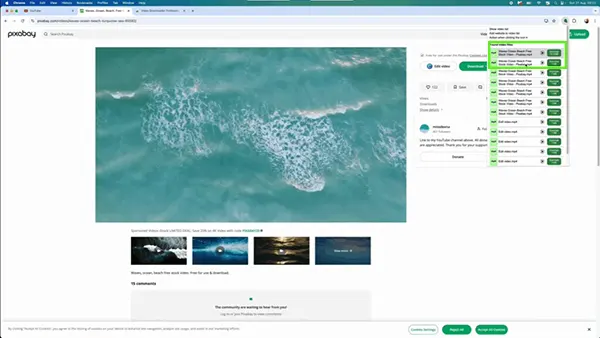
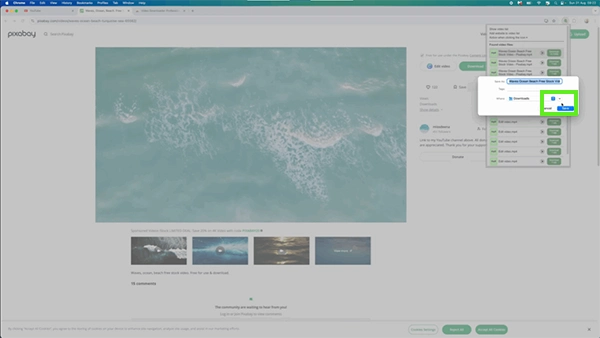
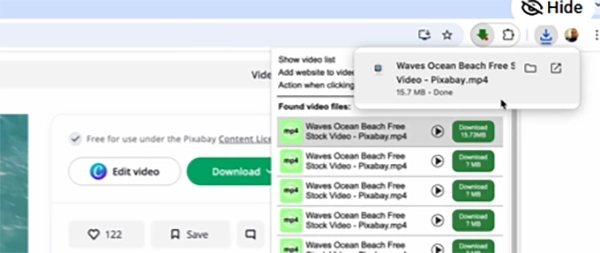
If you want to download video from YouTube on Mac, then there is a very cliché method of screen recording, which can also burn your time while downloading long content formats. Instead, we have listed five best tools that will download any video from any site for you without any hassle and instantly save them in your desired folders.
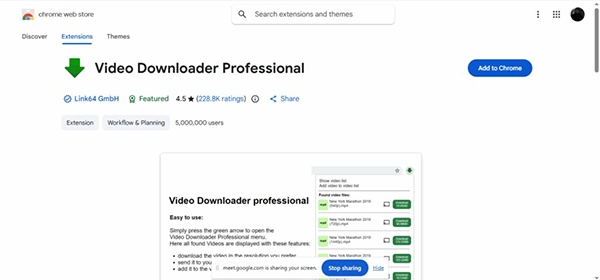
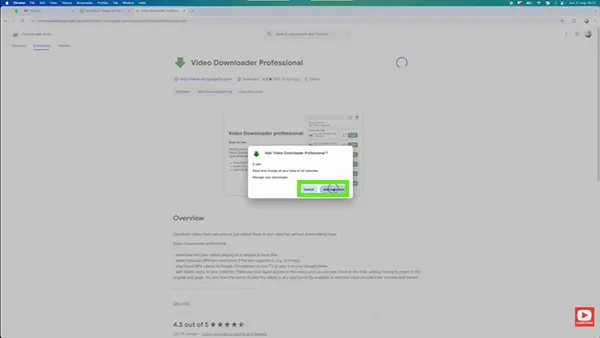
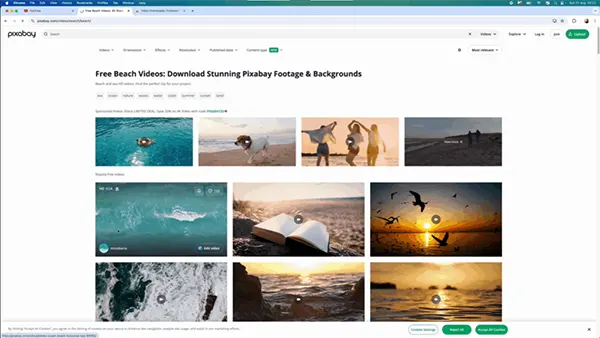
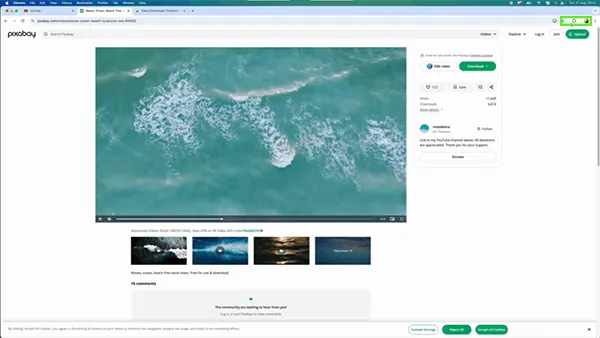
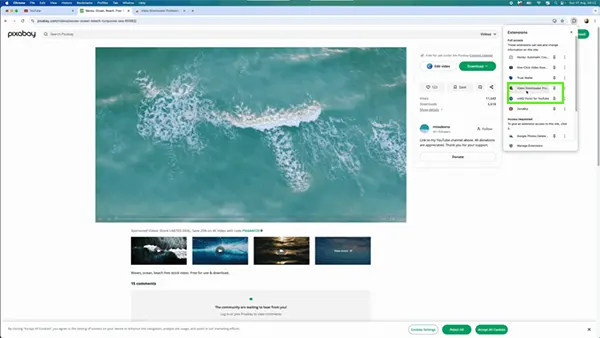
Video Downloader Professional is a very renowned plugin that helps to download every video running on the tab directly to your computer through its interactive toggle. Being the most relevant tool for a decade, it can download videos from any uploaded platform in any quality and store them inside your MacBook without any errors. We have also mentioned above how to use it precisely with all the basic steps.
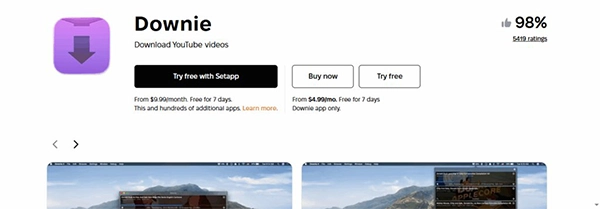
The Downie app is a great tool that lets you download any video from any site without hassle, using its simple URL drag-and-drop system. It also unlocks the installation of 4K videos from YouTube and other multimedia apps, which allows you to consume your favourite content on the go.

VideoDuke is also a similar platform to Video Downloader Professional that works as a companion plugin and retrieves what is needed for users. It views your running window and provides various formats in which you can save the file. Also, there are two options available in this platform, Simple Mode and Advanced Mode, that accompany various features like video-to-audio conversions.
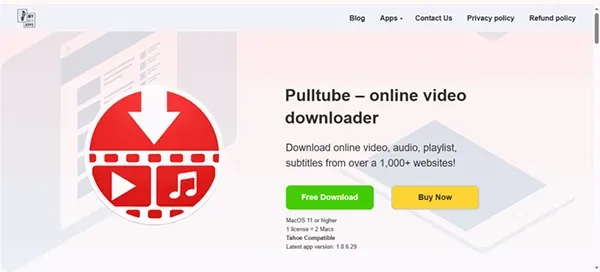
Pulltube app is a very optimized, user-friendly application that helps to save all your audio and video content pieces into your most liked formats, and its capabilities go beyond 4K installation, and it can process 8K downloads with a single click. Many high-end editing teams and professional employees use it to save their resources for good quality.
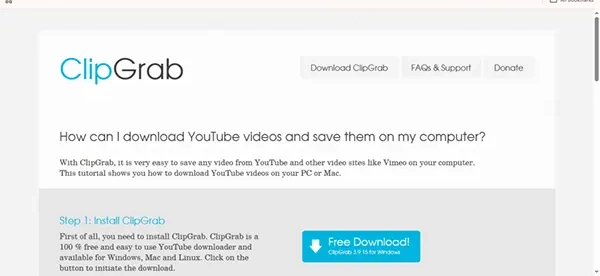
Lastly, ClipGrab also comes with a similar UI that downloads all the content pieces from various sites according to your quality preference and saves them as per your needs. All its unique download options are activated when you click “Grab this Clip”! After that, it gives you various formats in which you can install videos like MP3, MP4, JPEG, etc.
On the internet, so many people avoid saving files on their desktops using third-party tools due to their bad online encounters, which primarily include incidents like:
Through all these apps and methods, you can easily download YouTube videos on Mac without any complex brainstorming or wandering on the internet for resolutions. You can enjoy watching your content, listen to your music, and even make notes from study videos wherever and whenever due to offline accessibility.
This also decreases the dependence on YouTube for storing your offline playlists and allows you to stop purchasing premium every month. All the tools are legit as they are listed on trustworthy sources like the Chrome Web Store, so feel free to download any plugin you like and follow GetAssist for more such content.
Ans: Well, there is no official way to access downloaded YouTube videos on a Mac offline, but you can download YouTube videos through third-party apps and save them in your private folders to access them anytime.
Ans: You can easily access the Downloads folder from Finder’s sidebar or by manually locating the folder through system files. Also, you can watch the list of downloads through recent install toggles.
Ans: The easiest way to open your downloads on a Mac includes the combination of Option-Command-L, and you can access all your installed files and packages.