AirPlay is a wireless technology in Apple devices that lets you stream music, videos, photos, and your device screen from an iPhone, iPad, or a Mac to compatible TVs and speakers wirelessly.
To learn how to turn off AirPlay on your device, go through this article and follow the steps.
The process of turning off AirPlay on iPhone and iPad is different from Mac. Check out the steps on how to turn off AirPlay on iPhone/iPad and Mac.
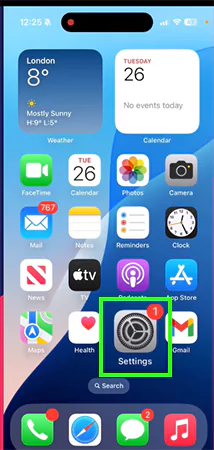
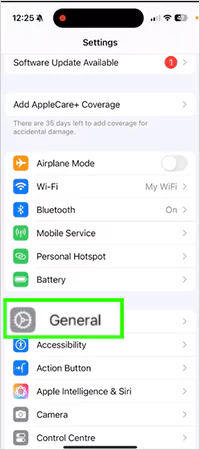
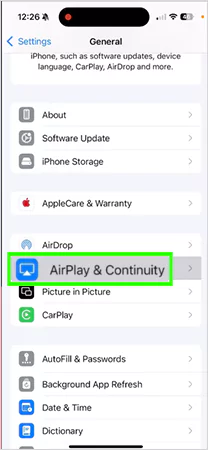
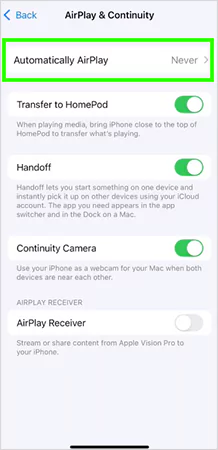

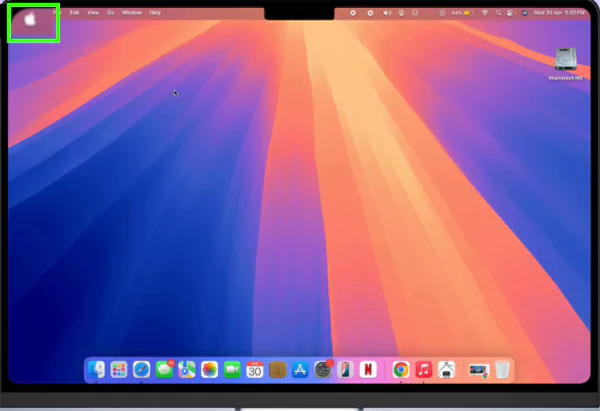
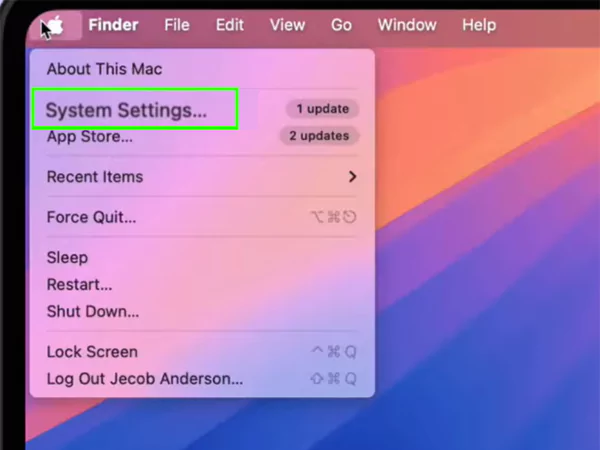
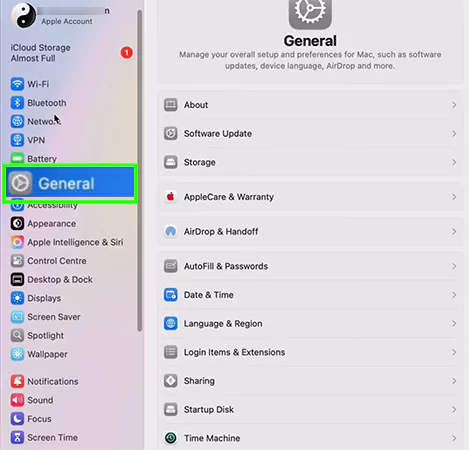
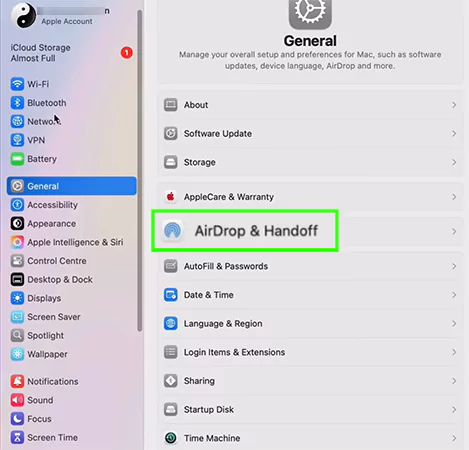
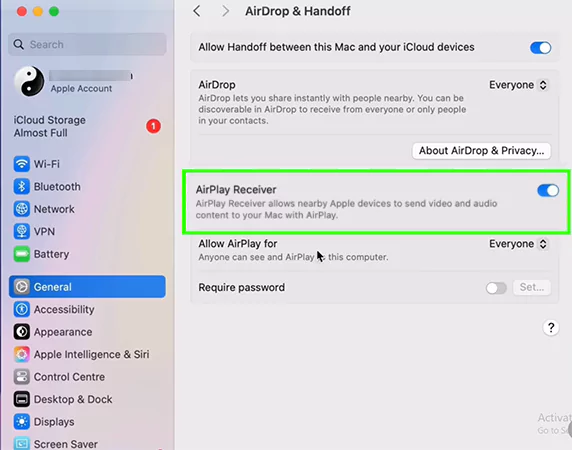
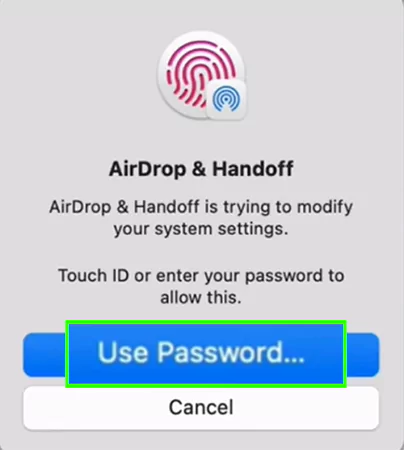
If you are a new Apple user, it can be a little overwhelming for you to turn off AirPlay. The above-mentioned steps can guide you smoothly to turn off AirPlay in just minutes.
Therefore, you can also figure out more such troubleshooting issues by following the GetAssist YouTube channel.
Yes, you can prevent someone else from using your AirPlay. You simply have to go to the AirPlay settings and choose who to show your device to.
Yes, as we know that AirPlay relies heavily on Bluetooth and local wi-fi. Turning them off will automatically turn off AirPlay as well.
In screen mirroring, the TV acts like an exact clone, showing bit by bit whatever you are showing on your screen. But AirPlay does this as well, and you can select a video from a particular app to stream and use another app as well.