If you are using AirPods paired with an iPhone, it makes it very easy to check the battery on your iPhone. Apple makes its own ecosystem where all Apple devices work seamlessly with each other.
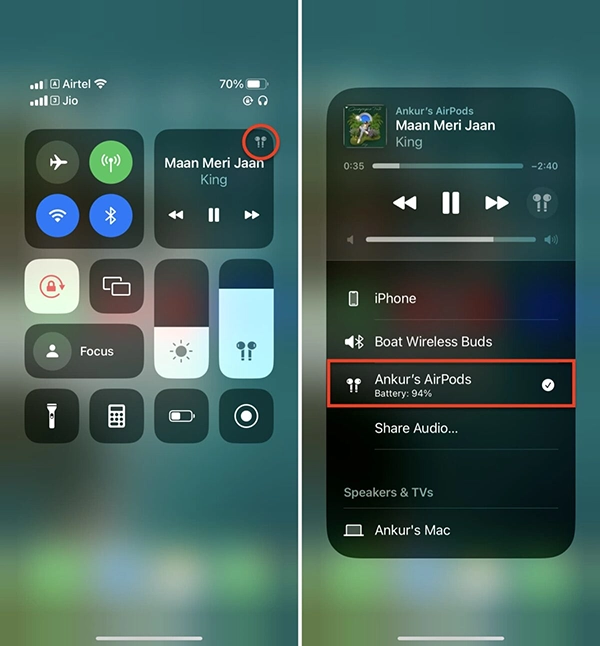
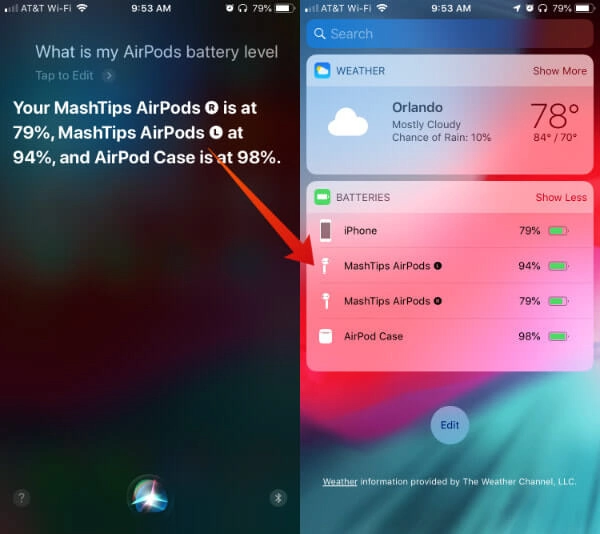
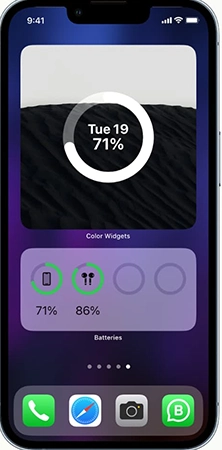
There are 4 ways you can check the battery on your iPhone. Control Centre: Open your AirPods near your iPhone, the Battery widget, and Siri. Let’s learn how to check AirPod battery on your iPhone, Mac, and Android in the article below.
There are 4 different methods to check your AirPods battery on your iPhone in just a few easy taps.
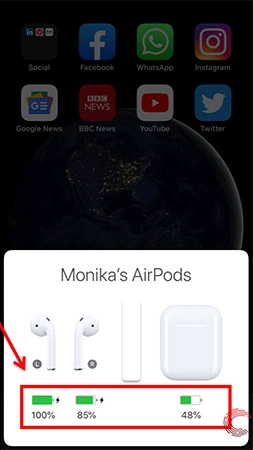
When your AirPods are connected to your iPhone, you can just check the battery percentage in Control Center.
Mac is also an Apple ecosystem device, so you can easily check the battery percentage of your AirPods on your Mac as quickly and easily as on your iPhone in just a few easy steps.

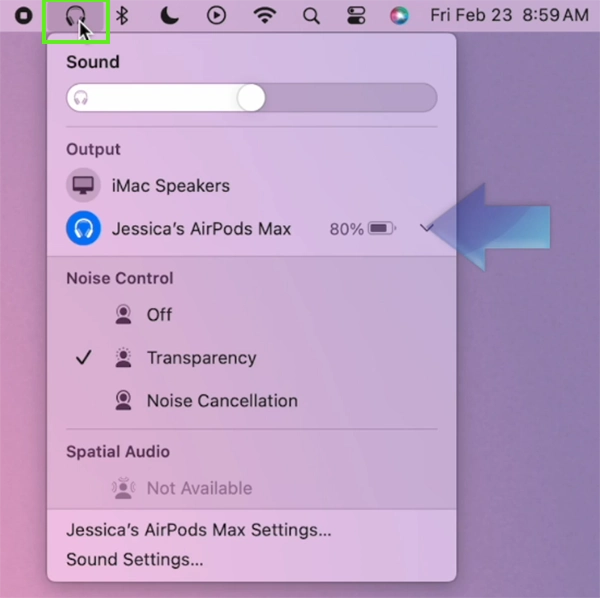
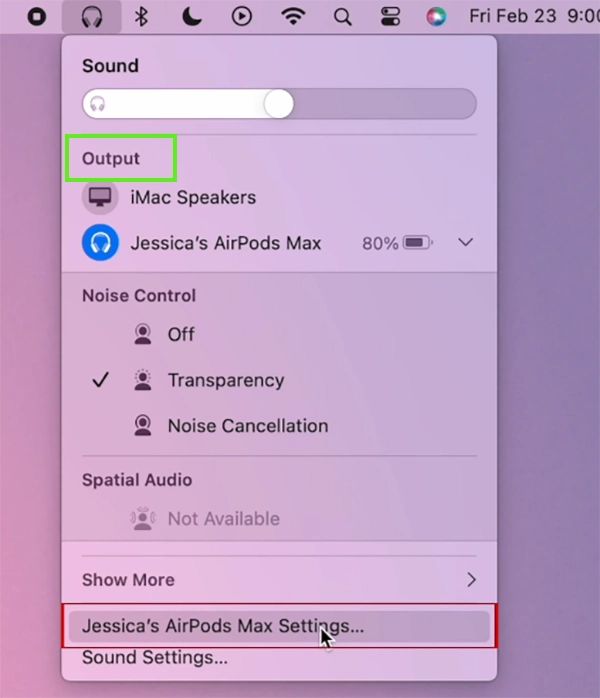
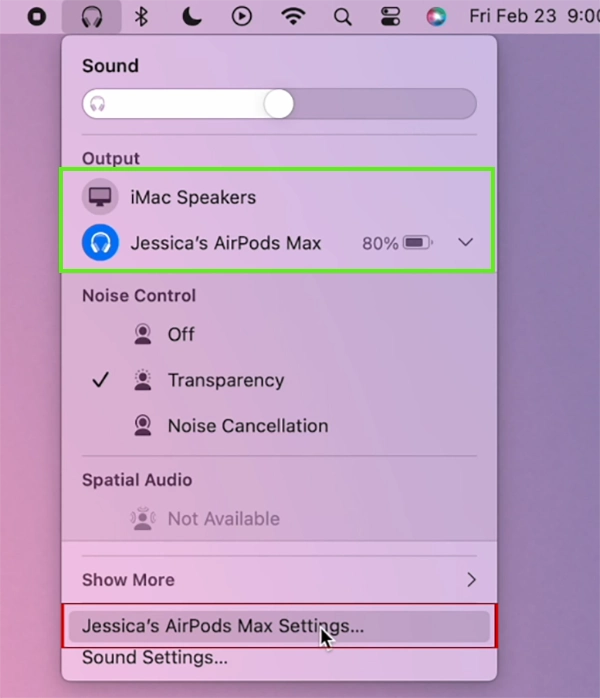
There are only a few Android devices that show the AirPods battery percentage. You can check whether your device can show it by connecting AirPods and checking Control Center.
If your device doesn’t show the battery percentage, you can use any third-party application to check the exact percentage. Consider using third-party apps at your own risk, as they can invade your privacy and security.
If you are an AirPods user, you need to check your battery several times a day. Being an iPhone user, you can easily check the AirPods battery. But on most Android devices, you need to use a third-party application to see the battery percentage. For more such guide videos, check out the Getassist YouTube channel.
Yes, you can check your AirPods battery without the case; just connect them to your iPhone and check the Control Center.
iOS shows each AirPod’s battery individually by default, and it also shows the battery percentage of the case.
When AirPods are fully charged, the status light turns bright green to indicate this.
It takes about 20 to 30 minutes to charge; it also depends on the generation of the AirPods.
No, you cannot overcharge any AirPods because they have a built-in feature that cuts the power after charging to 100%.