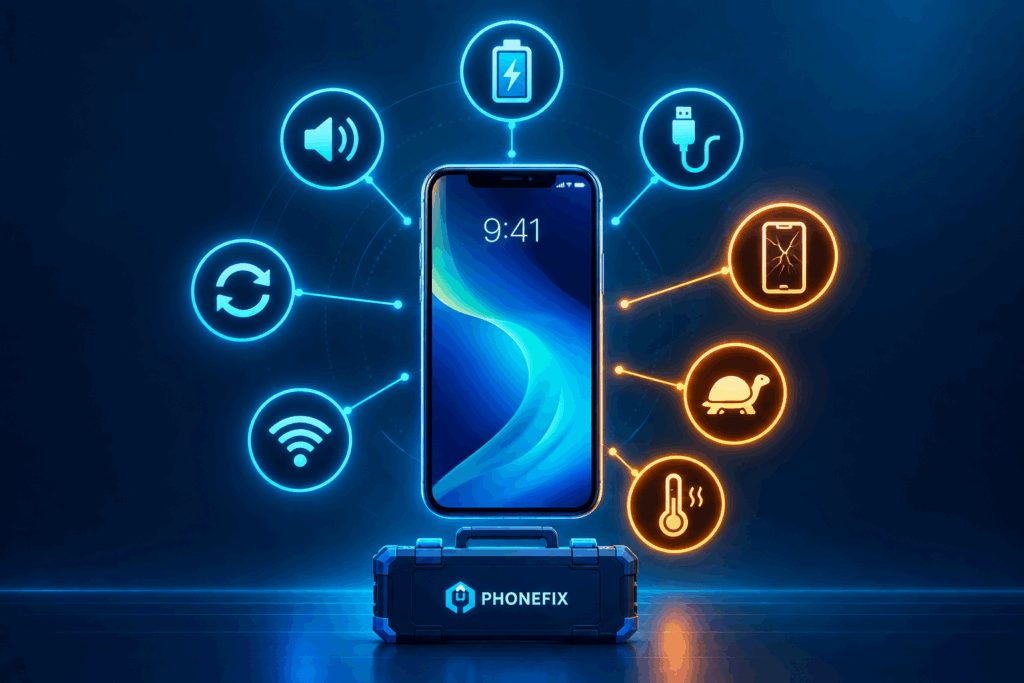
Mobile phone issues usually come across at the worst possible time. A phone that stops charging, a battery that is draining too fast, or a weak network connection can easily make it frustrating for you to manage routine tasks. Fortunately, not every phone issue requires you to reach the mobile care center. Many such issues can be dealt with easily at home.
You might ask now – how? This simple and easy guide will help you explore the common mobile issues, why they usually happen, along with their solutions.
This is one of the most common issues that both Android and iOS phone users deal with:
Old batteries have a lower charge. Other apps that run in the background, big screens and weak or no mobile network connectivity also use power.
If battery health drops below 80 percent, replace the battery.
Charging issues can come from something as simple as a faulty cable:
Dust in the port, a faulty cable, or a worn connector blocks charging.
A loose/damaged port must be fixed. A new charging port for iPhone models will restore a solid and durable connection and charging for most users.
A damaged screen can hinder routine activities from being performed every day while affecting the phone’s long-term protection.
Drops, pressure, and water damage split displays and touch layers.
Any cracks or dead touch areas must be fixed. A professional phone screen replacement can restore crispness to the display and complete touch action. Don’t wait, as dust and moisture will settle into cracks.
Slow performance is often caused by software or storage issues that you can check before assuming the hardware has failed.
Full storage, heavy apps, and incompatible software slow phones down.
If a factory reset does not resolve the issue, hardware may be failing.
Some warmth during demanding tasks can be normal, but extra heat may signal an issue that needs to be fixed right now.
Gaming, charging in heat, and inefficient batteries all create heat.
A swollen battery is life-threatening. Stop using the phone and visit a technician.
Poor connectivity can affect calls, messages, browsing and other routine tasks.
SIM problems, network settings, and antenna breakdowns cause signal loss.
If the signal never reconnects, a radio chip or antenna may require repair.
Also, learn which mobile app security best practices are the best.
It is one of the most frustrating issues related to an app, software, or hardware:
Bad updates, debased apps, and low storage cause freezes.
Repeated restarts after a reset led to a hardware fault.
The speaker, microphone, or camera is usually the easiest point to send to your repair shop:
Dirt, water, and worn connectors disrupt these parts.
If the part still fails, the gadget or connector needs replacement.
Choosing between DIY and repairs becomes a major confusing point. Let’s resolve it:
| Problem | Try at Home? | See a technician if |
| Fast battery drain | Yes | Battery health is below 80% |
| No charging | Yes | The port feels loose |
| Cracked screen | No | Always |
| Slow performance | Yes. | A reset does not help |
| Overheating | Partly | The battery looks swollen. |
| No signal | Yes. | The SIM works elsewhere but not here. |
| Freezing or restarts | Yes | Restarts continue after a reset. |
| Speaker, mic, or camera fault | Partly | Cleaning does not help |
Small habits stop many repairs before they take place.
Knowing the process removes the fear of a repair visit. A good shop follows these steps:
Before agreeing, communicate about the warranty on parts and labor.
Also, explore 5 benefits of using cloud phones for multiple accounts.
In the end, most of the mobile issues begin with a minor sign, such as low storage, a dirty charging port, or an outdated app. These issues are not that serious at first. Trying a few basic fixes can usually solve the issue without an instant trip to a repair shop.
Although not every issue needs to be taken lightly. Regular updates, smart charging habits, and leaving enough storage can also help to keep your phone working reliably and reduce avoidable repairs.
The most common difficulties are battery drain and cracked screens. Charging port faults are secondary.
Often, yes. Clean the port, and use another cable second. If the port is broken, it should be changed.
The storage becomes bloated; the applications get heavy; software becomes old. Disposing of space and making adjustments will help.
Repair is normally a lot less expensive than replacement. Only replace the phone if it’s severely old.
Sure, as long as you have maintained a backup copy of your data. Resetting will throw off all the data on the phone.
Thick cases, poor battery chargers, and old batteries inhibit heat from passing through. Use a certified charger and pull out the case.
Low health in settings, sudden interruptions, and short battery life are indicative of a worn battery.