Ever heard of Spotify Canvas? Well, most people have already used it without even noticing what it actually is.
When you listen to music on Spotify, it usually starts with a play button, and a static cover starts playing; that is a Spotify Canvas.
And if you wish to know more about it your hunt ends here.
This guide covers what a Canvas actually needs to meet Spotify’s requirements, the creative choices that separate a Canvas that gets shared from one that gets skipped, and how AI tools fit into building one without hiring an editor.
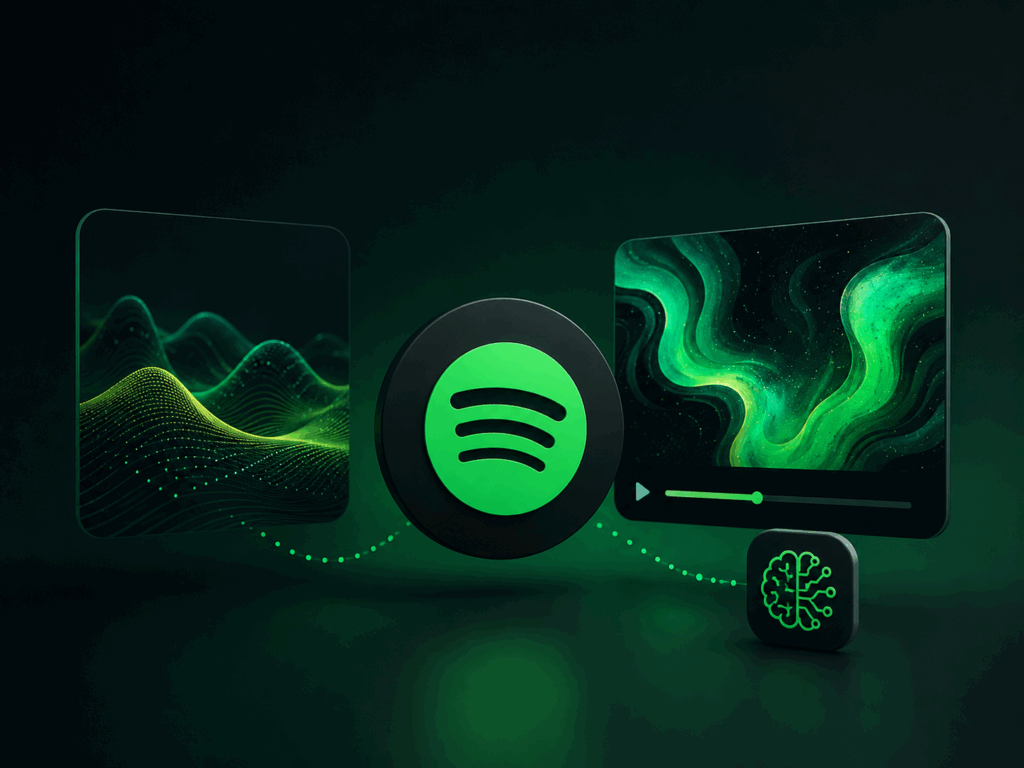
A Canvas is a silent, looping video that plays behind a track on the mobile Now Playing screen — it’s not a music video, has no audio track of its own (your song provides the sound), and it’s short by design: 3 to 8 seconds, replaying for as long as the listener stays on that track. It only appears on Spotify’s mobile app, not desktop, and it’s added per-track through Spotify for Artists rather than uploaded once for your whole account.
Because it loops, the format rewards a specific kind of visual thinking. A Canvas isn’t a trailer or a highlight reel — it’s closer to a GIF with purpose. The best ones either loop smoothly (the last frame blends invisibly back into the first) or use a clean hard cut that resets without looking like an error.
Spotify’s upload requirements are strict and non-negotiable — there’s no partial credit for a file that’s close:
One detail that trips people up: phone screens vary, and Spotify has noted that the edges of a Canvas can get cropped differently across devices. Keep faces, logos, or anything essential central in the frame rather than near the borders.
Not every video concept fits to an 8-second silent loop. The formats that consistently perform fall into three categories:
Whatever style you choose, match the motion to the track’s mood rather than its volume. A slow, atmospheric loop often holds attention better than a busy, over-edited one, even behind a high-energy track. Spotify’s own guidance discourages rapid flashing cuts, which cause the same fatigue on a loop that they would in a full video.
The technical spec isn’t usually what stops people — it’s the production stage. Making an 8-second video that loops cleanly used to mean either shooting original footage and editing it in something like Premiere or After Effects, or buying stock loops that look nothing like your actual music. Neither option is fast, and neither is inexpensive.
This is the gap AI-based Canvas tools have started filling over the past year. Instead of manually finding a loop point or animating something from scratch, you uploading the track (or paste a link from platforms like Suno, Udio, TikTok, or YouTube), the tool analyzes tempo and mood, and it generates a vertical clip that’s already built to loop and already sized correctly for upload.
Freebeat’s AI music video generator is one tool built specifically around this process. Its Spotify Canvas mode reads the track’s BPM and energy before generating anything, so the motion is tied to the actual song rather than a generic preset— you require a visual style (cinematic, anime, cyberpunk, or a custom prompt), and it renders a beat-synced loop that comes out already formatted to Spotify’s vertical spec. It also handles lyrics-based Canvas variants if you want timed text over the loop instead of pure abstract visuals. For an artist without editing software or a video background, that removes most of the manual work described above — you’re choosing a style rather than hand-animating a loop segment.
Once you have a spec-compliant file, adding it is straightforward:
A Spotify Canvas is one of the few pieces of marketing real estate on the platform that costs nothing and takes minutes once you know the requirements. The technical requirements are rigid, but that rigidity is also what makes the format accessible— there’s no ambiguity about what “correct” looks like, only a creative decision about what kind of loop actually represents your track. Whether you build it by hand in an editing tool or generate it from the audio with an AI Canvas maker, the goal is the same: give listeners something to watch that feels like it belongs to the song, not bolted onto it.
Spotify doesn’t just analyze what you listen to—it also scans the internet for how music is being talked about.
Canvas is a 3–8 second vertical loop that replaces your album art in the Now Playing View on the Spotify mobile app.
One way to make money from AI music online is by uploading your songs to music streaming platforms.
Artists make around $0.003 to $0.005 per stream on Spotify, but earnings vary widely. Top artists like Taylor Swift and Drake earn hundreds of millions from streaming royalties, while the 100,000th-highest-earning artist reportedly made about $7,300.