Acer loading screen stuck issues are common nowadays, and there are many easy-to-fix troubleshooting steps that will resolve your problem, such as a hard restart, Windows update, startup repair, etc.
Follow the guide step by step and fix your stuck loading screen in minutes.

On all Acer laptops, a startup screen appears whenever you turn on your laptop. It takes about 15 to 20 seconds or more, based on the hardware specifications. During this startup time, the laptop hardware prepares it for use. If your laptop gets stuck at this point, it may be a software or hardware issue.
The common reasons of acer loading screen stuck are the following:
You can fix your stuck loading screen by performing a hard restart. This method takes 2 minutes to fix your problem. Hold the power button for 30 to 40 seconds. Your laptop will automatically restart, and your problem will be fixed.
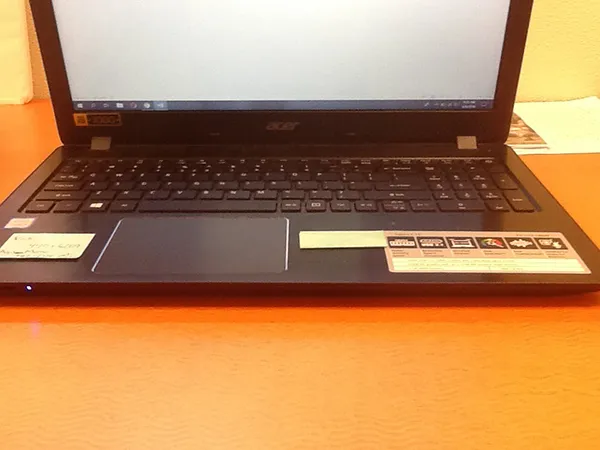
If the method didn’t work on your laptop, try the other method mentioned below.
Performing a hard reset will help clear all trash files, turn off all applications, and restart Windows freshly. The process follows:
Plugging in the charger will ensure that there is no power-related problem or low battery issue. The steps to perform this are mentioned below:
Startup Repair is a built-in feature of Windows to resolve small issues and troubleshoot.
Updating Windows will remove all the glitches and dead files and make your Acer laptop more responsive. Check out the steps below:
In this tech field, sometimes updating any app will also cause lag or file crashes.
Resetting the BIOS will revert all settings to default and remove any bugs.
Resetting your laptop will fix everything, but before resetting your laptop, make a backup of your important files. The steps for how do i restart my acer laptop are:
Don’t get confused whenever your acer loading screen stuck on the loading screen. It’s simple and easy to fix these types of problems in minutes. If the above mentioned fixes won’t work, contact the official technician for further assistance. Follow this guide to resolve your Acer loading screen issue, and for more such video guides, check out the Getassist YouTube channel.
Press and hold the power button for 30 seconds to force-reboot your Acer laptop.
Press and hold Alt+F10 for several seconds to force a factory reset of your laptop.
Due to many reasons, like corrupt files, a faulty Windows file, or hardware-related issues like faulty RAM and storage drives.
F10 is called the Acer recovery key. Alt+F10 is used for a factory reset when the laptop is stuck, or the system fails due to a virus or malware.
Yes, F11 is more related to the factory reset process, and F12 is more related to the boot menu.