Deleting an iCloud account may seem complicated, but it’s straightforward when you follow the right steps. If you are planning to change devices or use a new Apple ID, prefer to delete your iCloud account for security reasons.
This guide explains how to delete your iCloud account along with the sign-out process.
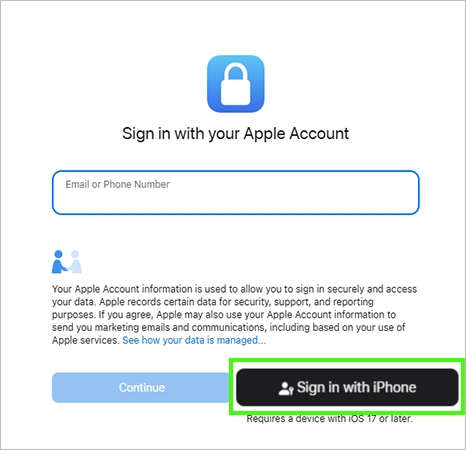
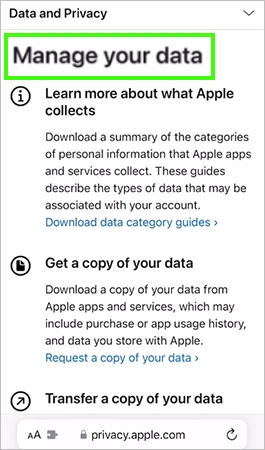
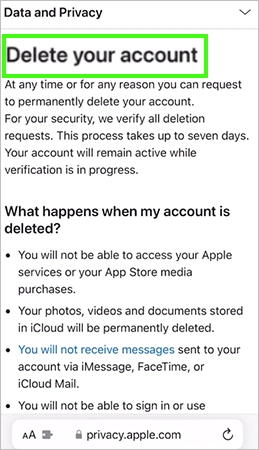
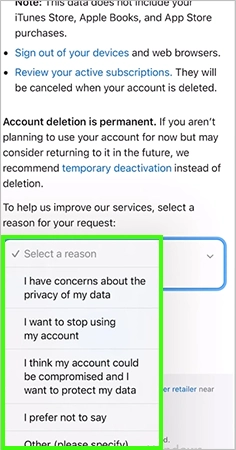
You can sign out of your iCloud account with the simple steps below.

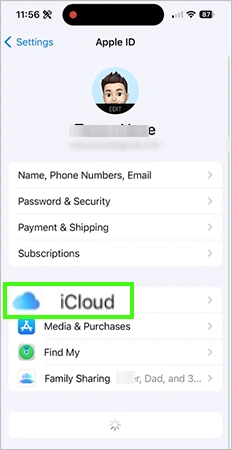
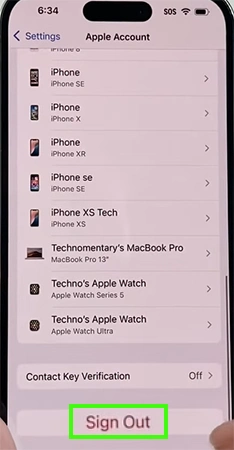
iCloud is the best feature for backing up your data and keeping your device safe. After permanently deleting the iCloud account, it will take around 7 days to be deleted after you submit the request.
In this guide, you get to know how to sign out of or permanently delete your iCloud account step by step in the easiest way. For more such video guides, you can check out our GetAssist YouTube channel.
When you sign out of your iCloud account, your data is saved in it, but after deleting your account permanently, all of your data will be deleted.
After deleting your iCloud account permanently, Apple will take 7 days to delete your account.
After signing out of iCloud, all of your data will be removed from your device and the data saved inside your iCloud account.
Just go to the Settings app, open your Apple ID, tap on iCloud, and then tap on Backup.
After deleting your iCloud account permanently, you can recover your files within 30 days, but you can’t recover your apps and app data.



![How Intelligent Payment Routing Works and How to Implement It [2026 Guide]](https://getassist.net/wp-content/uploads/2026/11/intelligent-payment-routing-implementation-complete-guide-ftd-img.webp)