Freezing or crashing of an app is very frustrating, especially when you’re working or doing something important on your phone.
But don’t worry, most of the app crashes are because of minor software glitches, outdated updates, or less storage space.
Go through this article and learn the 5 fixes that can resolve the app crash issues without any technical help.
Before knowing the ways to fix the crashes in your iPhone, let’s know the possible reasons behind the lags and crashes.
These might be the common reasons for the lag and crashing of your device.
Follow along and find ways to get rid of lags and crashes.
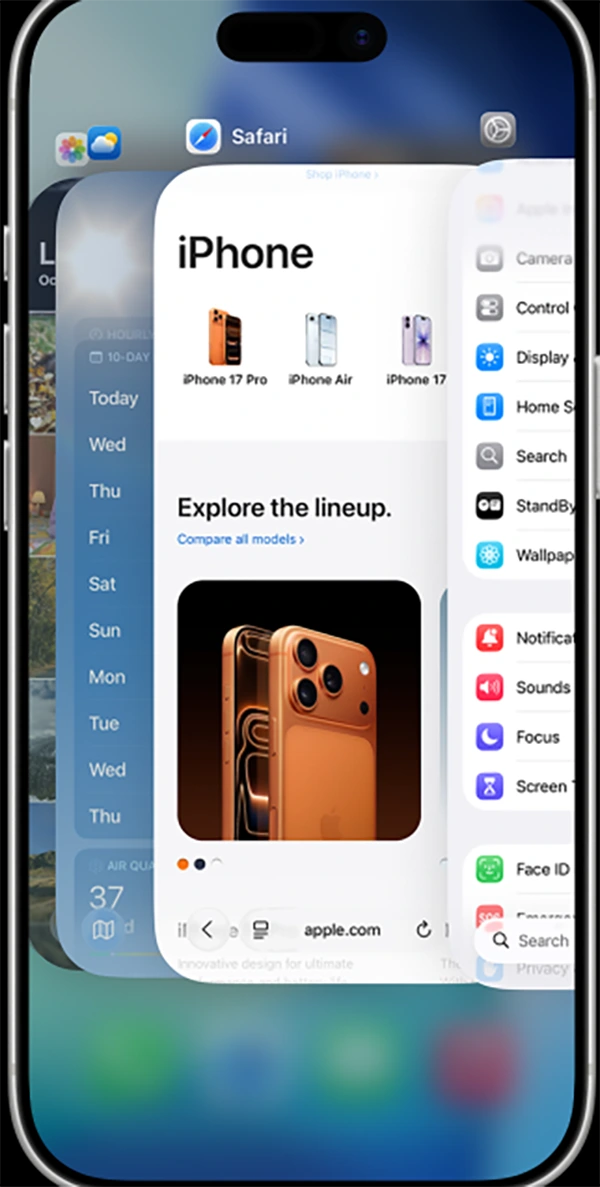
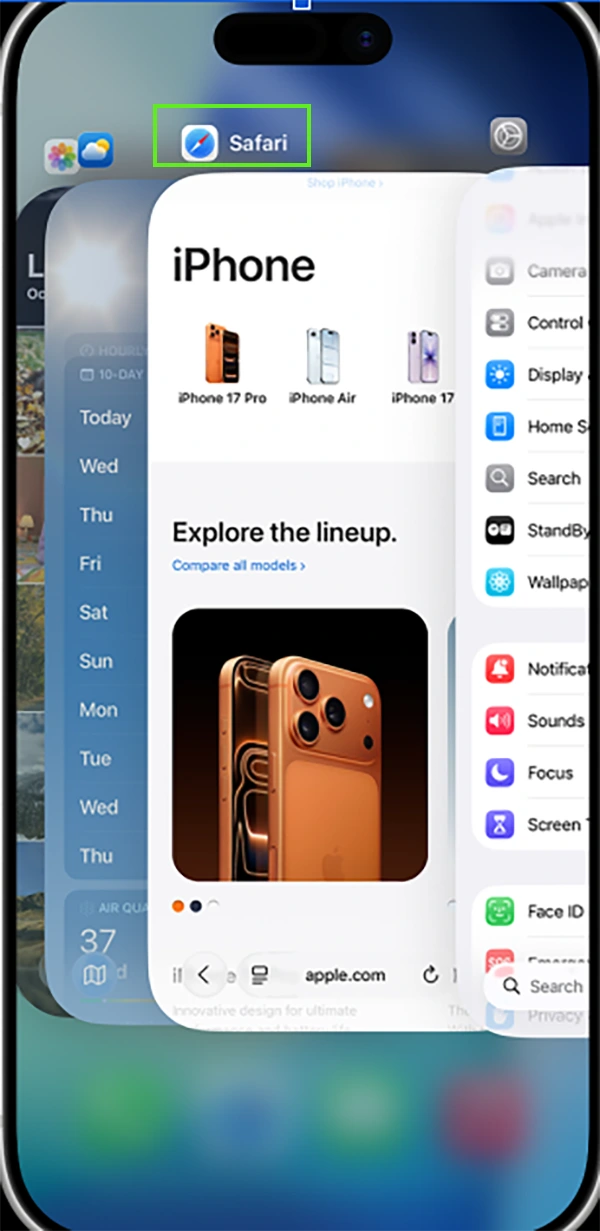
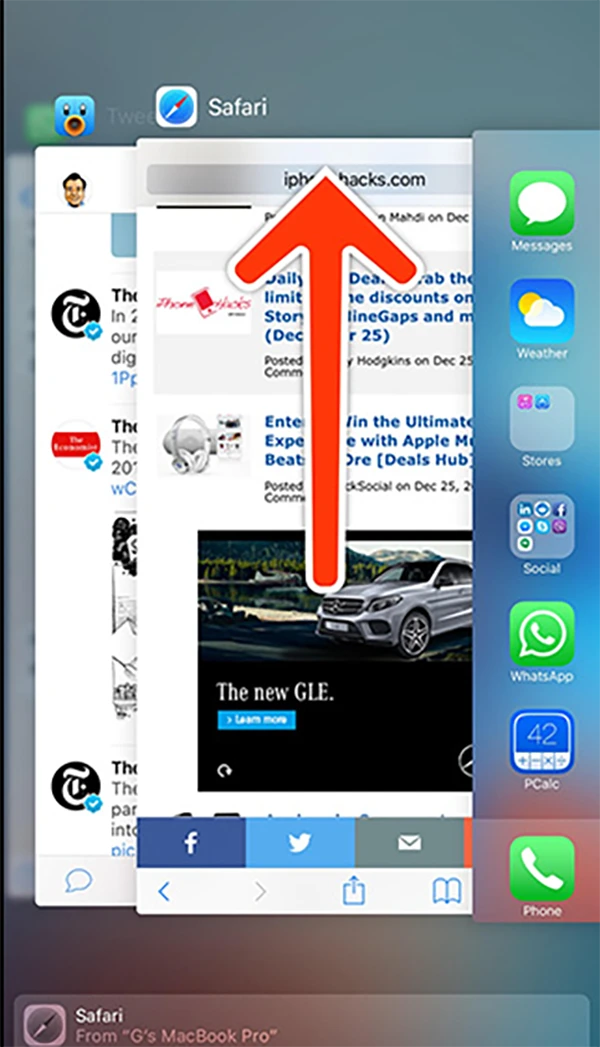
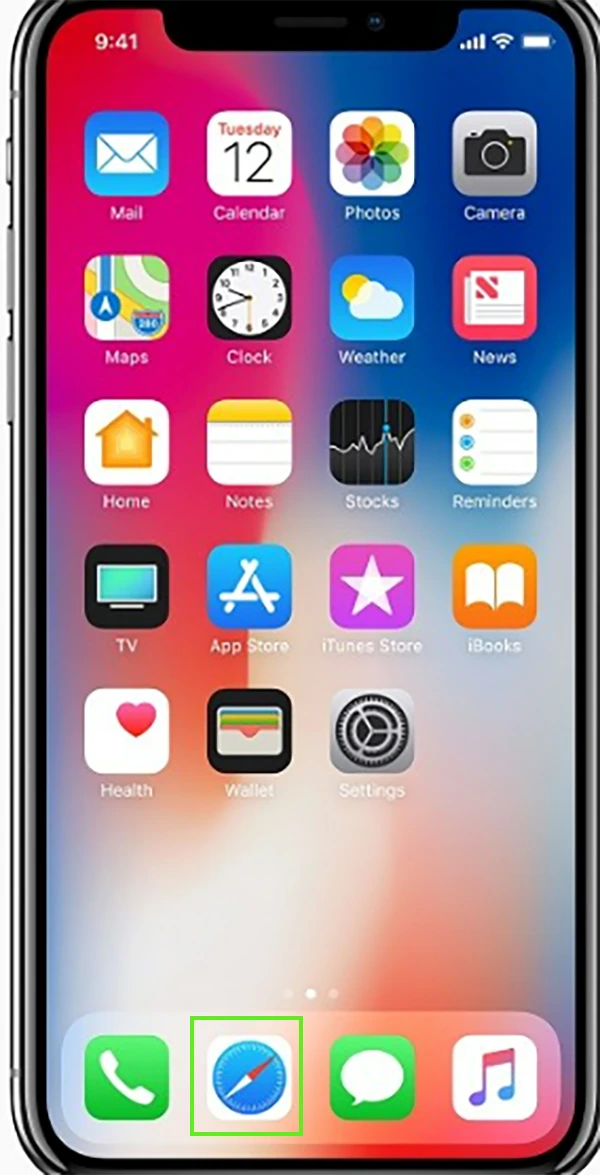
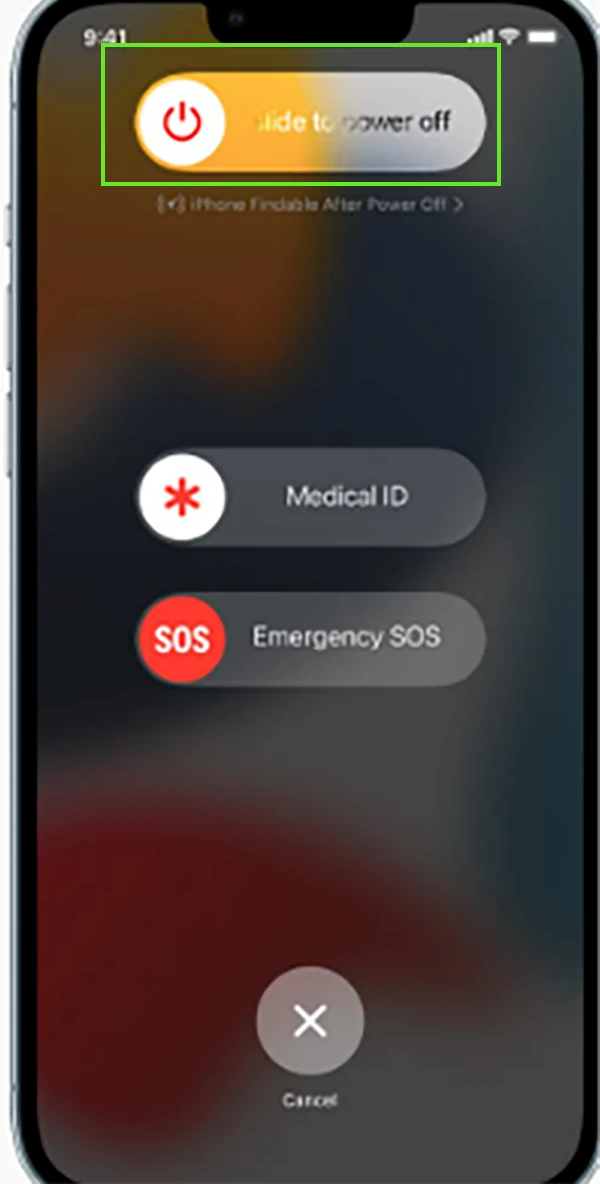

Now, open the app and check if it’s still crashing or not.
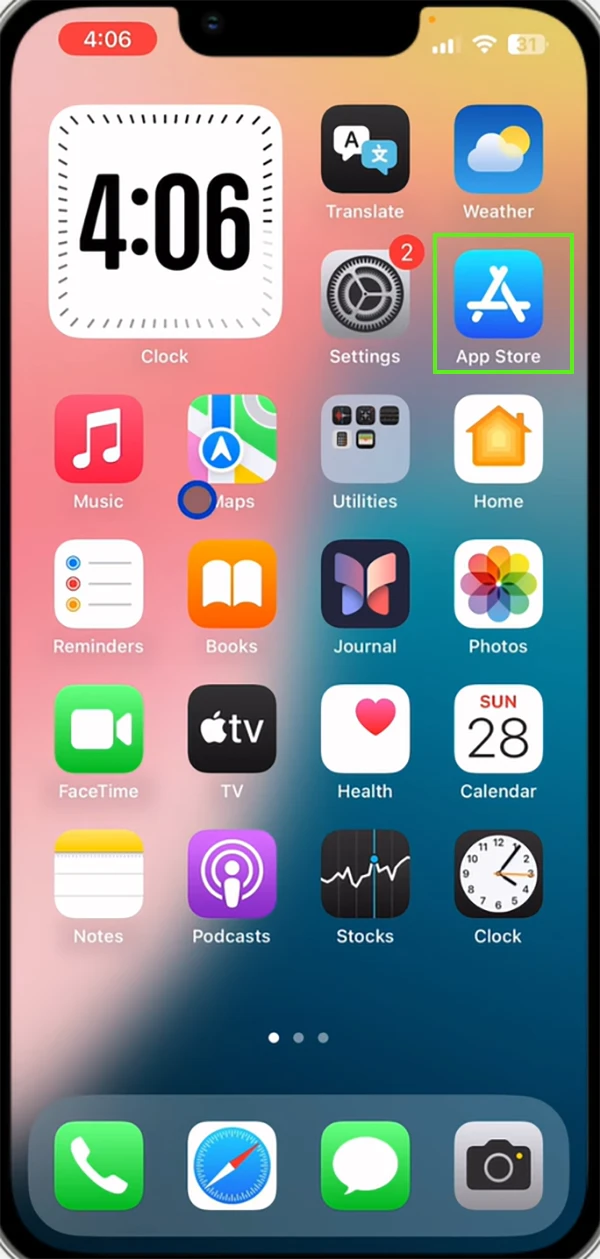
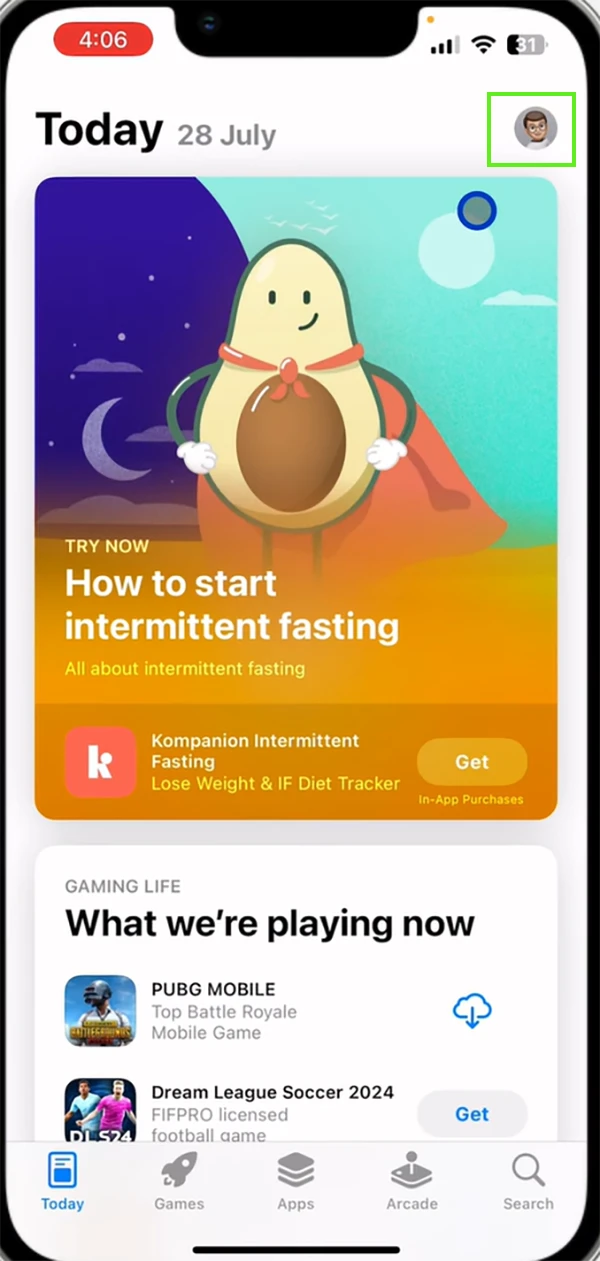
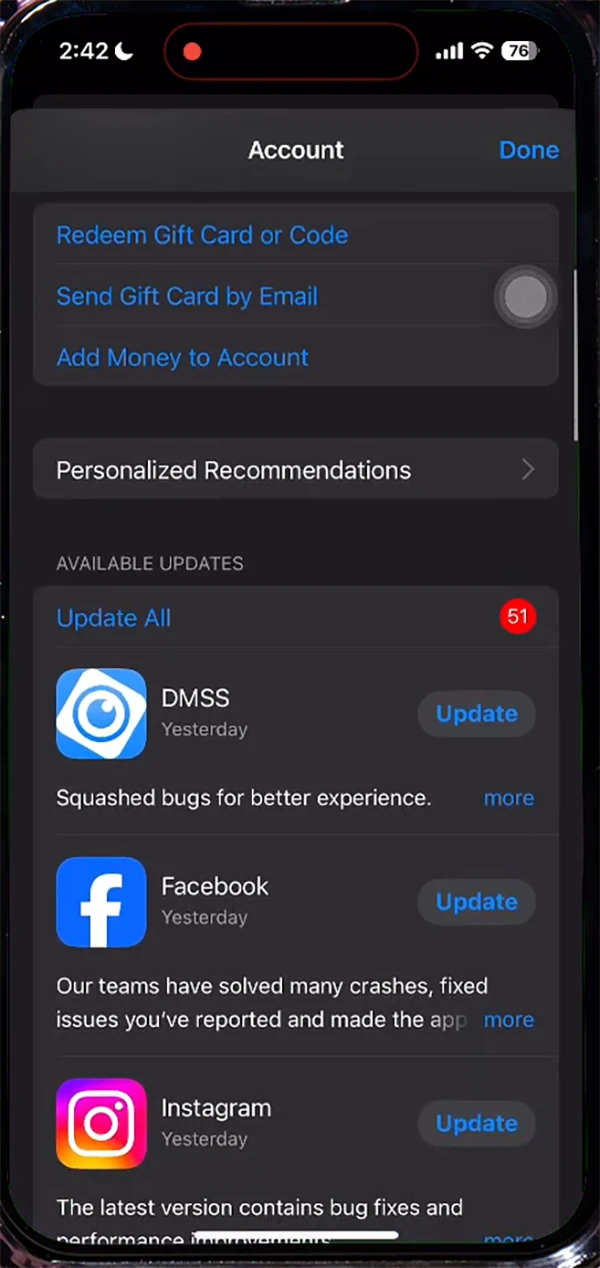
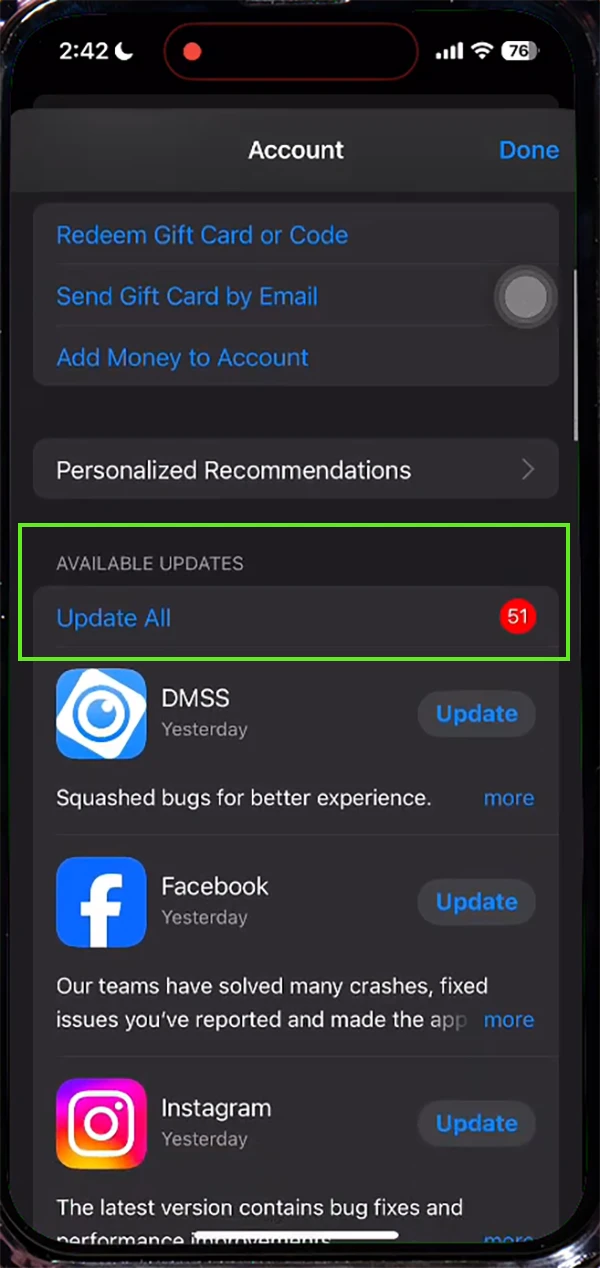
To check iPhone storage, follow the given steps:
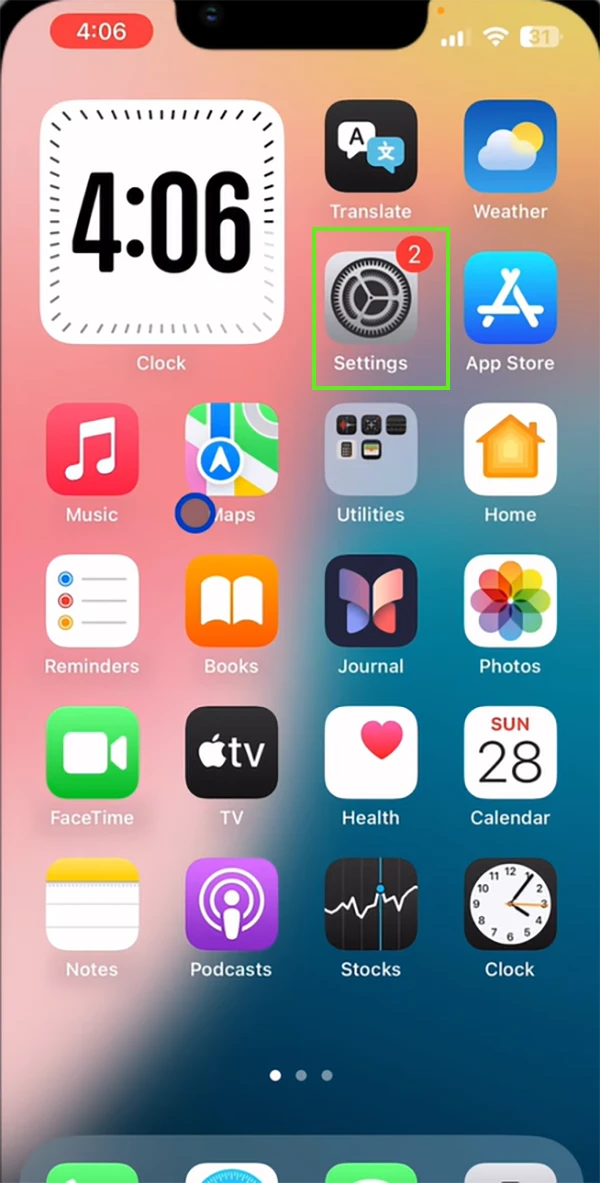
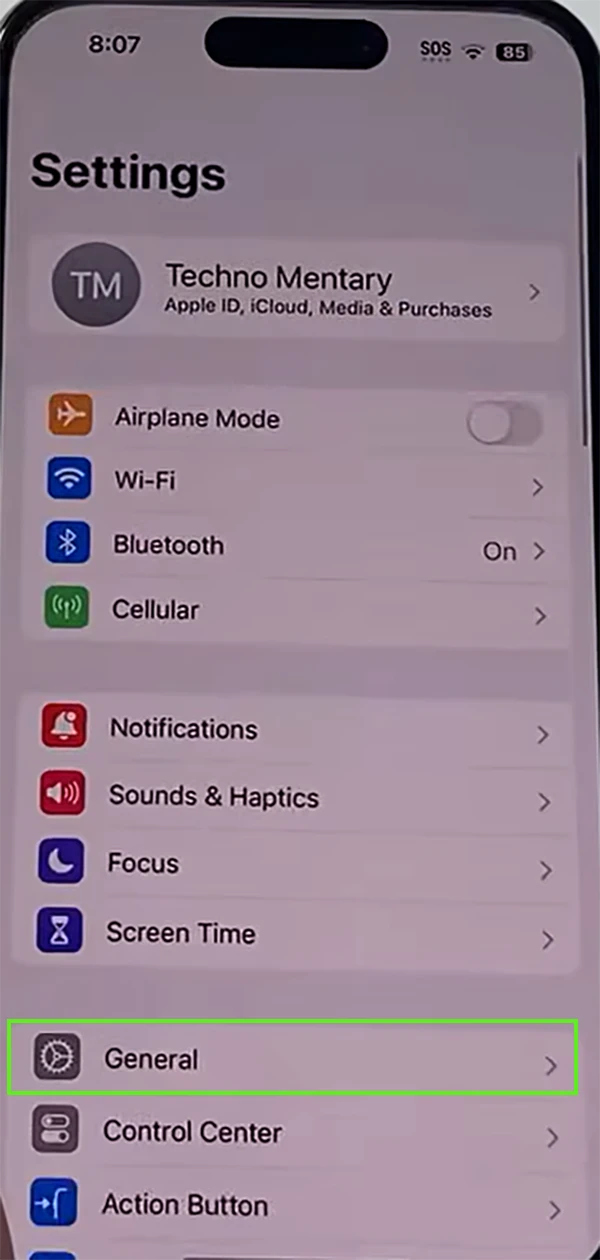
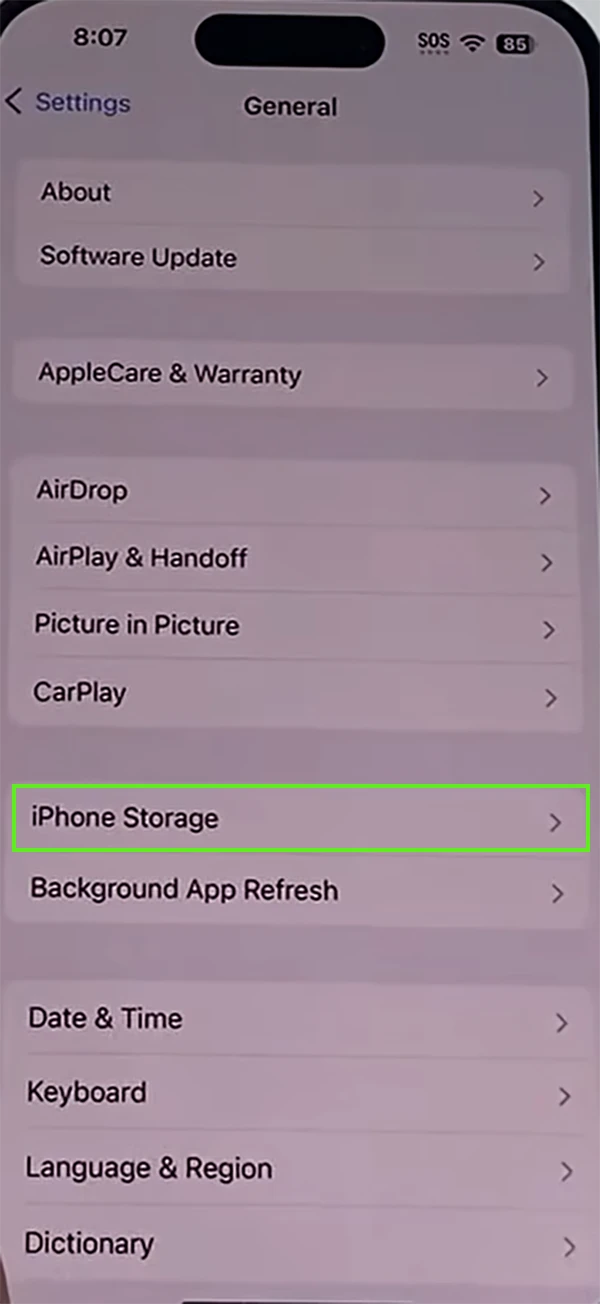
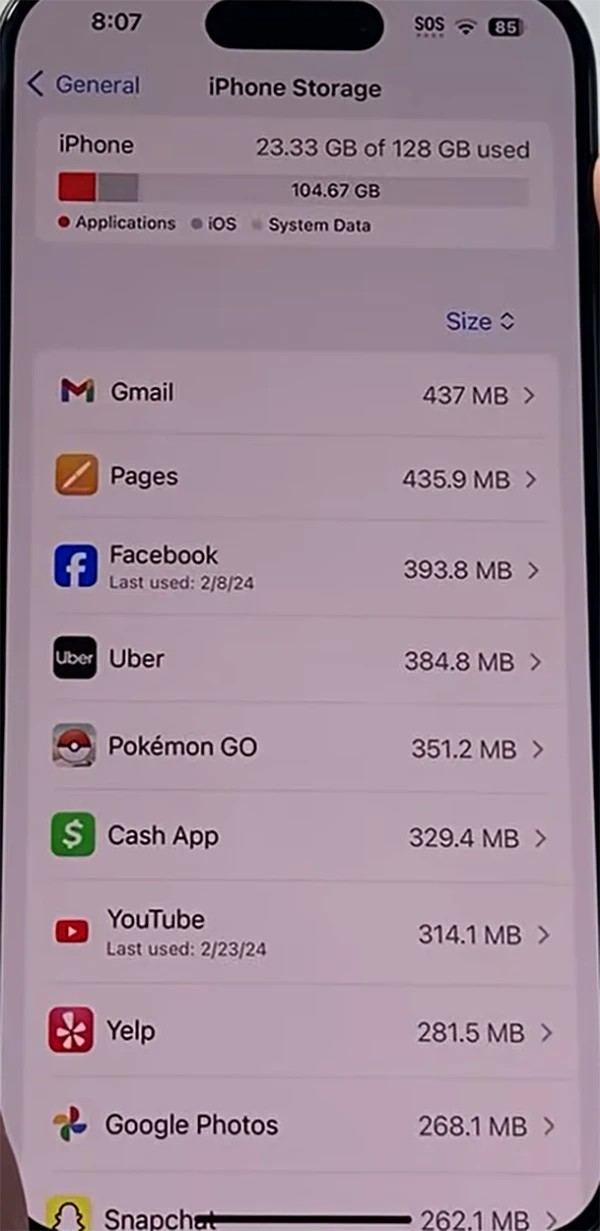
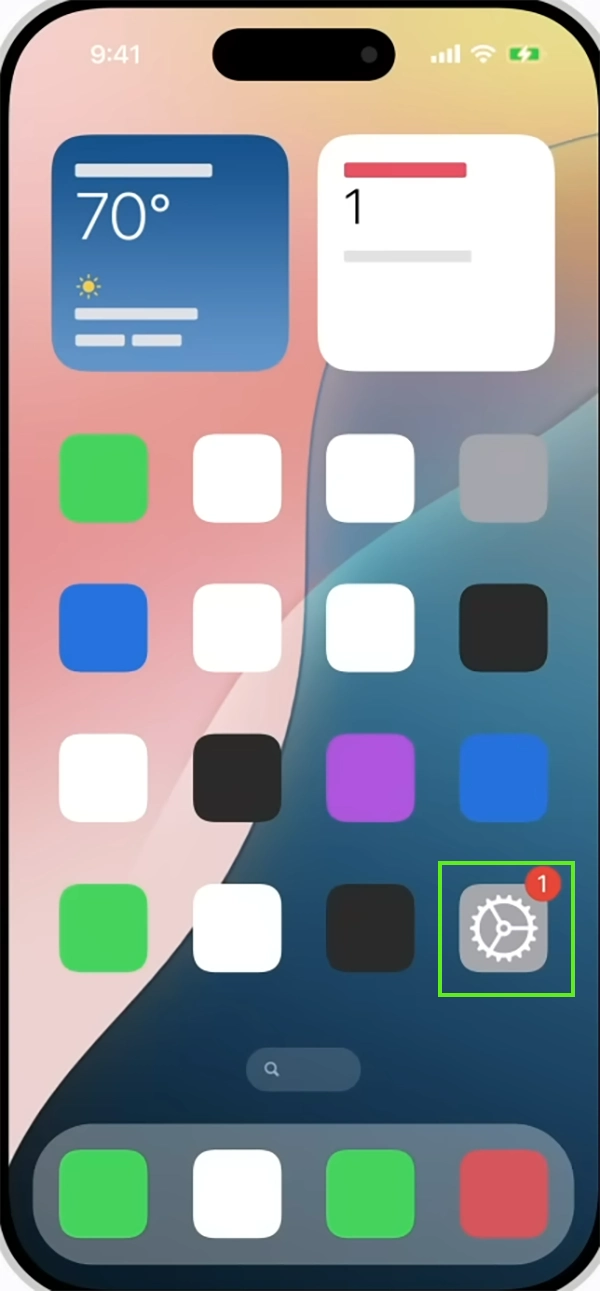
To update iOS software, follow the given steps:
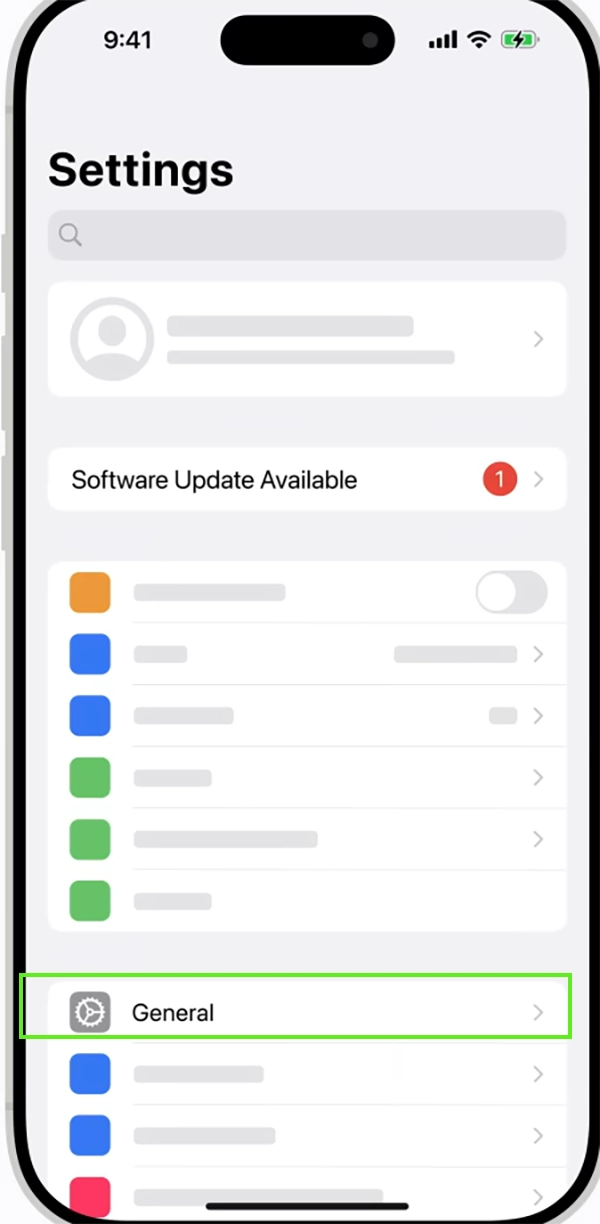
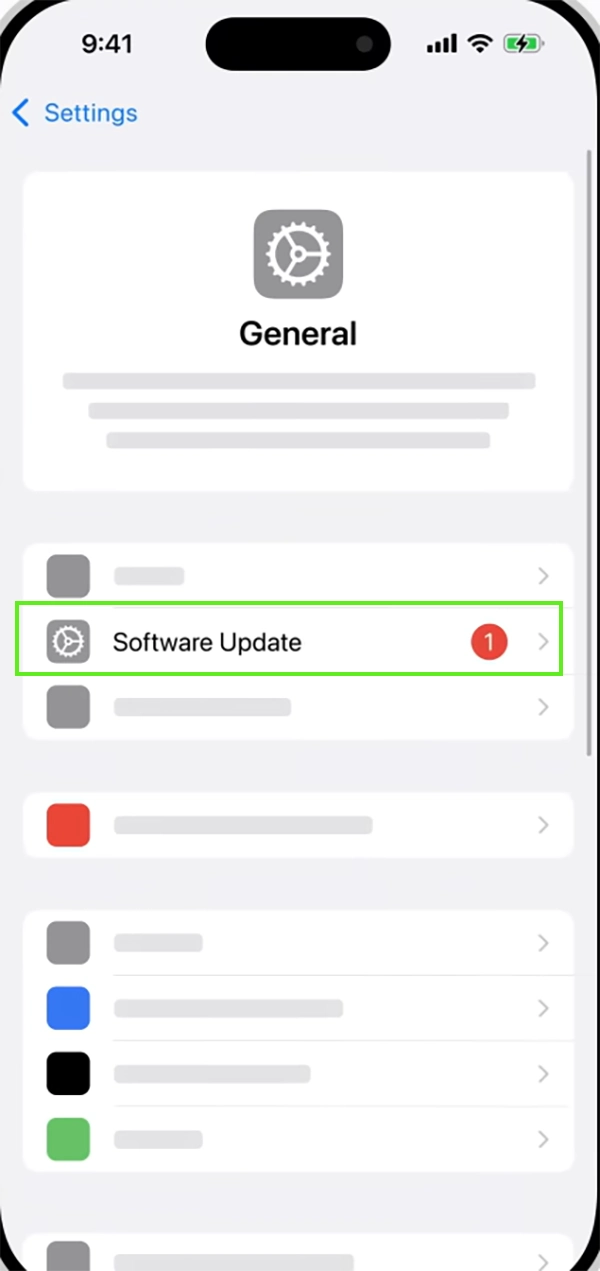

These are ways you can get rid of the crashing and lagging problems on your iPhone. Follow these steps, and for more such solutions, do follow the GetAssist YouTube channel.
App crashes on devices, especially iOS, can be really frustrating as well as shocking because iOS is known to quickly resolve the issue itself by systematically clearing app cache and updating software.
By following these steps, you can get your phone running smoothly again, and if the crashes still keep happening, please reach out to Apple Support.
Ans: If your account is synced to iCloud, your data will remain safe.
However, for apps that support data locally without cloud support, reinstalling the app might delete all the data.
Ans: The device requires some available headroom to create a temporary memory cache while running apps. If your storage is almost full, apps will struggle to function properly.
Ans: If none of the troubleshooting is working, the issue might be a server-side outage or a bug. In this case, you should always contact Apple Support to get the best solution.
Ans: Yes, when an iPhone gets too warm, iOS automatically restricts background activity and may force-close apps to prevent hardware damage from thermal stress.
Ans: To directly report crashes to the developer, you should open the App Store, search for the crashing app, scroll down to ratings and reviews, and tap App Support.