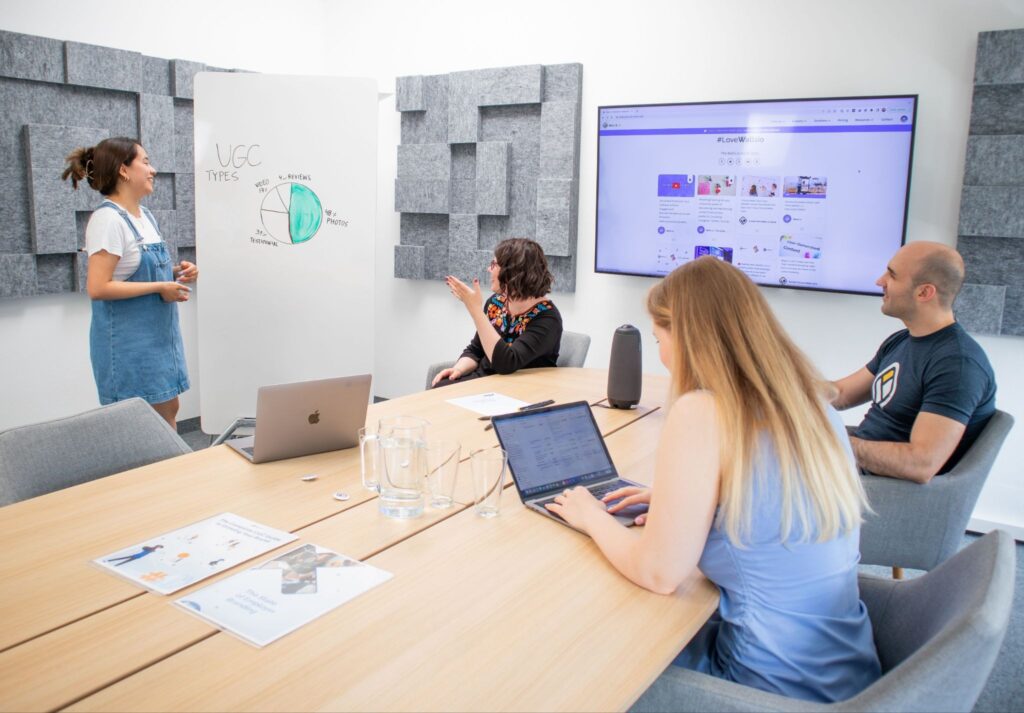
You don’t always need to start from scratch to create content for Instagram, TikTok, and YouTube. Constant new footage production isn’t needed when you already have valuable videos in your library. The smarter approach is to repurpose your owned UGC strategically, turning one original recording into multiple platform-ready assets. However, successful repurposing isn’t about reposting the same file everywhere. It’s about preserving the original footage, adapting the message, and giving each platform a version that feels native.
Repurposing content can boost your followers for free. But do you scroll through your TikTok gallery to get your hands on something that can be reused? Stop doing that.
Go back to your UGC video folder and start digging for the file before it became the TikTok. The original video will give you much cleaner results. But make sure it is your own UGC footage that you have permission to use, since the goal is to get value from the content in your library instead of using other creators’ content.
Once you’ve found the original video, don’t just start trimming it. Watch the whole video carefully and figure out which parts you can reuse. The point of this step is to squeeze content from the footage you already own.
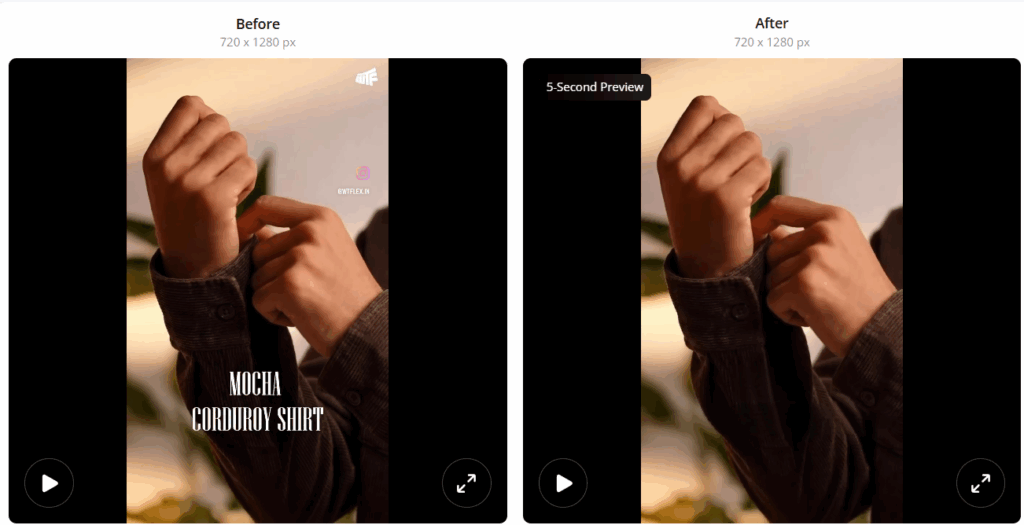
But what if you couldn’t find the original video at all? In that case, TikTok download is all you have left. It’s no longer a bigger issue. You can crop the watermarks or the text, but cropping will only leave you with the awkward frame. So instead of fighting with frame drop, drop your video into the Zawa video watermark remover.
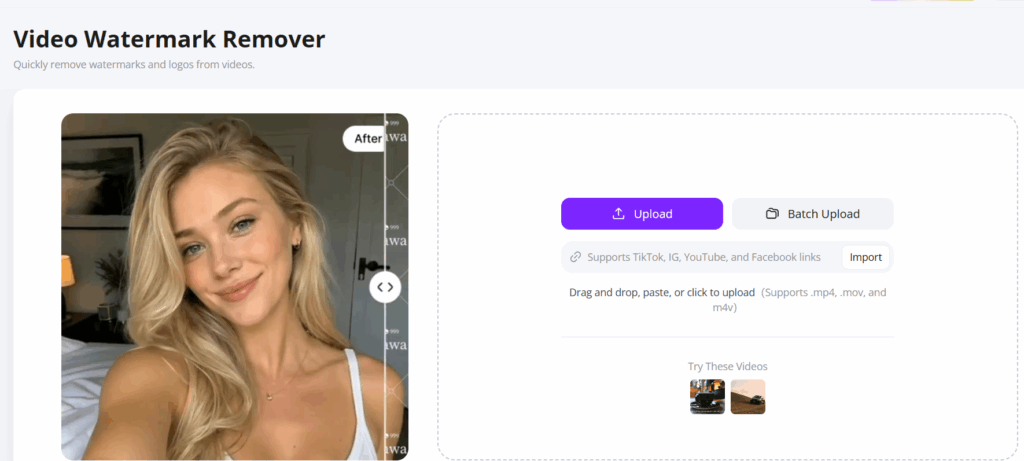
Just drag and drop that one clip into the site, and you’re good to go. Found three or four old UGC clips while digging? The batch upload feature makes more sense here. Still have your owned clip sitting online? You can straightaway bring it via a YouTube, Insta, or TikTok link here, or you can also upload in formats like MP4, MOV, and M4V.
Wait till all the clips are loaded. Even after that, don’t just hit the first removal option you see. Watermarks are useful for logos and platform marks, while subtitles can remove captions already in the video. There is also an automatic removal option, which can identify the area that can be easily removed. There are manual options as well to selectively erase the ones you want removed. And now you can easily download your files free of watermarks and subtitles, making them easy to reuse. You can later use it to add text or captions using Canva, CapCut, or other tools.
Before starting any edits, improve the video quality of the footage. Quality UGC video goes beyond just hitting record and stop. In fact, it’s just the beginning of the new process. Editing, exporting, and downloading all come after that. And when your UGC video has already been through all that, it’s time to zoom in and check if the video is as sharp as it should be.

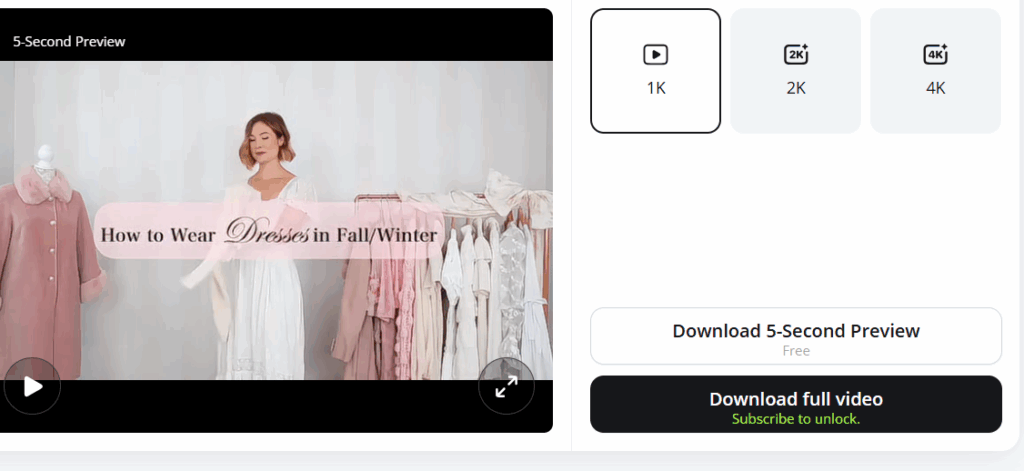
Never proceed with editing unless you’re satisfied with the video quality of the raw footage. Zawa Video Quality Enhancer lets you drag and drop an MP4, MOV, or M4V file, or you can paste the link directly. Got more than one file waiting on your desktop? No problem, just hit the batch upload button, and there you go.
Just select the video quality you desire among 1k, 2k, or 4k, and click Download full video.
A freshly cleaned and improved video can save you time and work. So, before adding a hook, captions, or 20% off text, save one copy and leave it alone. Why bother? See, today you need it for TikTok; tomorrow you might have another repurposing idea, but for an Instagram Reel. So instead of repeating the same process every time, just come back to the master copy.
Prepare a clean master with generic edits that are common to all platforms. Don’t rush to post the same version everywhere. That’s the point where you decide on the parts useful for each platform.
Proceed something like this:
This way, you have one clean source to work with, while creating separate ready-to-use versions for every platform. AI tools can help you at repurposing TikToks and Insta Reels. Leverage the top 15 AI Video generators for the job.
Common sense says that UGCs are only practical for social media platforms. But there’s another place that could still use that UGC: your website. But don’t just upload raw social versions here. Go back to the clean copy and make the website version from there. No social watermarks or text that can make it look reused.
UGC content repurposing isn’t as simple as editing it once and posting the same video on all platforms. It’s more about getting more from the footage you invest time and money creating. So next time when you open the content calendar and see that TikTok needs a post, Instagram Reels need one tomorrow, and the same across various platforms. Your brain gets the signal that there’s a need for three new content pieces right now. But now the answer is quite easy: just pull out that clean copy from the UGC library and give it a new direction.
After all, good UGC does not run out of value after the first post; it just waits for the right next use.
UGC video repurposing is the process of adapting existing user-generated content into new formats or versions for different platforms.
Yes. You can use the same original UGC footage to create separate versions for TikTok, Instagram Reels, and YouTube Shorts.
Original footage generally provides more flexibility for editing and avoids additional compression caused by social media processing.