As you love to enjoy the reels and videos on Instagram every day, scroll for hours and like them, but suddenly a song, a quote, or a vibe present in any media intrigues you or gives the feeling of relatability.
It becomes hard to ignore them, and we often try to save them, but as you know, there are only limited options for doing that without those absurd watermarks. So, to address this problem, we have provided some tools and a step-by-step guide that will solve the instagram video download problems that won’t let you enjoy reels offline peacefully.
Let’s begin!
Before downloading any resource from Instagram, you first have to learn the native resolution limits that affect the overall upload and download quality of the media that is being posted on this platform. Here you can see different aspect ratios of all the surfaced content:
All of these formats have different pixel density ratios, which sometimes cause video compression due to factors like platform downscaling, high FPS recording or edited elements, and inappropriate MP4 calibration.
Read more: Can Automation Help You Win the Instagram Algorithm?
In the market, there are so many tools that promise quality downloads for social media material bur as expected, most of them don’t deliver the quality you wish for. That’s why, in this section, we have decided to put some of the best platforms that you can use for downloading content in the best quality.
Downloading Instagram Reels and feed videos in full HD is a very easy task if you are using a reliable platform that responds accurately. For demonstration of the steps, we are using SaveFromIns, and make sure to follow the procedure as it is to get the best quality downloads.
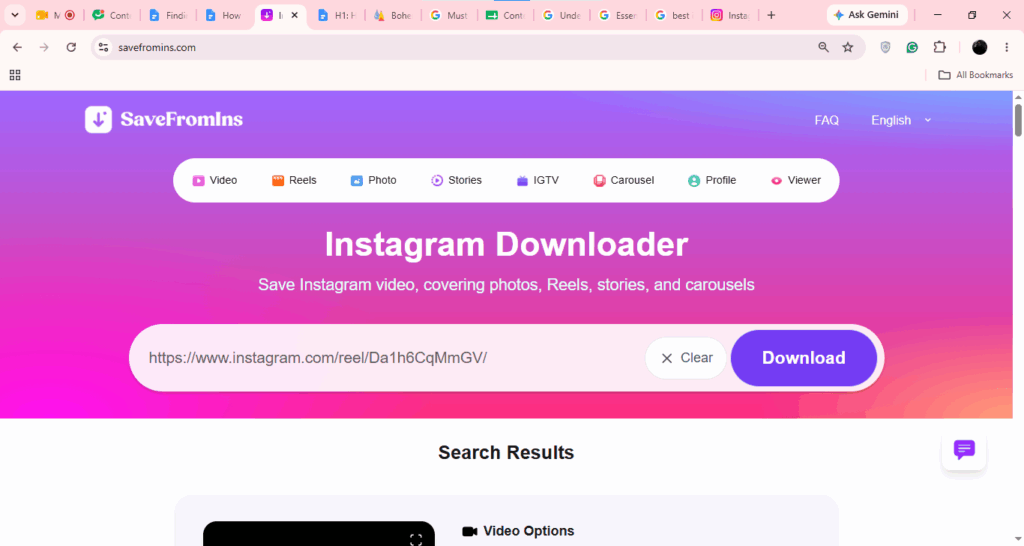
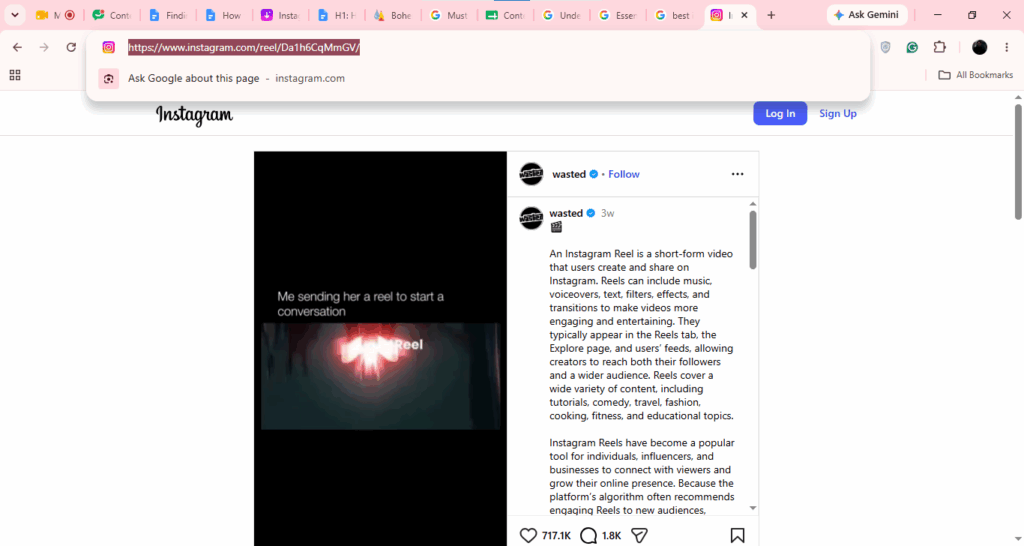
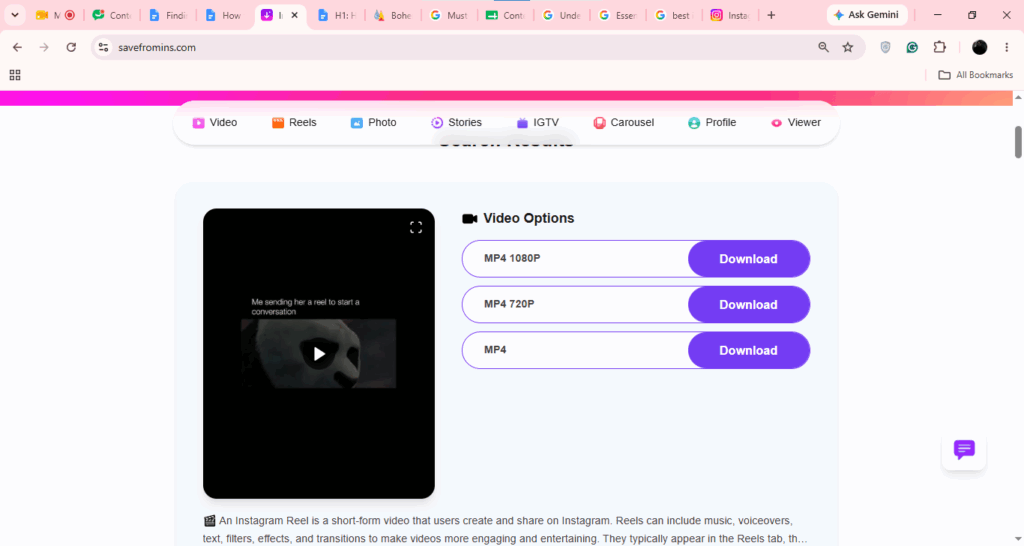
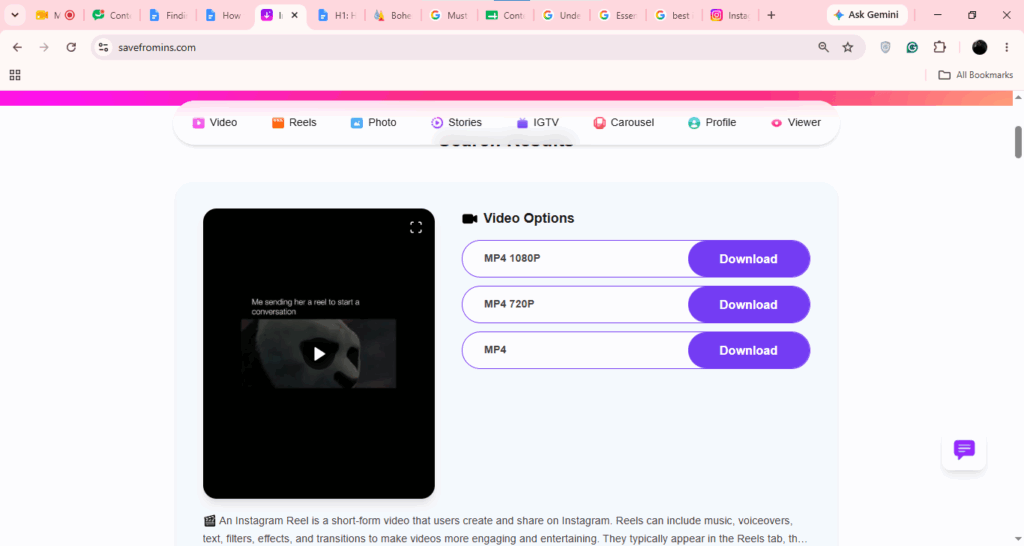
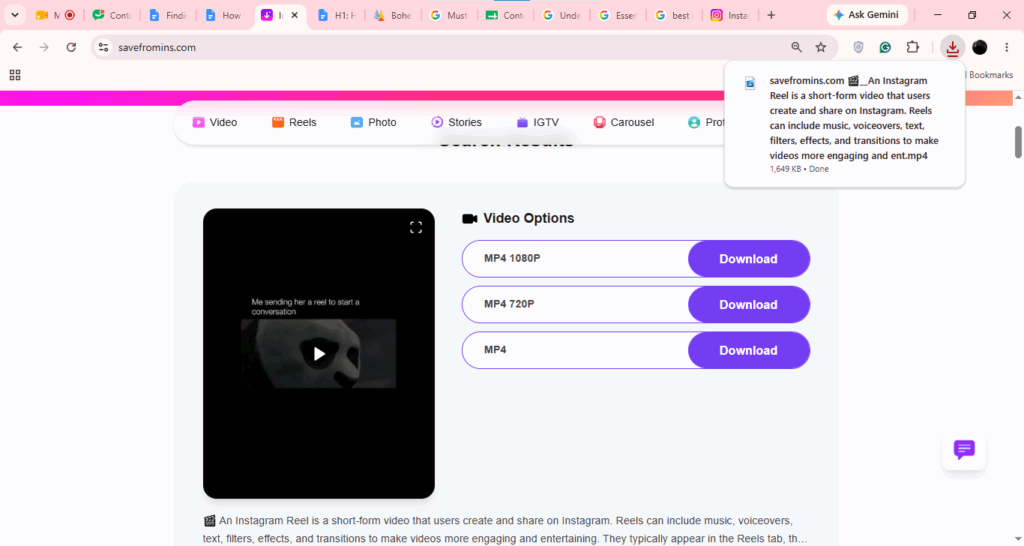
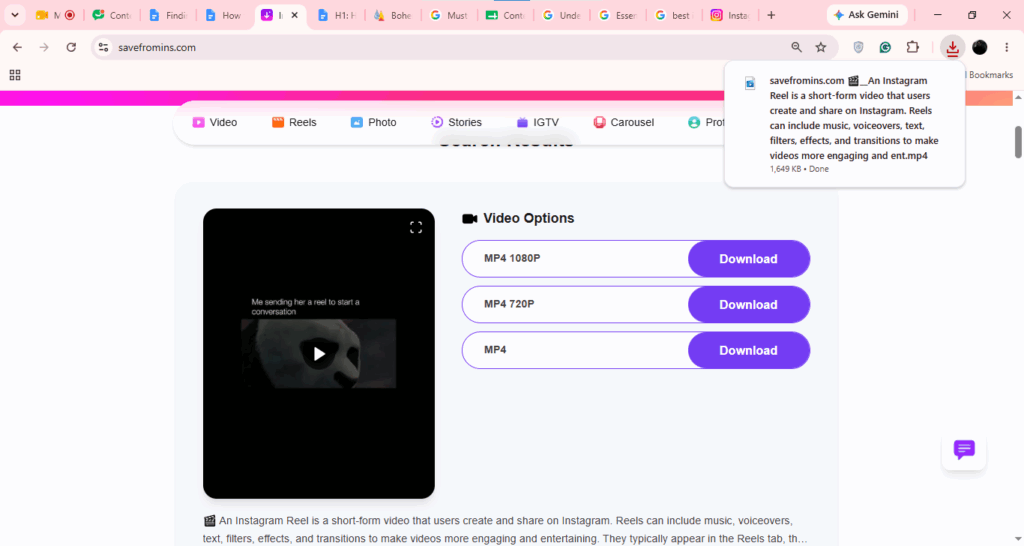
If you want to export videos in your download folders without any quality degradation, then you can follow the tips below, which can be applied in almost every downloading platform:
Read more: How to Use AI Tools to Create Better Instagram Reels and TikTok Videos
Fitting your entire content in your desired screen type or creating a new concept out of a reel you saw has to undergo some aspect ratio and formatting tweaks, which most people don’t talk about. But here we are; follow these easy rules to change the dimensions of videos according to your preferences.
Here’s the complete overview of downloading and enjoying Instgram reels and posts in high quality without any internet or watermark interruptions, as these tools below help you download any format of media within a few clicks. Also, ensure to follow all the steps in the mentioned chronology to avoid installation failures or quality degradation. If you want to explore more tips, troubleshooting solutions, and factual information about all technical utilities, then you can follow GetAssist.
Q1: How to export high-quality videos for Instagram?
Ans: Exporting high-quality videos on Instagram is very easy, as you just have to keep the format as MP4 and set the resolution to 1080x1920p, and for the posts, make it 1080×1350.
Q2: How to edit high-quality videos for Instagram?
Ans: You can easily edit high-quality videos for Instagram using apps like Edits, CapCut, Kinemaster, etc without any interruptions.
Q3: Can I watch reels offline?
Ans: Yes, you can easily watch reels offline if you have saved them using official download buttons or using other online solutions.
Exporting high-quality videos on Instagram is very easy, as you just have to keep the format as MP4 and set the resolution to 1080x1920p, and for the posts, make it 1080×1350.
You can easily edit high-quality videos for Instagram using apps like Edits, CapCut, Kinemaster, etc without any interruptions.
Yes, you can easily watch reels offline if you have saved them using official download buttons or using other online solutions.