Sending multiple snaps to each friend manually is very time-consuming; you have to scroll endlessly to determine who needs to see your personal life and who doesn’t.
Instead, to limit your social access and send countless snaps in a single tap, you can learn how to create a shortcut on Snapchat in simple steps, which are mentioned in this brief blog by GetAssist. Read till the end to understand some exclusive benefits of making shortcuts.
If you want to learn how to make a Snapchat shortcut for streaks or putting people in different groups based on your interaction activity or importance in your life, then this method can be very helpful. Follow these steps in the exact order to create precise groups without any loose ends.
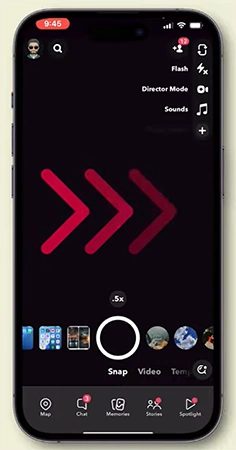
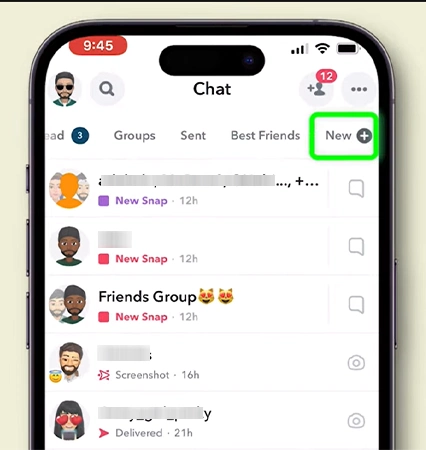
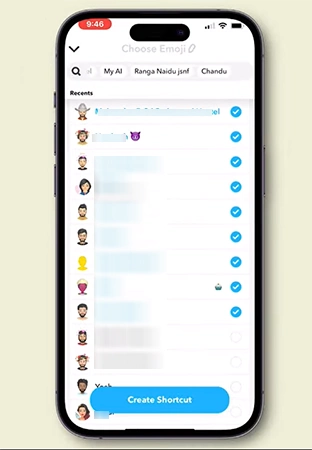
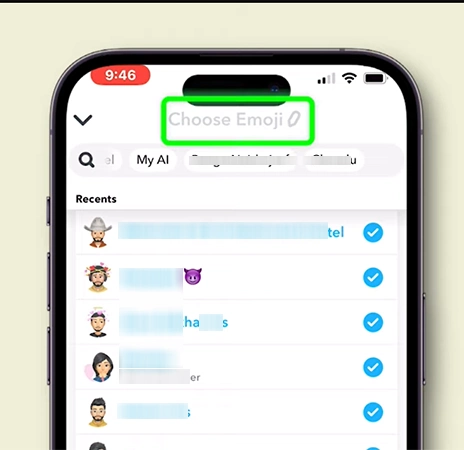
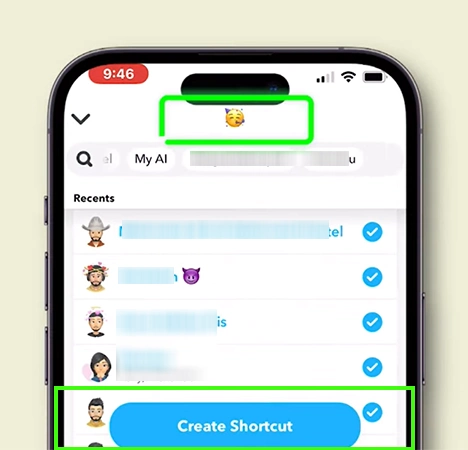
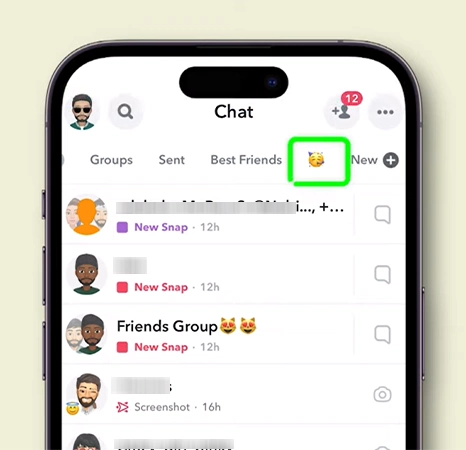
Creating a shortcut on Snapchat comes with multiple benefits that can improve your social media management, segment different groups, and limit your interaction with unwanted people. For more detailed elaboration, read these pointers carefully:
Creating a shortcut on Snapchat is a quick and easy process. By creating a shortcut, you can instantly send snaps to a group of people you commonly communicate with by simply selecting their emoji. This eliminates the need to scroll through your contacts and speeds up sending snaps tremendously.
You can keep streaks alive or communicate with your inner circle effortlessly by utilizing this feature. It will save you time and put your contacts within seconds of sending them a snap. For more such intriguing and useful content pieces, make sure to stick with GetAssist.
To add more people to an existing Snapchat shortcut, you can update it directly from the “Send To” screen or the Chat tab. This way, you can connect and maintain a streak with new people.
To add yourself to a Snapchat shortcut, you can include your own profile while creating a new shortcut.
To appear on Snapchat’s Quick Add (now also referred to as Find Friends), you need to enable the visibility setting in your privacy preferences.