TikTok offers so many creative features that can be used to interact with other creators and share content or collaborate with each other. One of the popular features is Duet, which lets you create a video alongside another creator’s original video.
You can use this feature to share reactions in viral trends, collaborate with friends, or add your own creative touch to existing content.
If you are new to TikTok, in this guide, we will show you how to do Duet TikTok videos step by step.
TikTok Duet is a feature that allows users to record their own footage while the original video plays next to it. This feature is commonly used for reactions, collaborations, challenges, and viral trends.
Duet is generally used by brands and creators to increase engagement with their audience.
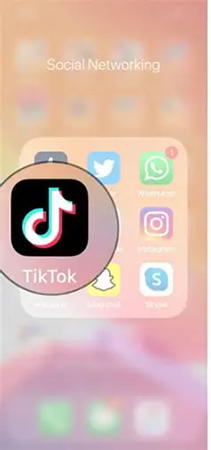
Follow these easy steps to create your TikTok duet.
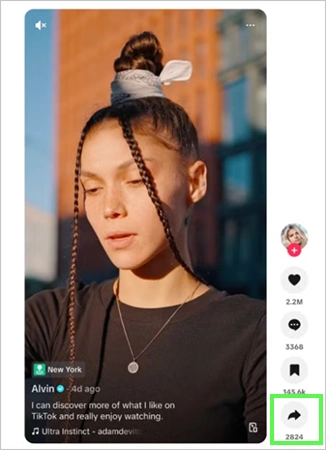
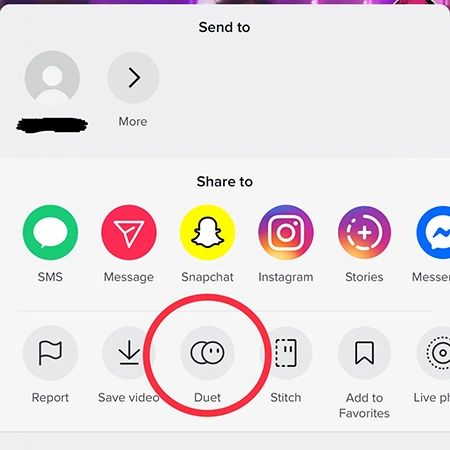
If the Duet button is greyed out, it means the original creator has disabled this feature for that particular video.
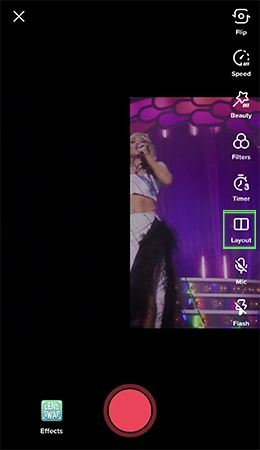
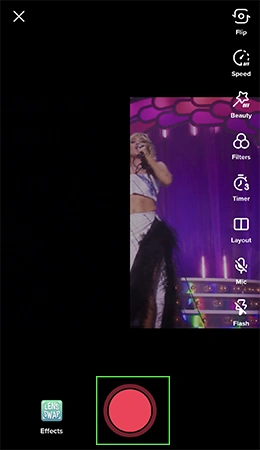
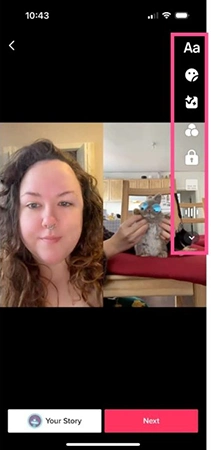
Adjust your posting settings according to your requirements.
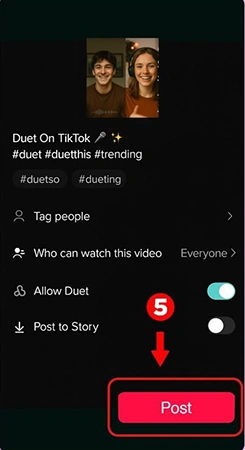
TikTok also allows you to control who can create duets using your videos. This feature helps you manage your privacy and decide who can interact with you.
Duet is one of the best options to boost your account by making duets with trending videos and getting more likes. There are many other ways to get more views on TikTok.
Follow these simple steps to change your Duet privacy settings.
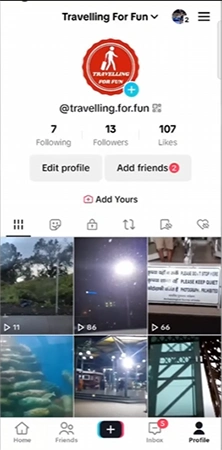
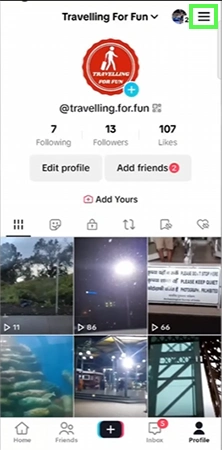
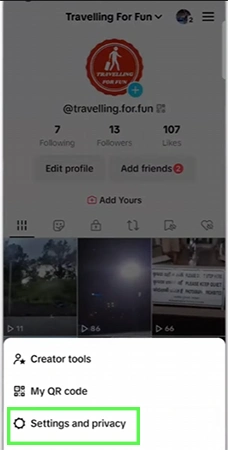
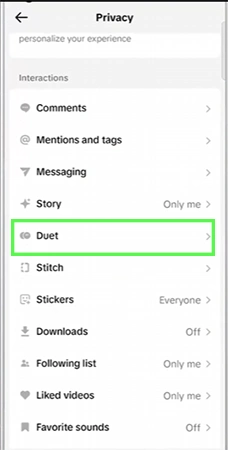
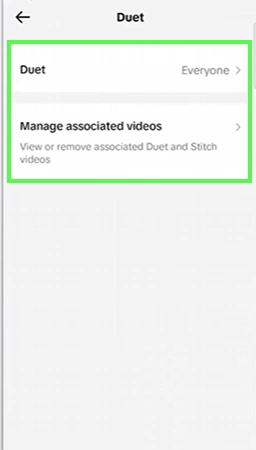
Open TikTok and find the video you want to Duet. Tap the share button, select the Duet option and your preferred layout, and start recording a video.
You cannot create a Duet if the video does not have permission for Duet or the account is private.
Yes, you can add text stickers, filters, voice effects, and adjust audio levels before publishing your Duet.
Duet on TikTok lets you record a video side-by-side or in a split-screen format alongside someone else’s content.
Yes, you can still duet on TikTok.
TikTok Duet is a useful feature that allows you to interact with other creators through split-screen videos. You can use this feature to share your reactions, participate in challenges, and create entertaining content. For the Duet video, the Duet permissions must be enabled by the original creator before you can use their video. If you find this article helpful, you can check out more such guide videos on the Getassist YouTube channel.