Snapchat story is a feature where you can post photos and videos for your Snapchat friends and engage more people with your account. Snapchat stories last for 24 hours.
But if you want to delete them before the 24-hour timeline for any reason, you need to learn how to delete Snapchat story with the help of images in this article.
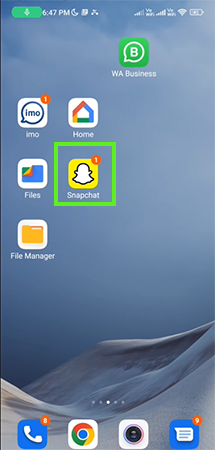
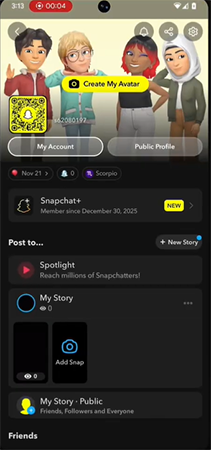
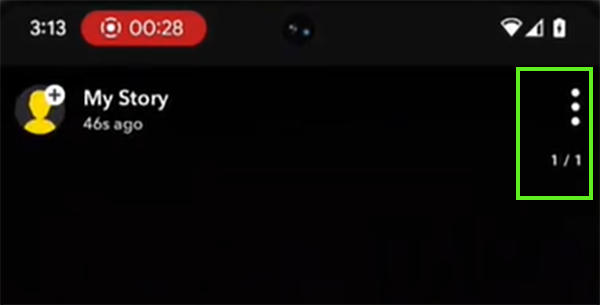
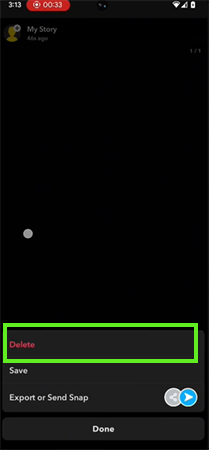
Snapchat will permanently remove the story after you manually delete it, so always cross-check before deleting. You can delete a Snapchat story in just 5 simple steps mentioned below.
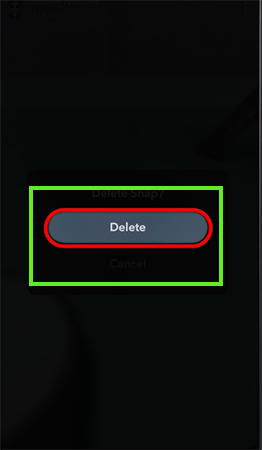
Sometimes you don’t want to show your stories to some people. For that, you can simply hide your story from them in just 4 easy steps.



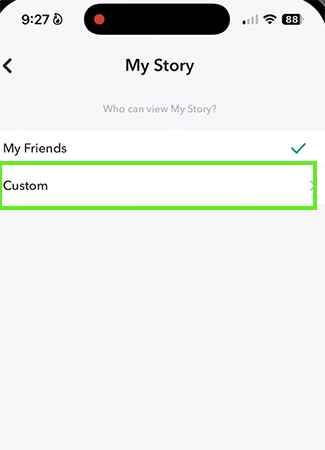
Snapchat stories are a brilliant option to engage people and make them feel closer by sharing photos and videos. Sometimes you accidentally post the wrong photo or video on your Snapchat story and instantly looking up on the process for how to delete a Snapchat story.
In this guide, we have elaborated the primary way that will delete your story in minutes. For a video solution for such problems, you can check out our GetAssist YouTube channel.
No, you cannot delete a story after 24 hours because Snapchat automatically deletes the story. You can only manually delete a story within 24 hours after posting.
Snapchat stories last for 24 hours. After 24 hours, Snapchat automatically removes the story from the platform, and users can’t see the story.
No, you can’t delete multiple stories at once. Snapchat doesn’t allow you to select multiple stories and delete it once. You need to select them one by one and delete them manually.
Yes, people can take screenshots or screen record your stories on Snapchat, but you will get the notification.
Yes, after you delete your Snapchat stories, the snapchat remove it from their server, so there is no option of backup after deleting stories.