“Security is a process, not a product.” – Bruce Schneier (Cybersecurity Expert)
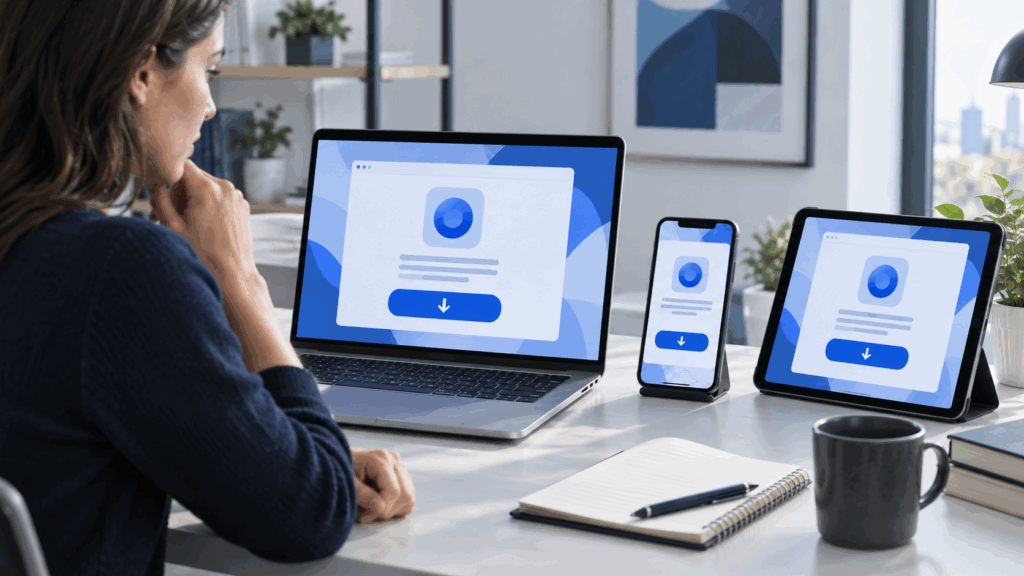
This principle is relevant even when downloading a VPN. Choosing a VPN isn’t just about finding an app that promises faster browsing or better privacy. A misleading advertisement, fake download page, or poorly vetted application can expose your device to unnecessary risks before the VPN even establishes a connection. Whether you’re installing one on a Windows PC, Android phone, Mac, or smart TV, a few checks can help you make a safer choice. Here’s what to verify about the download source, device compatibility, permissions, privacy features, and overall reliability before getting started.
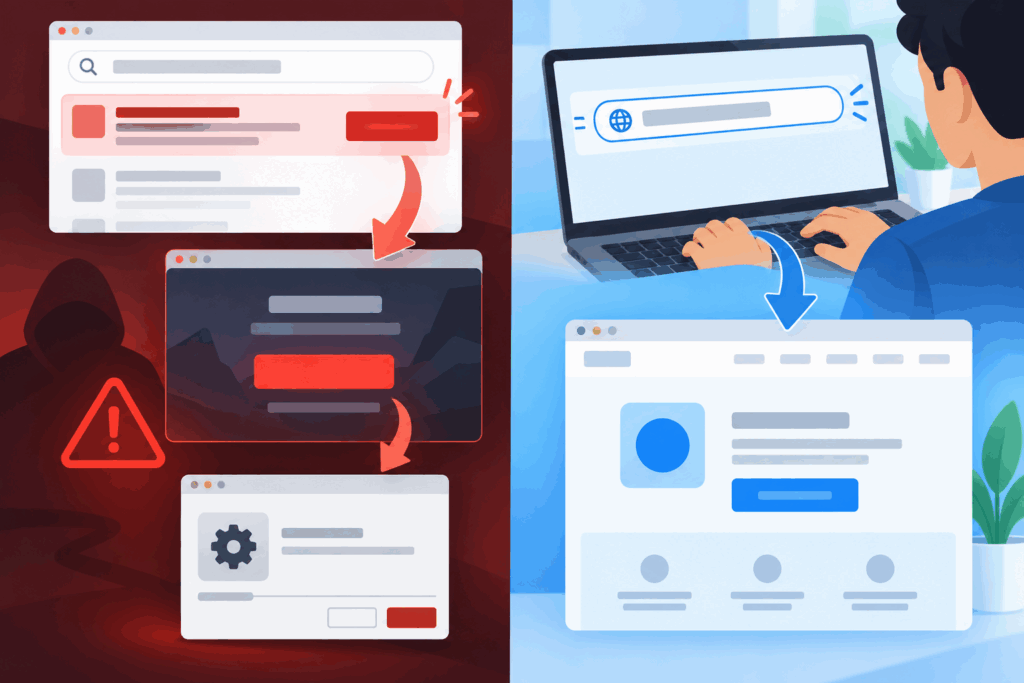
Choosing a VPN provider isn’t that easy. Enter the provider’s known web address or use the official app store. Be cautious with search adverts, shortened links and “download now” buttons on review or file-hosting sites. The US Federal Trade Commission has warned that malicious ads can imitate software brands and lead people to malware.
Check the full domain name before downloading. Small spelling changes, extra words, and unfamiliar subdomains can be easy to miss. On an app store, review the:
A copied icon proves very little.
Do not disable built-in device protections because an installation page tells you to. A legit mobile app should normally come through the official store. Desktop software may come directly from the provider, but the operating system should still identify the publisher and validate the installer where supported.
“Works on Windows” is not clear enough if the computer runs an older edition or uses a different processor. Check the supported operating-system versions and hardware requirements. The same applies to:
Find out whether one account can cover the number of devices in the household or team. A service that works well on a phone may not offer the same controls on a TV or browser. Browser extensions can protect browser traffic, but they may not cover other apps unless the provider clearly says they do.
Updates ensure compatibility. An abandoned app can keep running long after it stops receiving security fixes. Look for a clear update history and a support route that matches the platform being installed.
A VPN app requires permission to create or manage a network connection. That request is central to its job. Access to contacts, photographs, microphone, or precise location is different and should have a clear explanation.
Permission terminology varies by operating system, so do not judge an app by one alarming system message alone. Compare the request with the provider’s setup documentation. If a permission has no connection to the function being used, deny it and question support why it is needed.
On a work device, installation may require administrator approval. Bypassing that policy can create conflicts with company security tools and may expose business traffic to an unreliable service.
SURPRISING STAT
Research suggests that up to 82% of Android VPN apps request access to sensitive resources, such as user accounts and text messages.
A VPN protocol defines how the device builds and protects the connection. Most customers don’t need to tune every technical option, but the provider should identify the protocols it supports and maintain current choices. Vague claims about “military-grade” protection are less useful than clear technical documentation.
Check what happens when the connection drops. Some apps offer a kill switch that blocks traffic until the tunnel returns. Others can reconnect automatically on networks selected by the user. Test these functions rather than assuming the default setting corresponds to the label.
Also check split tunnelling if certain apps need to use the normal connection. This feature can solve compatibility problems, but traffic excluded from the tunnel doesn’t receive the VPN connection’s protection.
A free VPN should be evaluated on more than price. Check data limits, available locations, speed restrictions, device support, and whether the free tier shows advertising. Read what the provider says about logs, account data, and how the service is funded.
Free doesn’t automatically mean unsafe, and paid does not automatically mean trustworthy. The decisive questions are who operates the service, what information it handles, and whether its claims can be checked. A provider without clear ownership, policies, or support leaves the user with little recourse when something goes wrong.
Avoid “free premium” installers offered by unrelated sites. Modified apps can bypass payment checks while adding code the original developer never supplied. The savings are not worth handing network access to an unknown publisher.
After installation, connect to a regular network and confirm that normal browsing works. Open the services that matter, such as email, video calls, or a work portal. Some banks and streaming platforms may challenge or restrict VPN connections, so learn how to break or change the connection safely.
Check the reported connection location and look for obvious DNS or IP leaks using a reputable test. A single test cannot prove every privacy claim, but it can reveal a setup that’s not working as expected. Restart the device as well; automatic launch and reconnection behaviour can change after a reboot.
Battery use matters on mobile devices. Compare it during ordinary use rather than evaluating after a few minutes of heavy setup activity. If performance changes sharply, contact support before changing random network settings.
When you Download VPN software, use the provider’s verified download page or its official app-store listing. Save the account-recovery method, turn on available account security, and remove old devices that no longer need access.
Update the app using the same trusted channel. Pop-ups that demand a new installer deserve scrutiny, especially if they arrive through a web advert or email rather than the app’s normal update process. On desktop systems, remove old setups from the downloads folder once the installation is complete.
A VPN can protect traffic between the device and the VPN service and change the IP address visible to websites. It can’t make a fake login page genuine, remove malware already on the device, or guarantee anonymity. Cookies, signed-in accounts, and browser fingerprinting can still identify activity.
The correct download is therefore not simply the app with the strongest promise. It’s the software obtained from a verified source, supported on the actual device, given reasonable permissions, and tested under normal use. Those checks take a few minutes and are important enough.
Download it from the verified website of the provider or app store. Completely avoid unfamiliar websites, shortened URLs, or any advertisements.
It is good to find clear information about the protocol and its features, such as a kill switch, auto-connect, and split tunneling.
A free VPN is not automatically unsafe, but its security and privacy depend on the provider’s practices. Review its ownership, privacy policy, data collection, funding model, and technical documentation.