Let’s talk about something that happens more often than you’d think.
You have a picture. Perhaps it’s a document screenshot. Perhaps it’s a picture of a meeting whiteboard. Perhaps it’s an image of a handwritten message. Perhaps you should use it as a product photo for your website.
You can see the image directly on your screen. But what’s inside? The phrases? The words? The specifics? They are imprisoned within the image. They are not replicable. They are not editable. They are difficult to use.
Or perhaps the situation is completely different. You have an idea for a design, a character, or an image. You can’t draw, though. You are unable to provide an example. You lack the ability to create an actual image from what’s in your head.
In both cases, you’re stuck. The information you need is trapped. The image you want doesn’t exist.
If you want a similar situation to not occur with you… Read ahead to know what you should do!
Key Takeaways
- Exploring the best image-to-text generation tool for your everyday use, which could be utilized by researchers, businessmen and even content creators.
- Turning words into pictures for characters, presentations and even marketing campaigns, transforming your ideas into views.
- Bringing in tools that make AI character generation possible even for the non-artists.
- Providing all-in-one services without any extra costs, catches or any stress of signups.
Here’s a situation that occurs all the time.
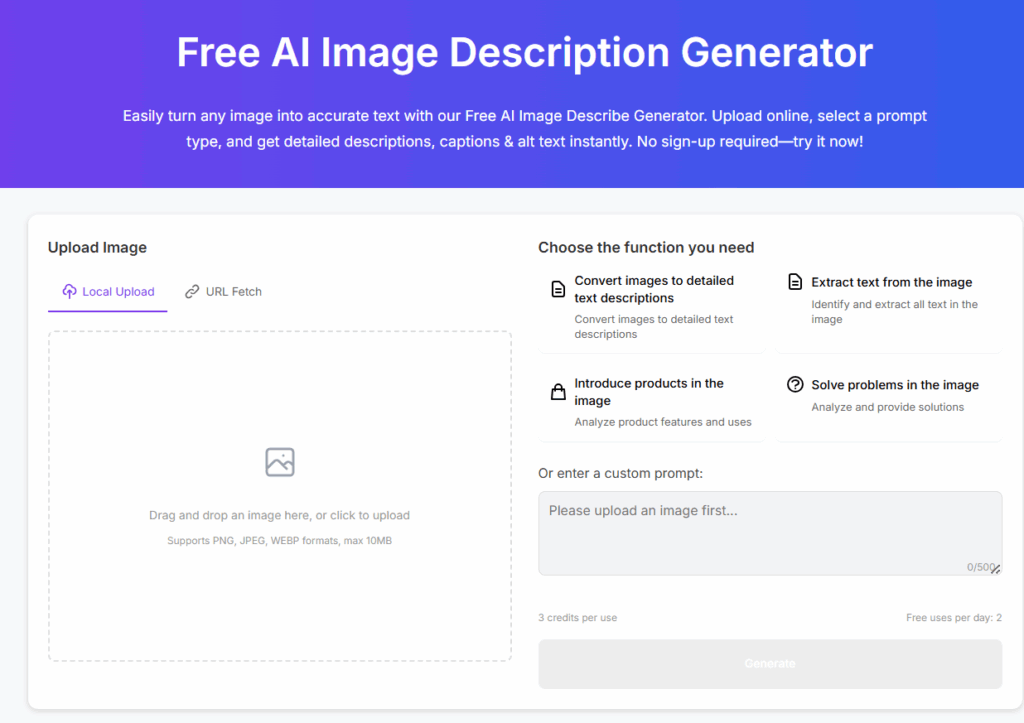
Someone sends you a photo of a document. A contract. A receipt. A handwritten note. A whiteboard from a meeting. You need the text from that image. You need to quote it, file it, share it, and edit it.
In the past, your only option was manual typing. Read the image, type out the words, check for errors. Time-consuming. Boring. Easy to make mistakes.
There’s a better way now. The picture is uploaded to a tool. After analysing it, the AI locates all of the text and returns it to you as actual words that you can copy and paste. within a few seconds. For nothing. You don’t need to type.
An image to text tool is useful for more than just documents. That screenshot of a presentation slide? Now you have the bullet points. That photo of a business card? Now you have the contact info. That picture of a recipe from a cookbook? Now you have the ingredients list.
Consider the amount of time this saves. You can stop staring at pictures, typing what you see, and checking for mistakes. Simply upload, extract, and be done.
Let’s get specific about when this actually helps.
Students take photos of whiteboards, textbook pages, and lecture slides. Instead of typing everything out later, they extract the text instantly. More time for studying, less time for manual work.
Photos of business cards, invoices, and receipts are sent to business owners. They pull the text directly rather than manually entering the data. quicker bookkeeping. fewer mistakes.
Researchers capture screenshots of articles, documents, and charts. Instead of retyping quotes, they extract them directly. More accurate citations. Less frustration.
Online content creators find intriguing text in pictures. They take it and modify it rather than replicating it. quicker creation of content.
Anyone with old documents has scanned photos of papers. Instead of squinting at blurry images, they turn them into readable text.
Now let’s look at the opposite problem.
You need a character. Maybe for a presentation. Maybe for a marketing campaign. Maybe for a game. Maybe just for fun. You have a clear idea of what you want. But you can’t draw. You can’t illustrate. You don’t have design skills.
You had fewer options in the past. Employ a creative person. costly. Develop your drawing skills. time-consuming. Make use of stock photos. boring and generic.
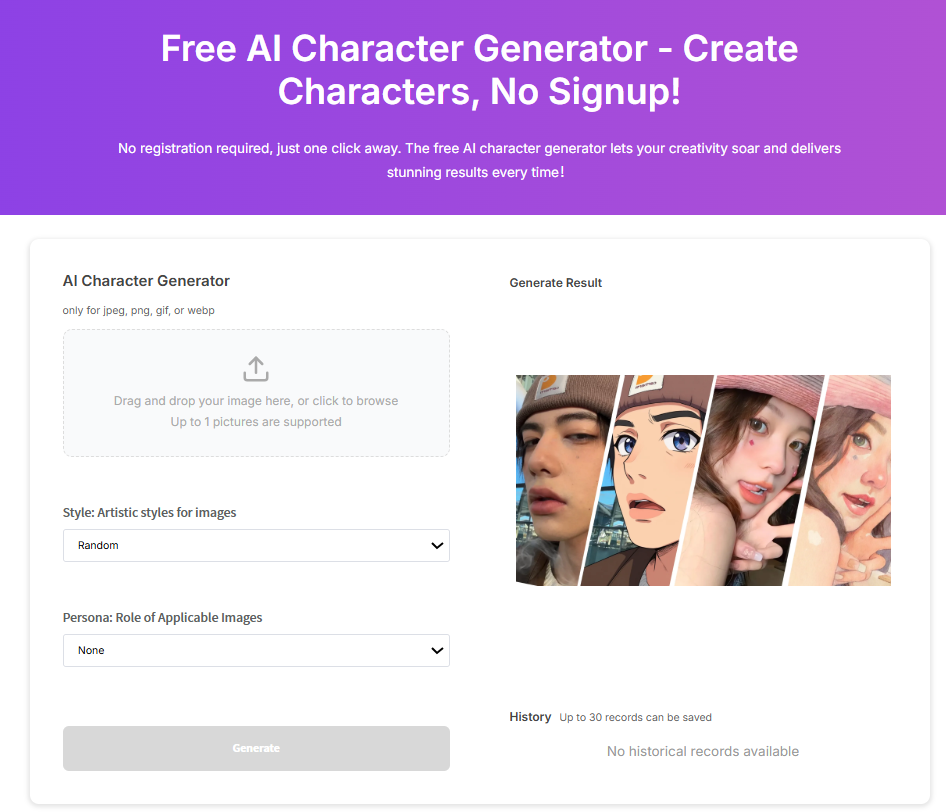
Now there’s another way. You upload a reference image or start from scratch. You choose a style: anime, cartoon, pixel art, Lego, or Simpsons. You choose a character type: angel, demon, zombie, samurai, or robot. The AI generates a character based on your choices.
An ai character art generator turns your ideas into actual images. No drawing skills required. No design software needed. Just your imagination and a few clicks.
Here’s where this becomes useful for common people who aren’t designers.
Marketers need graphical representations for campaigns. Instead of hiring illustrators for every small project, they generate characters in minutes. Faster turnaround. Lower costs.
Instructors must provide students with interesting resources. They develop characters that aid in concept explanation in place of dull text slides. increased involvement. Lessons that are more memorable.
Content creators need unique visuals for posts. Instead of using the same stock images as everyone else, they generate custom characters. Stand out from the crowd.
Character designs are necessary for game developers’ prototypes. They come up with ideas fast rather than waiting for artists. quicker iteration. More testing.
Parents want to create custom stories for their kids. Instead of generic clip art, they generate characters their children will love. More personal. More special.
Here’s something nobody talks about enough.
When you upload an image to a random website, where does it go? Does it sit on their server forever? Does someone else have access to it?
This is easily handled by a good tool. Your picture is processed. You download the outcome. They remove the original from their servers. automatically. without you needing to enquire.
This is important for personal photos, business documents, and anything else sensitive.
This is what makes these kinds of tools so great.
They’re completely free. No sign-up required. No credit card. No trial that turns into a subscription you forgot about. No spam later. No data harvesting.
You upload a picture. It operates. You download the outcome. Completed.
This simplicity is important when you need to finish something quickly.
Images are everywhere. Screenshots, photos, scans, documents. The information inside them is valuable. But it’s locked away until you can extract it.
These tools unlock them. They turn pictures into words you can use. They turn ideas into images you can see.
And they do it for free, instantly, without any sign-up.
No more typing what you can see. No more wishing you could draw.
Just upload, generate, download, done.
Although there are a lot of options, AI-generated images are often created by Adobe Firefly, which provides many style options and convincing results.
Even though AI can be used for multiple purposes in everyday life, services like digital assistants, chatbots or social media websites on your smartphones are the prominent ones.
When we talk of the Big 4, we refer to the major players in AI, which include Google, Microsoft, Amazon and IBM.
The common criteria today are based on the quality of being handy. This is why Narrow AI is designed to handle specific tasks like chatbots, voice assistants, etc.