The chair 3D model you downloaded may be created by a client mockup design. The scanned chair downloaded might be created by your smartphone app while scanning the original chair. After you drag your 3D model to your software, nothing happens and no errors pop up.
The 3D model file and the software are working fine, but they were created in different ages, which makes it a problem for the computer users. It is important to note that the problem is not as big as it seems. There are only four formats that cover all files used today. Switching between them is an easy task once you know how it is done.
GLB first, because that is probably what you are holding. The glTF standard took over the web around 2017, and by now every AI generator and every phone scanner defaults to its binary flavor. One file with everything baked inside, which sounds great until you learn that plenty of desktop software still cannot read it. The format was built for browsers. Your software was built before browsers cared about 3D. Hence the standoff.
FBX is the opposite story. Autodesk has owned it since 2006 and the game industry never let go. Unity assumes it. Unreal assumes it. That import tutorial you found from 2014 definitely assumes it.
OBJ dates back to the eighties and refuses to die, which is exactly what makes it useful. When two programs cannot agree on anything else, they can usually agree on OBJ. One warning: the materials ride along in a separate MTL file, and if the two get separated your model shows up gray and sad.
Then there is STL, which only matters on the day a 3D printer enters your life. Pure geometry. Your printer does not care what color the dragon was.
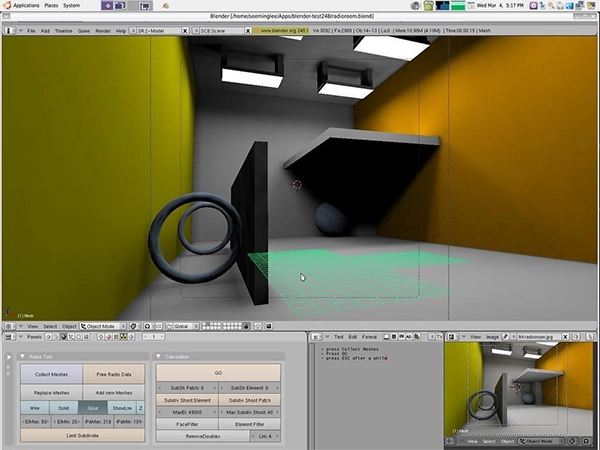
The traditional answer was Blender, which is free and excellent and also a 300MB install with a learning curve shaped like a cliff. If you convert files once a month, that is a lot of software for sixty seconds of work.
Browser converters closed that gap. Say you grabbed a GLB from a scanning app and your engine wants FBX. A GLB to FBX converter handles that in the browser: upload, convert, download, done. The good ones preserve the model’s scale, which matters more than it sounds, because a chair that imports at 4 meters tall is technically converted and practically useless.
The same trick works in every direction. GLB to OBJ for older software. FBX to STL when something needs printing. OBJ to GLB when a client wants to spin the model in a web page.
First, size. Open the converted file and compare it to something you know. A coffee mug should not be the size of a building. Unit mismatches between centimeters and millimeters cause 90 percent of weird imports.
Second, textures. If the model comes in gray, the textures did not travel. With OBJ, check that the MTL file and the texture images sit in the same folder. With FBX, re-link the textures inside your software. This is a format quirk, not a broken file.
Third, orientation. Some formats consider Y the up axis and others prefer Z, so a model occasionally arrives lying on its face. Every 3D program has a rotate tool for exactly this reason. Ninety degrees on one axis usually stands it back up.
And that really is the whole game. The next time a download refuses to open, you are one browser tab away from fixing it, not one 300MB install and a weekend of tutorials.