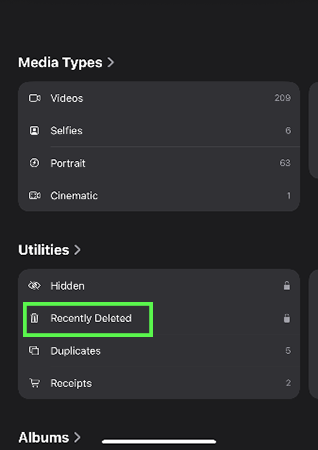
There are only a few methods to recover WhatsApp images without backup because, after deleting the images, the device saves the deleted images to the recently deleted bin for 30 days. After 30 days, the images are permanently deleted. In some cases, the images are saved in the phone’s memory, but you can only recover them with the help of a data recovery tool or a third-party application.
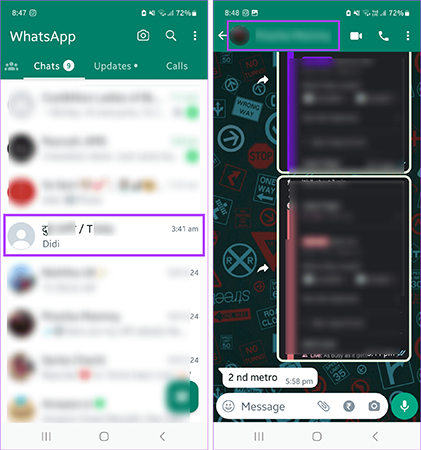
But to recover your images, first you need to recover the respective WhatsApp chat that contains the images you are looking for. In this article, we learn how to recover deleted WhatsApp images without backup in brief.
To recover your deleted WhatsApp images, it is important to have a WhatsApp chat backup. So, first you need to check out the backup availability.
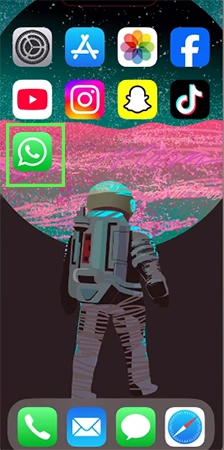
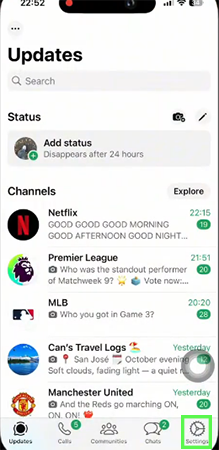
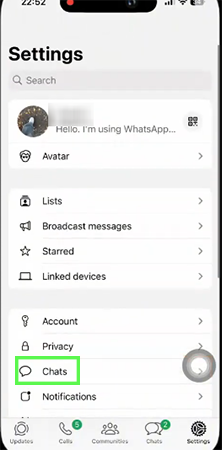
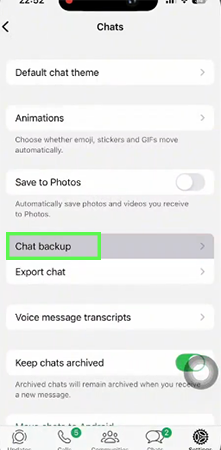
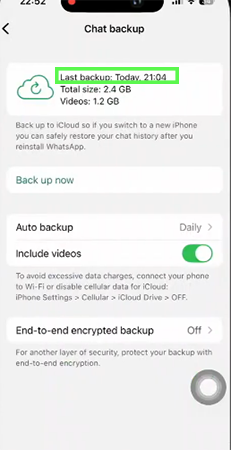
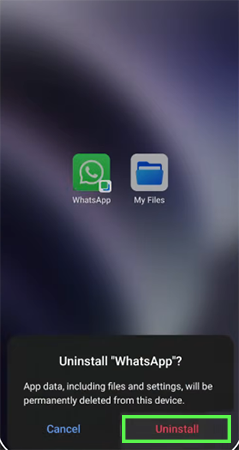

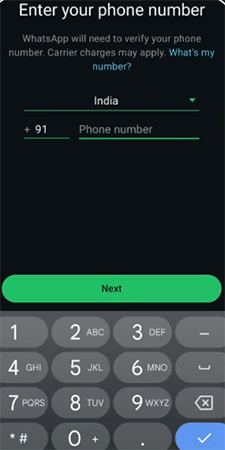
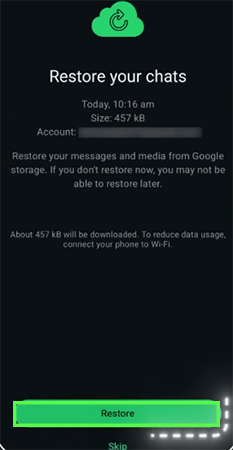
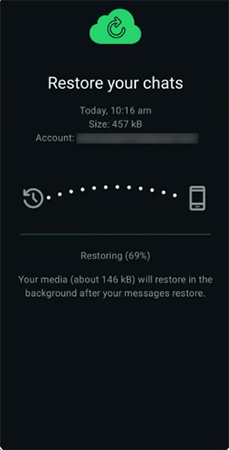
It can be hard to recover images without a backup, but there are some methods you can try to find your deleted images. If these steps didn’t work for you, then you need an Android data recovery tool or a third-party application.
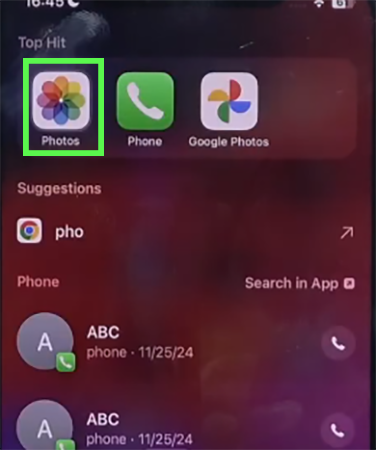

There are 3 options; you can do these to make a strong backup of your WhatsApp images so you can avoid losing your important images even after deleting them.
If you don’t want to struggle to find your deleted WhatsApp images, always keep your WhatsApp backup for chats and images, and set the backup update to daily so you can’t lose any important image.
There are some methods to find your deleted images in the photo gallery. In this article, you will get to know how to recover deleted images with and without backup in WhatsApp. For more such guide videos, check out the Getassist YouTube channel.
Deleted pictures are temporarily stored in a Bin or Recently Deleted folder on your device before being permanently deleted.
No. After deleting photos from your device, they are temporarily stored in a recycle bin or a recently deleted folder on your device, and you can recover those images before deleting them permanently.
Yes, there is a chance to recover permanently deleted images from your device with third-party data recovery applications.
Yes, you can see permanently deleted photos with the help of a third-party application by recovering your data.
Yes, you can easily recover your deleted WhatsApp images if you have a backup. If you don’t have any backup, there are some third party application which helps to recover your deleted data.