Recovering Telegram messages depends on so many factors, like whether you have a backup or you have any synced device with the same Telegram account, and more.
You can recover your Telegram data easily if you have a backup; if you don’t have a backup, you need to use other ways to recover Telegram messages, like a third-party application, the delete log, and the Telegram cache file.
The recovery of deleted messages depends on how they were deleted, such as the time period or the process of deleting messages; these factors will decide whether messages are recoverable or not.
Here is how to recover deleted telegram messages easily:
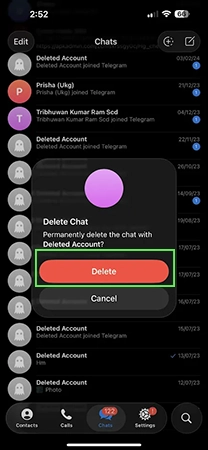
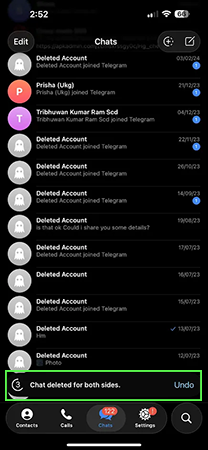
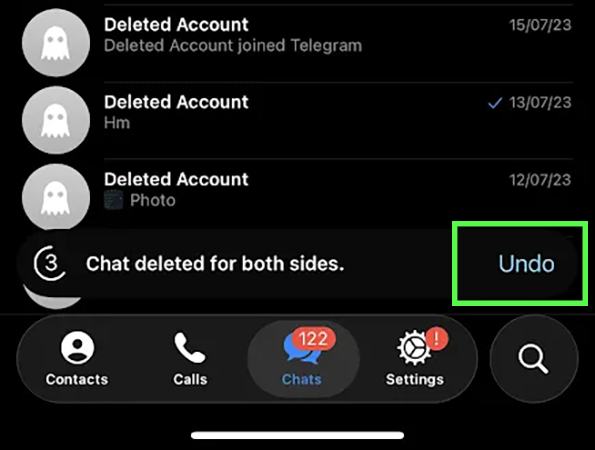
You can easily use the undo option just after deleting the text message.
Yes, you can ask your chat partner to send the messages again, and you can recover the important messages.
If you have any other device synced with your Telegram, there are some chances that device has the deleted messages.
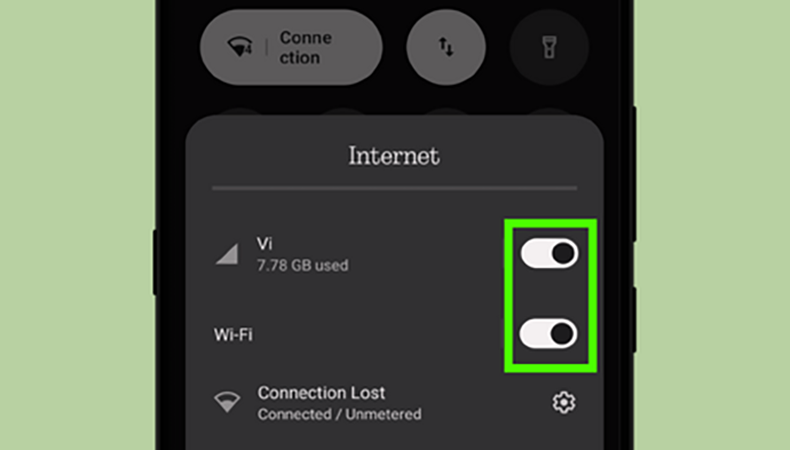

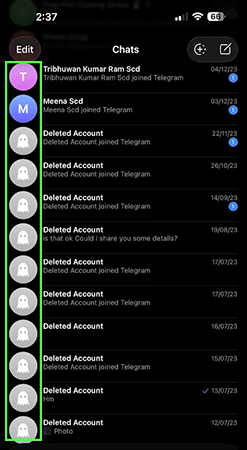

Recovering deleted Telegram messages without a backup is much more difficult to recover but there are some methods to recover Telegram deleted messages and also recover deleted photos. Follow these simple and easy steps to get your messages back.
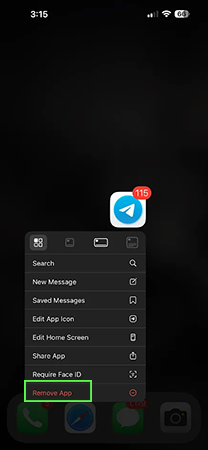
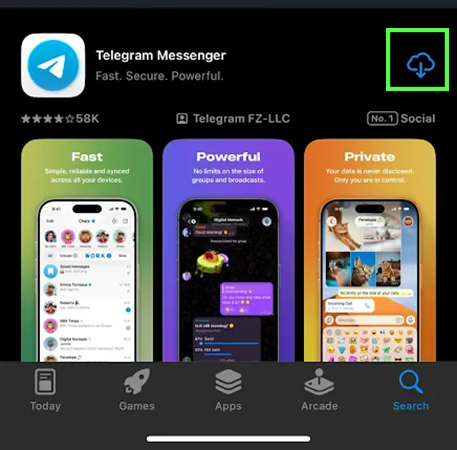
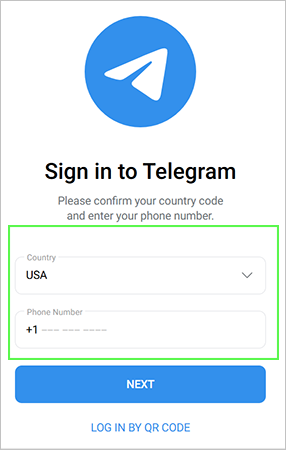
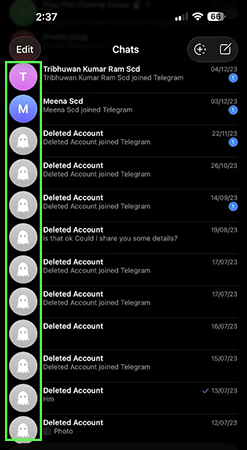

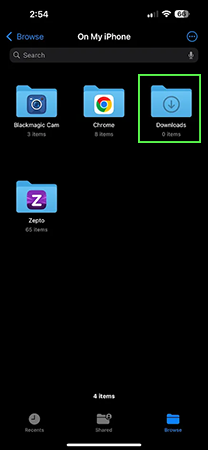
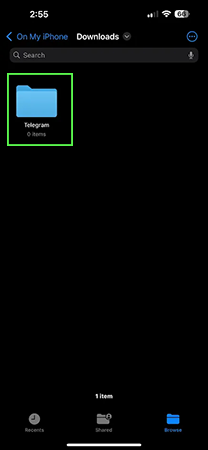
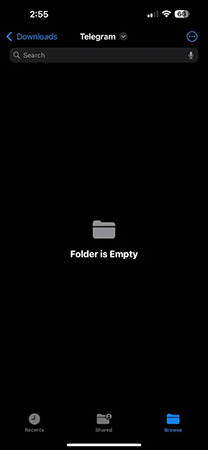
Sometimes we accidentally delete some important messages and don’t know how to recover them. It is much more difficult to recover deleted messages without a backup, but there are some methods we discuss in this article that will help you to recover Telegram messages in a few easy steps.
If this guide is helpful, you can check out more such guide videos on the Getassist YouTube channel.
You can easily recover your deleted chats by restoring the chats from the cloud backup.
No, chat backup doesn’t restore deleted chats; it only creates a restore point of chats. However, if the messages are deleted after creating a backup, then you can restore your deleted messages.
Yes, there are multiple ways to recover deleted chats, such as the phone’s deleted logs, application cache files, any restore point or backup, and the application’s deleted folder.
Chat backup is a cloud restore point in which the device creates a backup using cloud storage so that you can recover your data if you change the device or accidentally delete important messages.
There are fewer chances to recover messages without a backup. But you can recover messages from the phone’s delete log or application cache files.