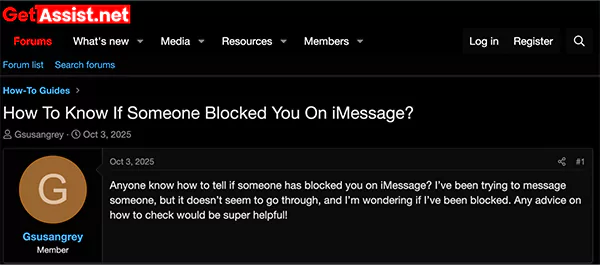
Do your iMessage bubbles stay blue, never show “Delivered”, or do your calls go directly to voicemail when you try to communicate with a particular iPhone user?
If yes, then there is a strong possibility that they have likely blocked you on iMessage.
But are these signs the only indicators that reflect you have been blocked on iMessage by someone, or are there other telltale signs? Let’s find out how to know if someone blocked you on iMessage.
Knowing someone blocked you on iMessage can be an overwhelming experience because there’s no official alert from the app that notifies you that you have been blocked.
In that scenario, deduction of the available signs sounds more plausible. So, how to know if someone blocked you on iMessage?
Here are the revealing signs you will notice when someone blocks you on iMessage:
If you observe these signs all at once, you can assume that the person has restricted you from contacting them; in other words, you may have been blocked on iMessage.
When someone blocks you on iMessage, they are not only restricting you from messaging them on iMessage but also from directly calling and viewing their status. So, once you’re blocked by a contact, these are things you can expect:
You will encounter these restrictions until they unblock you or you try to contact them with a different Caller ID or different platforms like WhatsApp, Messenger, Instagram, Snapchat, etc.
Blocking a contact on iMessage is much simpler than you think. A few taps, and you have successfully blocked the iPhone user. So, let’s see how you can block someone on iMessage.
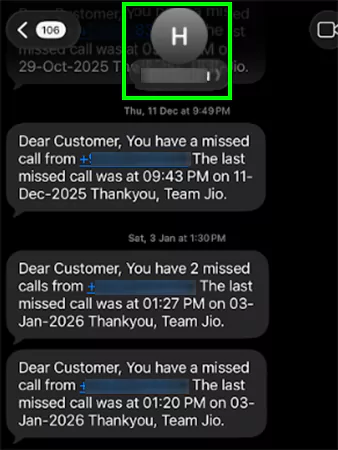
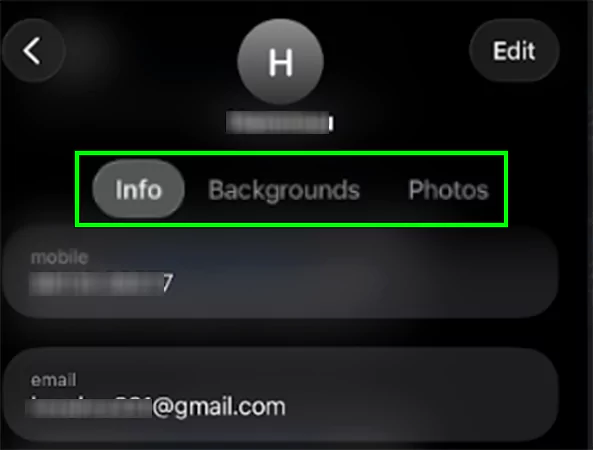
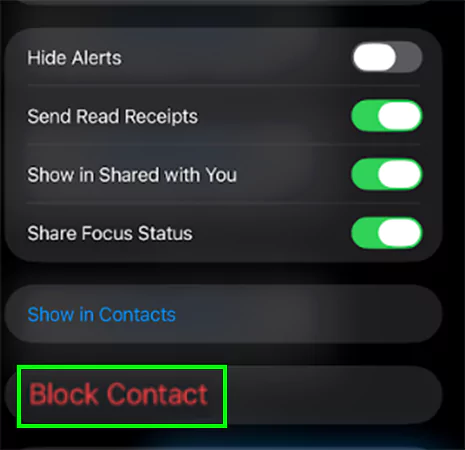
Go to Settings >> Messages >> Blocked Contacts >> Swift left on the name/number>> tap “Unblock,” and you have easily unblocked a contact on iMessage. You can also unblock someone from your block list via “Privacy & Security” settings and the “Phone” app.
To enable iMessage on iPhone, simply go to Settings >> Messages >> Toggle on iMessage >> Sign in with Apple ID >> Wait for Activation, and now you can use iMessage to text someone.
No, you can not see their profile or status if they have blocked you on iMessage.