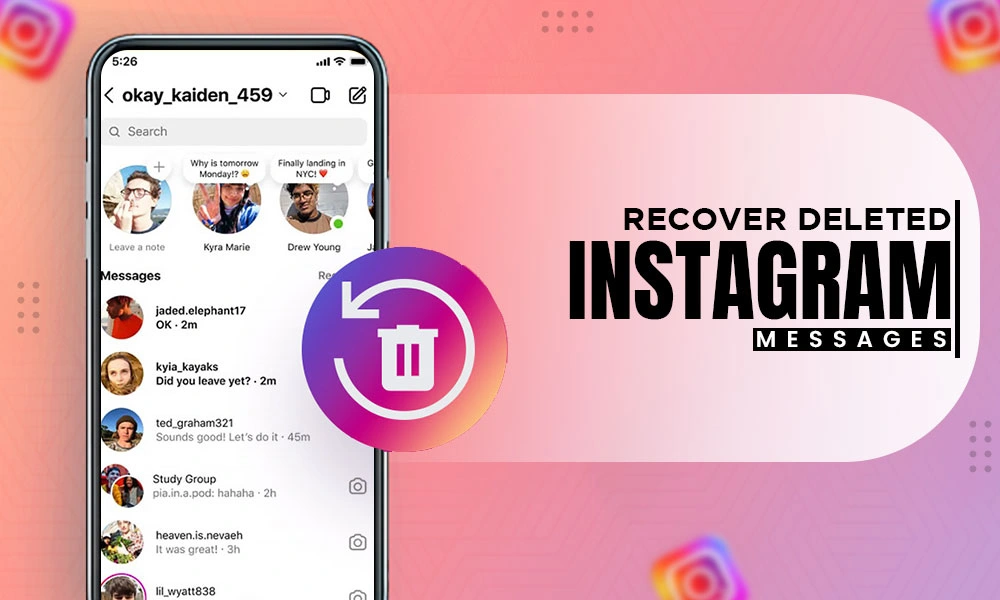
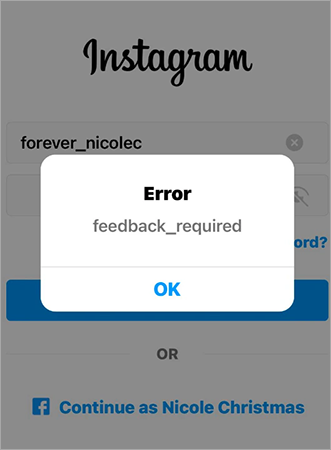
There are many factors in the Instagram sign-in error, like technical issues on Instagram’s server, internet issues on your side, or Instagram deactivating your account due to violating community guidelines, etc.
Let’s fix Instagram login error in the easiest way possible.
If you have been using Instagram for the past few months, you might have faced many technical issues on Instagram. There is a reason behind the issues and errors: Instagram is the fastest-growing platform in the past few years, and Instagram is trying to increase the stability of its application and website.
These issues can happen due to:
Check out the six methods that you can try to fix Instagram login error on your devices.
There are some glitches or technical issues on Instagram’s server. You can try to log in to Instagram on a different browser to ensure that there is a technical issue on Instagram’s server.
You can check your internet connection before logging in to Instagram, or you can try changing your internet connection because there will be some chances of errors due to an unstable internet connection. Try to fix it and then log in to your Instagram account.
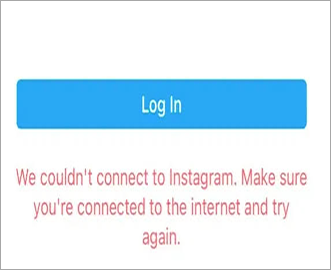
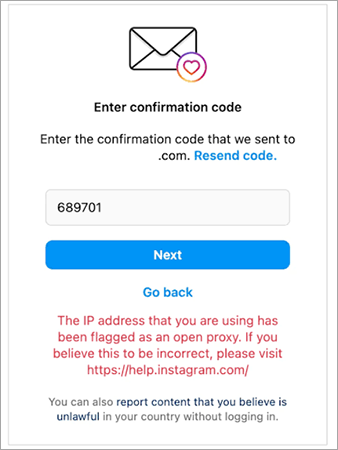
Instagram blocks some IP addresses due to violating community guidelines. There are some Instagram guidelines for users to follow while using Instagram. If you break the guidelines multiple times, Instagram will block your IP address, and you cannot log in to any Instagram account from that IP address.
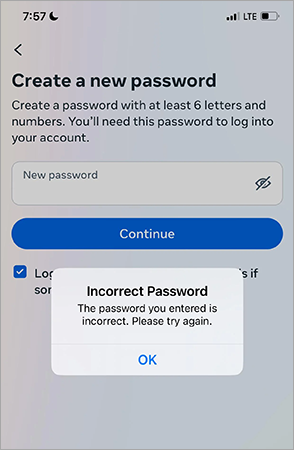
You are entering your Instagram ID or password incorrectly while logging in, so recheck your ID or password. If you forget your Instagram password, you can reset it from the Instagram login page by pressing Forgot password and filling in the user ID and email.
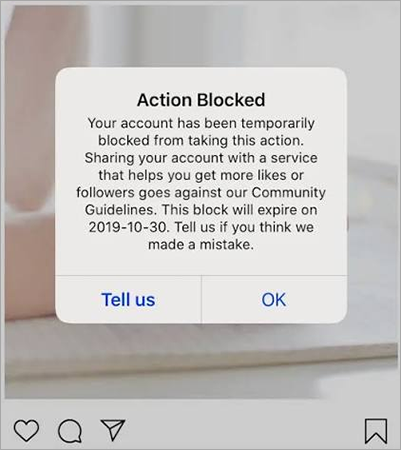
Instagram has some guidelines for users; you need to follow those guidelines while using it. Violating those Instagram guidelines can cause your IP address to be blocked or your ID suspended by Instagram. You can contact Instagram support for such issues.
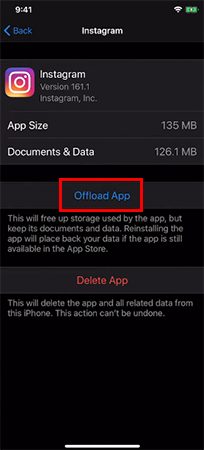
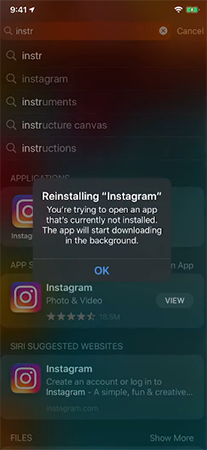
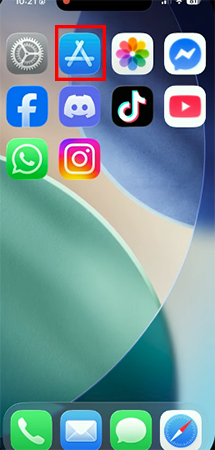
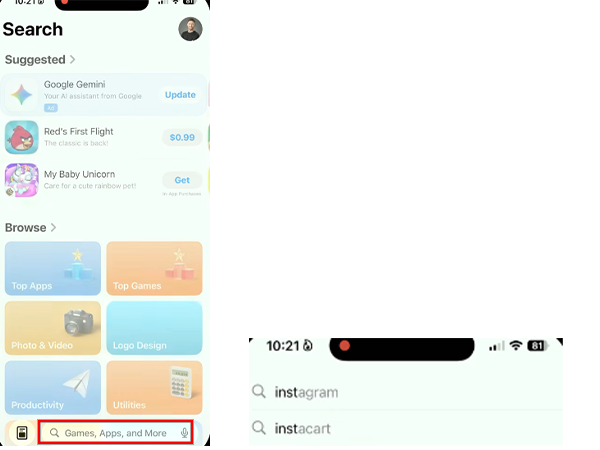
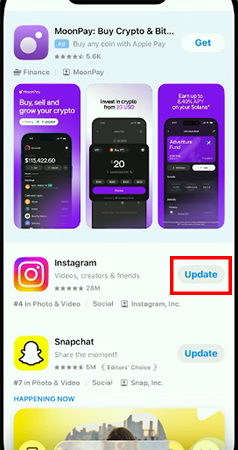
Instagram app cache file can also cause errors while trying to log in to your account. Clearing all the cache files of Instagram can fix this issue, or updating your Instagram can also fix the issue; an outdated app can cause trouble.
Method 1: How to clear cache files of Instagram on iPhone
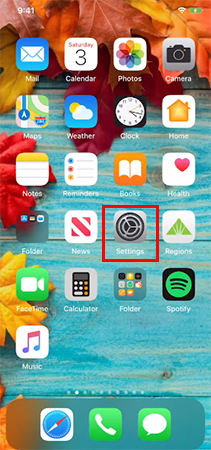
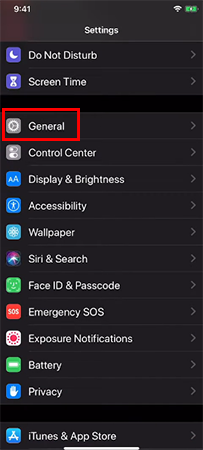
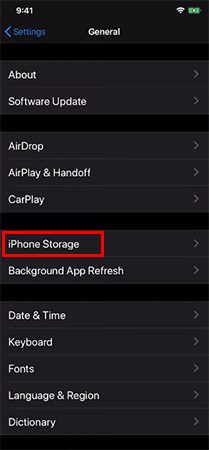
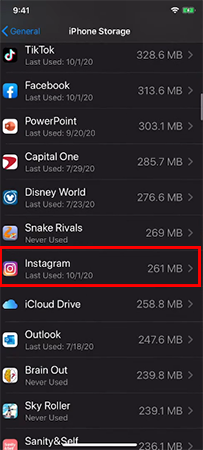
Method 2: How to update Instagram on iPhone
As we discussed, there are multiple reasons for the error, like an internet or website glitch, wrong id password, and many more. If your account is hacked or suspended by Instagram, you can contact them through Instagram Support for a solution. In this guide, you will get the solution to fix Instagram login error. For more such video guides, check out the Getassist YouTube channel.
There are some reasons why Instagram won’t let you login ti your account are
There are multiple reasons for that. You can check the internet connection, try to log in on a browser, or check whether the ID and password are correct. If all things are good, there will be a technical issue on Instagram’s server.
To know if your Instagram account is banned or not, try to log in to your account with the correct user ID and password. If a pop-up shows up saying your account has been temporarily block so that you account is blocked by Instagram.
You can easly rest your Instagram login by tapping on Forget password on the login page and filling in your User ID and email.
The minimum is 180 hours, and the maximum depends on the violation of guidelines.