When the user faces difficulty in understanding a product, the problem doesn’t just lie in the complexity of the service itself or its functioning. Sometimes the issue exists in how the organization failed to provide the right technical support.
A better customer experience always starts with the ability of the support staff to be empathetic and take part in active listening when a stressed user shares their grievances. Arguing and being impatient at these times can even make the individual abandon the service altogether.
This guide highlights how empathy improves troubleshooting, user experience, and leads to quicker resolution of issues and happy customers overall.
When a person connects with the support representative, they expect their problems to be heard, understood, and provided with clear resolutions.
But when the opposite happens, the experience truly gets ruined. When the tech support proceeds with empathy in mind towards the other person, the results obtained are always positive and better for both parties.
The following are the necessary skills support teams require to effectively solve problems of individuals:
It is of the utmost importance that when the person facing a problem is explaining themselves, the solution-giver must wait their turn and listen.
This act of active listening allows for better understanding between both involved parties and empowers clear communication.
Keeping emotions in check and remaining calm is one of the most beneficial qualities a person can have. This not only helps during troubleshooting processes, but also in other aspects of life.
Staying patient during complex problems lets you think effectively and provide a much more comprehensive fix for the other person.
Every regular user isn’t well-versed in all the technicalities of the product, which is also why they called for support in the first place.
For instance, when you are helping a user learn more about a free AI humanizer, you explain the steps to them just like how you would explain to a person who doesn’t have prerequisite knowledge on the subject, because that might just be the case.
Fun Fact
IT support often involves more human psychology than computer science. Technicians report users literally misidentifying their monitor as the entire “computer”, or calling a tower component a “modem”.
Here’s how you can follow an empathy-based troubleshooting process and ensure you can fix all issues without getting frustrated:
When the user joins the support call, greet them and request that they explain the problem completely.
This is where you use the skill of active listening and understand their grievances without interrupting.
When you’ve noted down the issue, work towards its fix, and assist the user by guiding them through every small step, even if it may take too long.
The objective at this stage is for you to make the other person understand the cause of the problem and help them get rid of it without placing the blame on anyone.
When the technical troubleshooting is complete, ask the user if the issue is resolved on their end as well and if they require any further assistance.
Users appreciate it when the support staff fixes all of their problems without making a huge fuss and ensures the changes are reflected on the other side also.
Some things can really frustrate both the technical support staff and users. Here are some of the mistakes that cause them:
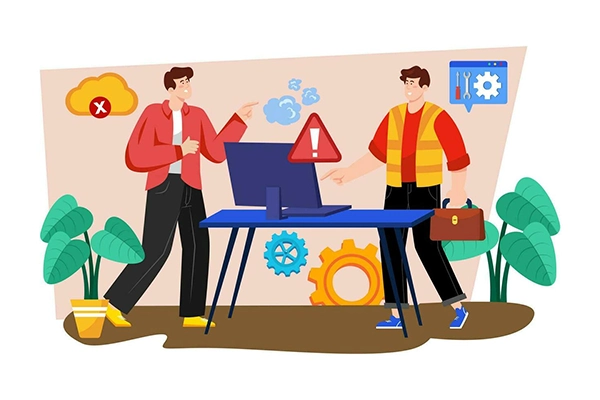
The transformation of the digital landscape has led to the rise of AI and automation in tech support.
These tools can dynamically and empathetically understand the situation in a quick time and suggest comprehensive solutions to fix it, while also automatically following up with the customer after a while to recheck the status of the problem, asking if it persists.
So when the users do use the best ai humanizer tool, they never run into any problem that may cause disruption of their workflow.
Empathy plays a very important role in defining how a support call flows and has a great impact on the resolution of problems, as customers feel heard and understood.
With the integration of AI models in the tech support workflow, it has become even easier to help users out with issues and get them fixed with detailed insights and steps. This automated process really enhances user experience and support quality.
The following are the mistakes:
Empathy plays a very important role in defining how a support call flows and has a great impact on the resolution of problems, as customers feel heard and understood.
Keeping emotions in check and remaining calm is one of the most beneficial qualities a person can have. Staying patient during complex problems lets you think effectively and provide a much more comprehensive fix for the other person.
Active listening allows for better understanding between both involved parties and empowers clear communication, thus creating a much better experience for the user.