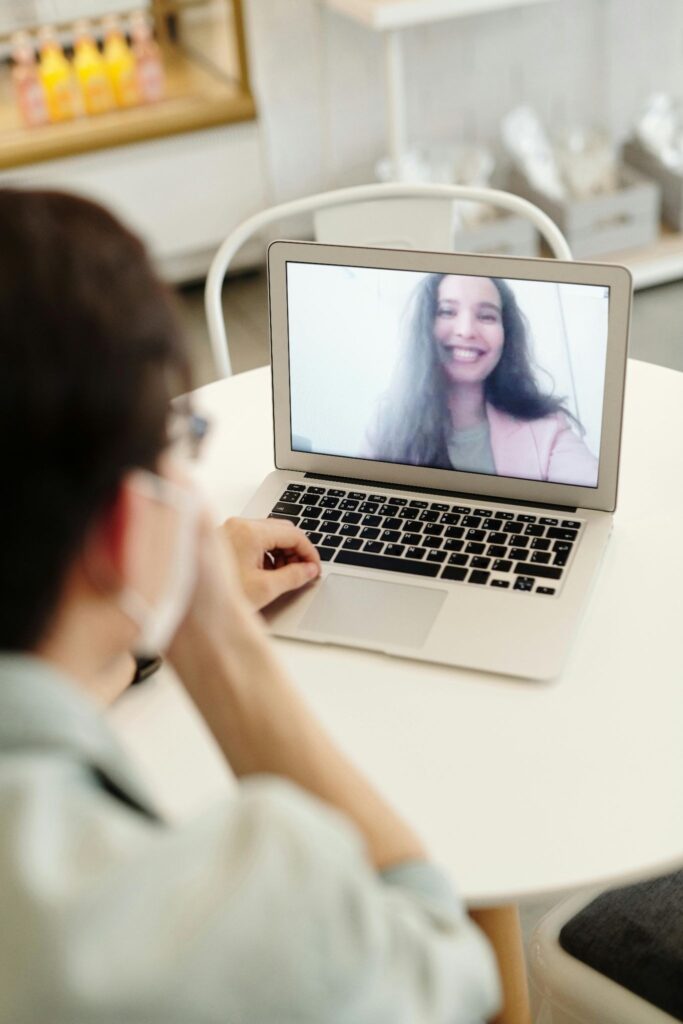
“Privacy is not an option, and it shouldn’t be the price we accept for just getting on the internet.” — Gary Kovacs (Mozilla CEO)
Random video chat platforms make it incredibly easy to meet new people within seconds. That same ease, however, comes with a trade-off. Unlike structured social platforms, these chats are unpredictable, lightly moderated, and often anonymous. This creates a space where privacy risks aren’t just possible, they’re common.
Without proper precautions, users can unintentionally expose personal information, allow unauthorized recording, or fall into social engineering traps. The good news is that a few deliberate settings and habits can significantly reduce these risks.
In this article, I’ll tell you how to protect your privacy on random video chat platforms with smart settings, safer setups, and practical tips to avoid oversharing.
KEY TAKEAWAYS
- Device and browser permissions can become a major privacy risk if left on default.
- Your background and surroundings can reveal more than you realize.
- Audio is just as important to manage as video exposure.
- Clear personal boundaries are your strongest defense in unpredictable conversations.
Most privacy issues aren’t a result of hacking, but of overlooked settings. Browsers often retain permissions for camera and microphone access long after a session ends. Unless checked periodically, this allows the browser to grant access to other sites or applications.
A safety tip would be to limit the services you trust and use. Also, disable the permissions granted by the service immediately after use. Manually selecting the correct input device (camera) rather than using auto-detect can help prevent unintentional data leaks (i.e., when an external microphone is active). Users seeking a structured method for setting up their technology often consult a Random Chat Guide, which lists the factors affecting camera resolution, lighting, and audio setup to both enhance usability and control over what is shared. Ensuring that your software is up to date is a fundamental practice. Older versions of browsers or operating systems may contain vulnerabilities that are currently being exploited.
Your camera doesn’t just show you, it tells a story about your environment. Background objects like documents, photos, or even small details may give away information more than intended.
Neutral backgrounds are the safest option. When this cannot be achieved, background blurring or a virtual background can minimize identifiable features. Purposeful placement of the camera will assist in reducing unwanted views. Wide-angle shots that show too much of the surrounding area are best avoided.
Lighting affects the overall quality of the picture. Properly placed lighting will make the subject easier to see; however, avoid illuminating anything in the background that could be sensitive. Visibility is important, but so is protection.
CONCERNING STAT
According to Save The Children, over 60% children with internet access interact with “unknown others” daily.
People often focus on video and forget that audio can be just as revealing. Background conversations, notifications, or environmental sounds can unintentionally disclose your location or situation.
Using headsets instead of speakers will stop audio from broadcasting through the speakers and limit what can be heard. The use of a dedicated microphone or an acceptable input device will minimize background noise and eliminate the need to raise his/her voice when speaking to the camera. An audio check before entering a session will alert the user if there is any other audio coming from the system or applications running on it.
Technology can only do so much. The biggest privacy risks often come from human interaction itself. Random chats can feel casual and friendly, which sometimes leads users to share more than they should.
Information that should be kept private includes:
Requests to transfer a conversation to another platform or to click an outside link should be viewed cautiously. If a user finds himself/herself experiencing pressure, feeling rushed, or receiving requests for personal information, the correct action is to end the session.
It’s not like that random video chatting platforms are inherently unsafe; just use them wisely. A mix of smart settings, controlled environments, and clear personal boundaries can drastically reduce your exposure to risks.
You’re not locking yourself out; it’s more like choosing what you let in.
They can be safe if used carefully. Risks mainly arise from oversharing information or leaving device permissions unchecked.
You can manually revoke permissions in your browser settings under site permissions for camera and microphone access.
It helps, but it’s not foolproof. Combine it with proper camera angles and minimal visible objects for better protection.
Do not share it. End the conversation immediately if the request feels unnecessary or pressured.