High-quality caption do more than display words–they improve viewer retention and accessibility. The real challenge is accurately handling accents, background noise, and specialized terminology while keeping manual edits to a minimum.
After comparing nine leading video capturing APIs, one thing stands out: the best choice depends on your workflow, scalability needs, and the balance you want between speed and accuracy.
Key Takeaways
- ZapCap – Best for video content creators and multilingual video production automation
- Creatomate – Best for automated video production and personalization at scale
- Shotstack – Best for programmatic video generation and automation
- Bannerbear – Best for automated social media content and ecommerce banner generation
- Json2video – Best for video automation for e-commerce, real estate, and content publishing
- Submagic – Best for short-form video creation and repurposing
- Veed – Best for video creation and editing for creators and enterprises
- fal – Best for generative AI API and video automation
- ReelWords – Best for short-form video caption generation
Picking the wrong captioning API doesn’t just hurt your product’s performance. It can create real legal exposure around WCAG 2.1, ADA, and Section 508 accessibility compliance. Technical and medical content suffers especially hard when a model hasn’t seen that kind of terminology, and the Word Error Rate climbs fast.
The right API brings measurable improvements: tighter caption synchronisation accuracy measured in milliseconds, faster API response times per minute of video, and WER percentages low enough that your team stops manually correcting output.
That kind of reliability is what distinguishes a tool that scales from one that creates bottlenecks.
Note: All data in this table is compiled from review platforms and the official websites of the listed companies.
| Company Name | Headquartered In | Team Size |
| ZapCap | Sydney, Australia | 8 |
| Creatomate | Netherlands | 2 |
| Shotstack | Sydney, Australia | 7 |
| Bannerbear | Singapore | 3-7 |
| Json2video | Barcelona, Spain | – |
| Submagic | Paris, France | 19 |
| Veed | London, UK | 150+ |
| fal | San Francisco, California | 137 |
| ReelWords | – | – |
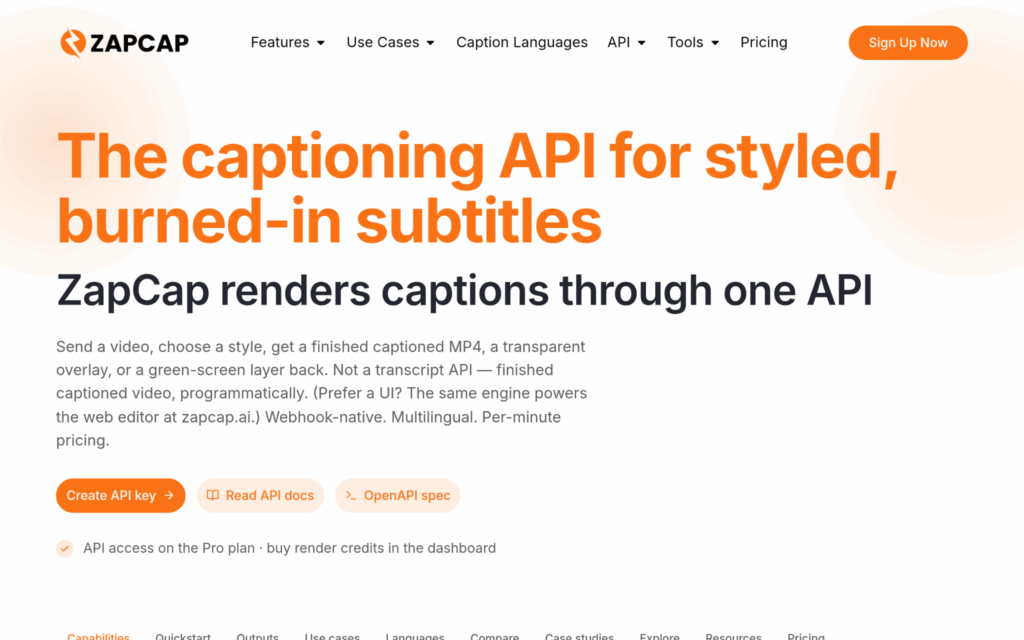
ZapCap is a video editing platform built to handle caption generation, B-roll selection, auto-cuts, and automated descriptions across more than 90 languages with frame-accurate timing. Their platform supports 60+ video formats up to 4K, which makes it genuinely valuable for teams working at scale. Developers and SaaS builders looking for a purpose-built video caption API will find that it fits smoothly into automated production pipelines without heavy configuration. With 500K+ active users and 700,194 videos created, the adoption numbers speaks for itself.
ZapCap addresses one of the hardest problems in multilingual captioning: maintaining timing precision across 90 languages without manual correction at every step. From what the data shows, that combination of broad language support and frame-accurate synchronization at $0.10/min is difficult to match at this price point.
Summary of Real User Reviews:
ZapCap has built credibility with well-known creators, including Ali Abdaal and Grant Cardone, which shows they’re legit in the content creation world. Users consistently point to time efficiency (the platform reports 176,928 hours saved) as the standout benefit. That kind of measurable productivity improvement is what keeps agencies and marketers coming back.
What Does Creatomate Do?
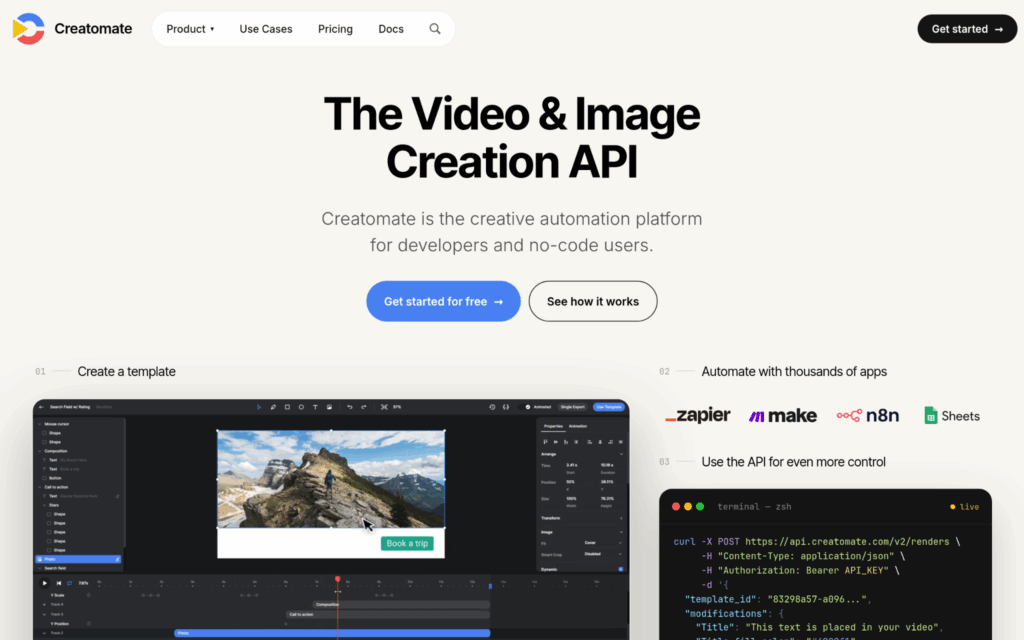
Creatomate is a video generation API platform founded in 2020 out of the Netherlands that lets developers and non-technical users streamline video production through reusable templates. They cover browser-based template editing, REST API connections, Zapier integration, and a JavaScript SDK for embedding. What’s genuinely notable about Creatomate is how it bridges the gap between developer-first tooling and no-code accessibility, so you’re not forced to pick one or the other.
Creatomate solves the workflow complexity problem, where developers need API control but marketing teams need visual, no-code interfaces, and it handles both in one platform. That kind of dual-access design usually means faster implementation across mixed technical teams.
Summary of Real User Reviews:
Users consistently highlight how simple the platform is to pick up, even for teams without deep API experience. The customer support standard from their lean two-person team gets called out almost as often as the product itself. That level of service is hard to match at any price point.
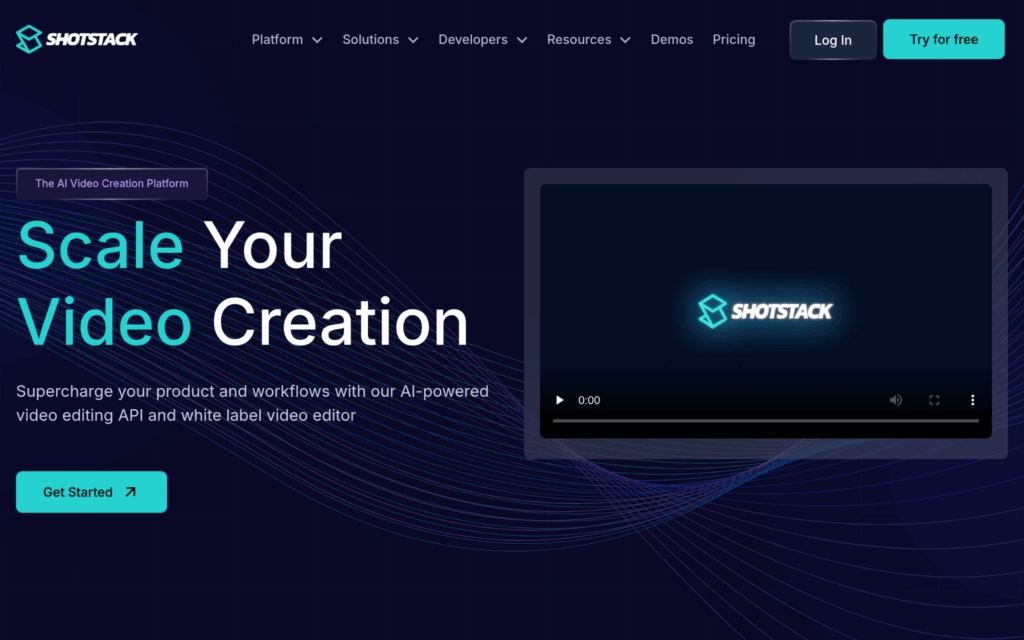
Shotstack is a cloud video editing API founded in 2019 in Sydney that lets businesses generate, automate, and customize videos at scale using programmatic workflows. They serve over 20,000 businesses across 119 countries, and their customers includes Spotify and IKEA (not cheap company to keep). Their fully managed cloud infrastructure means teams never have to build or maintain their own rendering servers, which removes a real operational challenge.
Shotstack handles the capacity problem directly by letting teams render thousands of videos daily without managing backend infrastructure. A fully managed approach like that usually means faster deployment and more predictable API response times per minute of video.
Summary of Real User Reviews:
Customers across real estate, media, and sports industries regularly praise the rendering speed and white-label editor flexibility. The platform’s stability earns as much attention as its feature set. Honestly, the bootstrapped $770K revenue with this client roster is a strong internet they’re doing something right.
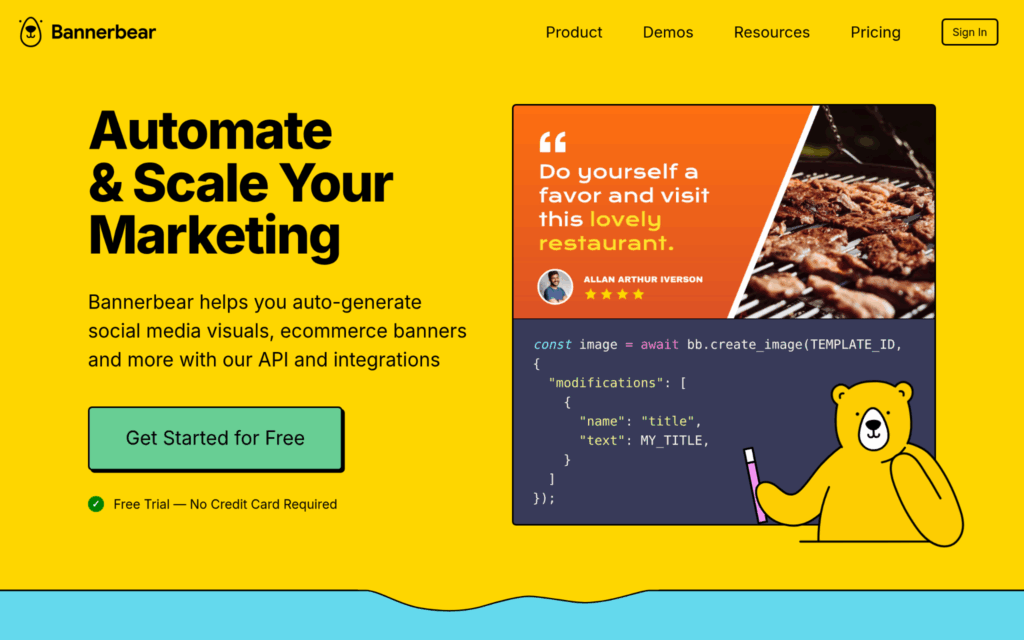
What Does Bannerbear Do?
Bannerbear is a Singapore-based API and automation tool founded in 2020 that specializes in creating social media visuals, ecommerce banners, and marketing content automatically. It works across no-code workflows through integrations with Airtable and Zapier, which makes it accessible to non-developers without sacrificing API power for technical teams. With 596 bootstrapped customers and nearly $1M in 2024 revenue, they’ve built a business that scales without external funding.
Bannerbear removes the manual slowdown in visual content production by automating repetitive generation tasks through API-first and no-code workflows. For teams producing high volumes of captioned social content, that automation system can cut processing time between video creation and publication by a meaningful margin.
Summary of Real User Reviews:
Bannerbear’s status as an official Zapier Partner comes up frequently as a credibility signal in user discussions. Customers value the reliability of the output as much as the connection breadth. The bootstrapped-to-profitable journey (scrappy, but a genuinely polished product) makes it an interesting pick for lean teams.
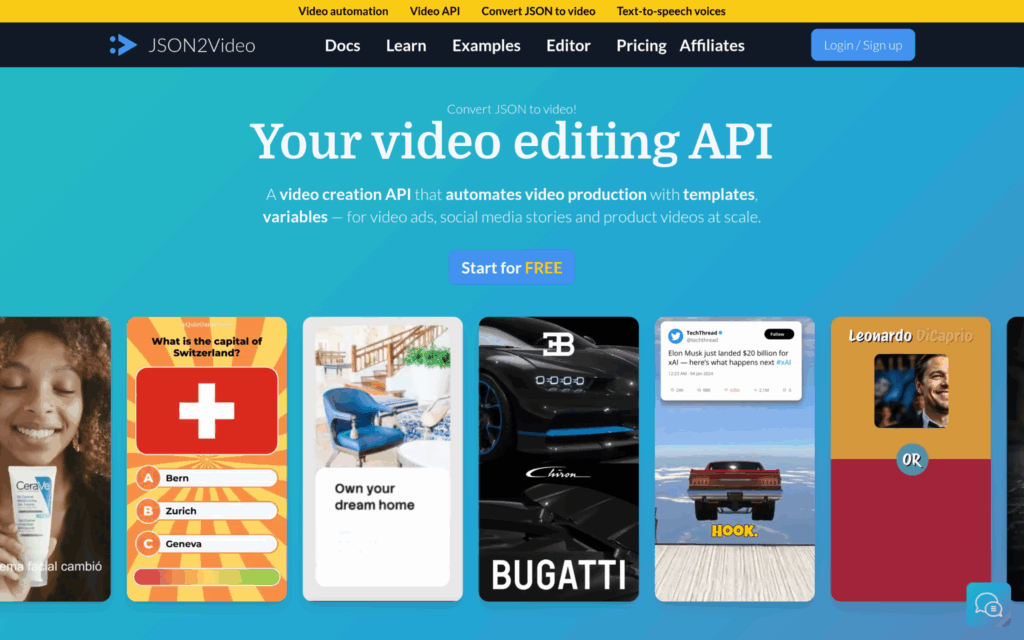
Json2video is a Barcelona-based video automation API platform founded in 2022 that gives businesses a full workflow for composing scenes, adding captions, generating voiceovers, and rendering finished videos. They’ve served over 70,000 creators and processed more than 10 million videos, which is remarkable for an unfunded startup. Their support for IFTTT, Make, and Zapier integration makes them a natural fit for teams already running automation workflows.
Json2video combines captioning, voiceover, and rendering in a single API call, which cuts out the multi-tool workflow most teams deal with at scale. Their reported 99.9% reliability and sub-2-minute average render times put them in competitive standing for speed-sensitive production pipelines.
Summary of Real User Reviews:
With a 4.9/5 rating from verified Capterra reviews, the satisfaction indicator is strong even if the review volume is still limited. Users point to the all-in-one approach of the platform as the main reason they stayed. Winning HackerNoon’s Startup of the Year adds a layer of recognition beyond user sentiment alone.
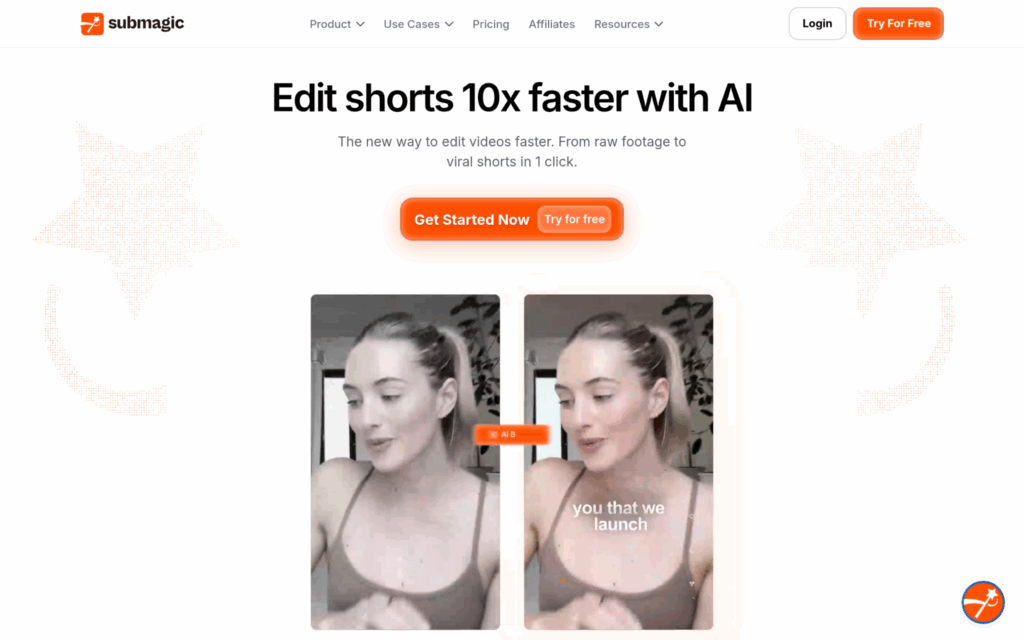
Submagic is a Paris-based video editing platform founded in 2023 that targets short-form content with animated captions, B-rolls, visual effects, and automatic editing across 48 languages. They report 99% caption accuracy, and their growth from $1M to $8M in revenue between 2023 and 2025 without external funding is worth watching (that kind of growth rate usually signals real product-market fit). Their Magic Clips technology handles video reformatting, which matters for teams managing content across multiple platforms.
Submagic tackles the short-form content production challenge head-on, offering a 10x faster editing speed claim that’s backed by a client like Sportskeeda achieving 40% reach growth. For product teams building short-form video tools, that accuracy-at-speed balance across 48 languages is hard to replicate without custom infrastructure.
Summary of Real User Reviews:
Public third-party review data for Submagic is scarce at this stage, so drawing firm conclusions from user sentiment is tricky. What the growth numbers do show is that 4M+ businesses have found enough benefit to keep using the platform, and that’s a meaningful signal on its own. The revenue growth tells a more complete story here than any review snapshot would.
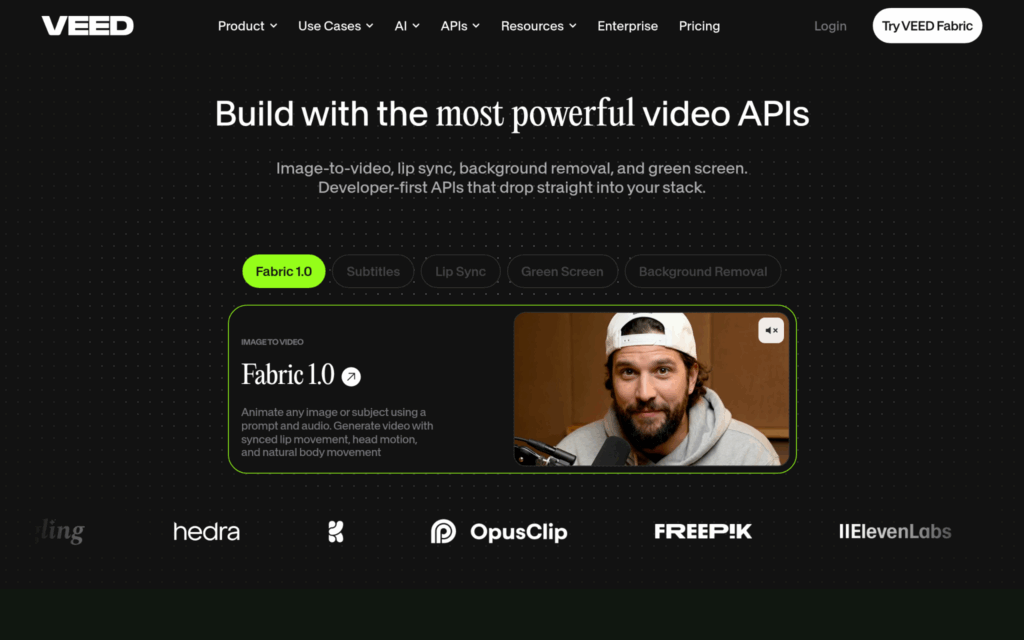
VEED is a London-based browser-based video creation platform founded in 2018 that serves millions of creators and businesses with AI tools covering subtitle production, lip sync, green screen removal, and video generation. They run a freemium SaaS model, which keeps the barrier to entry minimal while supporting enterprise clients like P&G, Pinterest, and Visa. Their dedicated Subtitles API gives developers a straightforward entry point into caption generation without needing to adopt the full platform.
VEED solves the “too complex for creators, too simple for enterprises” challenge by running both a consumer-friendly editor and a developer-ready API in one product. Their 12 million monthly active users and $57M ARR demonstrate the approach is working across both segments (that’s not a small number to sustain).
Summary of Real User Reviews:
VEED holds a 4.6/5 on Trustpilot from over 3,000 reviews, which puts it among the more established platforms in this space for user trust. Users value the clean interface and the reliability of subtitle output as top reasons for sticking around. The Sequoia backing ($35M) and $160M valuation don’t hurt the credibility factor either.
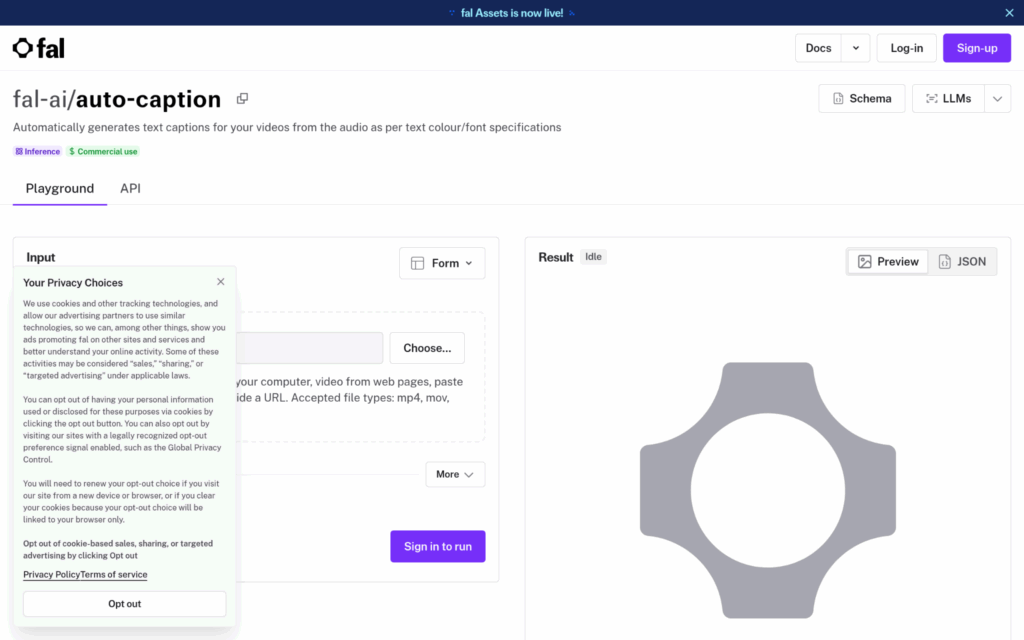
fal.ai is a San Francisco-based generative AI platform founded in 2021 that runs 200+ open and closed-source image and video models through high-speed inference APIs. Their Auto-Captioner model generates text captions from video audio with customizable styling, and their proprietary Inference Engine delivers up to 10x faster processing compared to standard inference setups. With over 1 million developers using the platform and enterprise adoption from Adobe, Canva, and Shopify, the reach of their ecosystem is genuine.
fal addresses the latency problem directly, where real-time captioning applications need inference speeds that most API providers can’t deliver at scale. Their 99.99% reliability guarantee and 100M+ daily inference calls establish them well for teams building speed-sensitive streaming or live captioning products.
Summary of Real User Reviews:
Developer community adoption at this scale (1M+ developers) is a strong indicator of trust in the API’s reliability and performance. Enterprise adoption by companies like Adobe suggests the platform holds up under demanding workloads. That kind of developer ecosystem confidence is genuinely hard to match in this space.
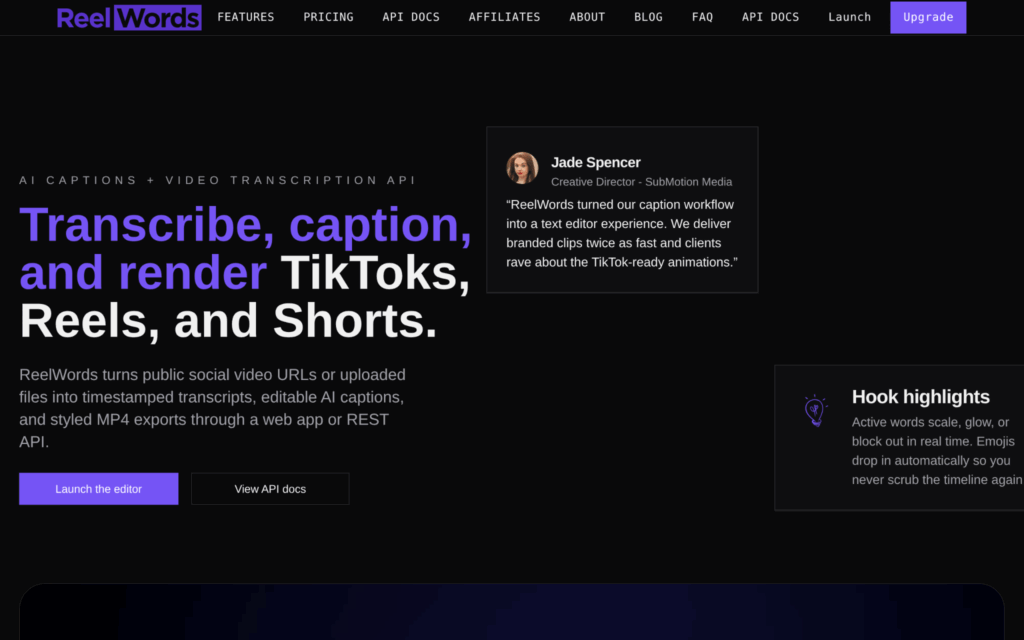
ReelWords is a caption generation platform that focuses on customized caption overlays built for short-form video content on Instagram Reels, TikTok, and YouTube Shorts. It handles accurate transcription, animated overlays, word emphasis controls, and mobile-safe caption positioning automatically. It’s a narrowly focused tool, but that focus means every design and workflow decision centers the short-form creator use case without compromise.
ReelWords addresses the platform-specific caption positioning problem, where standard captioning tools don’t account for safe zones and aspect ratios on mobile-first platforms. For product teams building short-form video tools, that kind of natively built output removes a manual process that otherwise creates friction in the production pipeline.
Summary of Real User Reviews:
Full third-party review data for ReelWords is scarce, which makes it harder to draw strong conclusions from user sentiment at this stage. What’s publicly visible suggests the tool has a focused user base that appreciates the platform-tuned caption styling. For teams with a specific short-form use case, it’s worth evaluating before committing.
The goal was to compile a list of video captioning API providers that could stand up to real scrutiny, not just marketing claims. Publicly available data was collected from multiple source types, including product documentation, developer community discussions, user review platforms, and case study pages, then cross-referenced for consistency.
The longlist was compiled by pulling from SaaS directories, developer-focused review platforms, and creator community discussions where captioning tools come up organically. The focus was on platforms with active public documentation, API-specific pages, and at least some confirmed user activity. Tools with thin or entirely absent public presence were set aside early in the process.
The initial longlist was then narrowed by removing any tool that couldn’t be confirmed through at least one independent source. Review patterns were examined for consistency and specificity, so tools with only vague, generic praise were treated with more skepticism than those with detailed, use-case-specific feedback. The goal at this stage was to remove irrelevant information before going deeper.
Each company’s stated capabilities were compared against what real users actually reported. Where a company claimed specific accuracy rates, supported language counts, or performance benchmarks, those claims were evaluated against third-party review commentary and case study evidence. Discrepancies between marketing language and real-world user experience were noted and factored into how each company was described.
Beyond reviews, authority signals were assessed, including industry awards, mentions in developer publications, funding history where relevant, and community adoption signals like developer ecosystem trust. Companies that had earned acknowledgement outside of their own marketing (award wins, enterprise partnerships, or funding rounds from established investors) received additional weight in the selection process.
Finally, each platform was assessed for its captioning-relevant capabilities. This meant looking for dedicated captioning feature pages, verified reviews from developers or media teams building caption solutions, and case studies tied to subtitle generation, transcription accuracy, or multilingual captioning. General video editing platforms were only included if their captioning and API-specific functionality were clearly documented and distinguishable from their broader feature set.
Choosing a captioning API comes down to more than checking a feature comparison. The right fit depends on your content type, your team’s technical expertise, and how much of your production workflow you want to automate. Here are the important factors worth considering carefully.
The video captioning API space has more advanced options than most teams realize, and the right choice depends on your scale, language requirements, and speed tolerance.
Providers like ZapCap and fal serve very different applications, so matching the tool to the workflow matters more than picking the most-funded name.
Caption accuracy standards are only getting higher with WCAG 2.1 and ADA enforcement, so the decision you make now will compound quickly as your video volume grows.
The National Association of the Deaf defines captioning as: “the process of converting the audio content of a television broadcast, webcast, film, video, CD-ROM, DVD, live event, or other productions.
Captions with api. video. Captions are added to a video using the Upload caption endpoint.
Generate AI videos programmatically with the Captions API. Create videos up to 1 minute in 30+ languages using community avatars or your own AI Twin digital clone.
Media that has closed captioning available is commonly identified in program guides, online videos and on DVD/video covers by the closed captioning [CC] symbol.