Being confused about your posting themes and questioning how to add music to Instagram posts is the most common Gen Z thing. Scrolling for hours and still feeling unsatisfied creates a frustrating chaos. That’s why this blog post by Getassist offers some easy methods to add music to all your social media clicks
How to Add Music to Instagram Post? (Library Music)
Now, to add music to an Instagram post with accurate video duration, you just need to follow some basic steps, which are mentioned below.
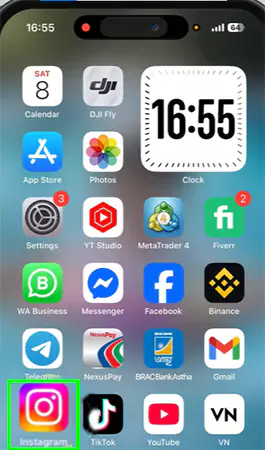
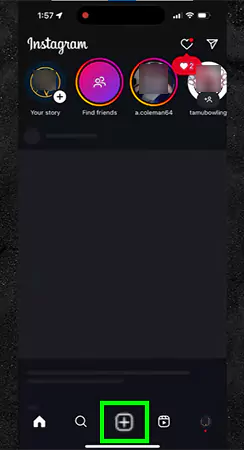
Open Instagram on your phone.
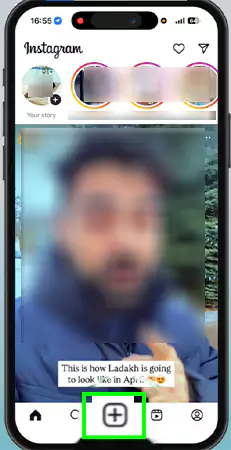
Tap on the + icon at the bottom.
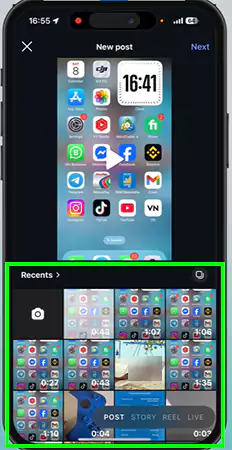
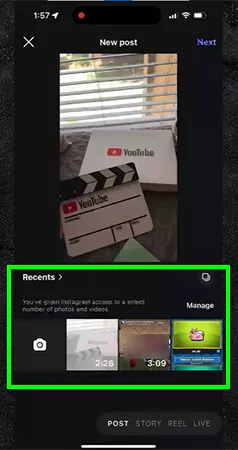
Select photos for your Instagram carousel post.
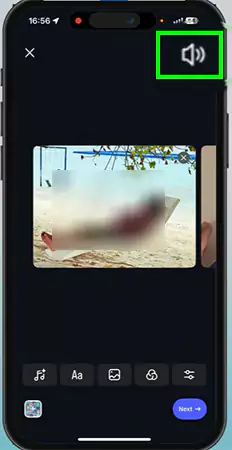
Enable the speaker button to channelize audio.
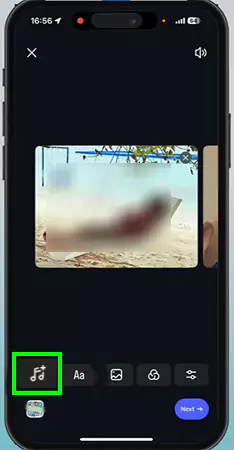
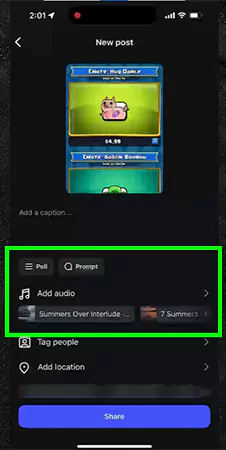
Tap on the music icon to select the songs.
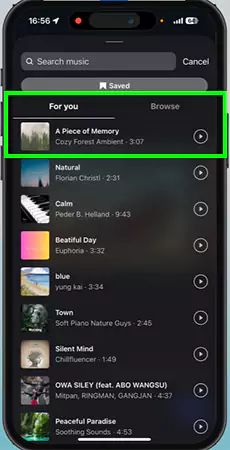
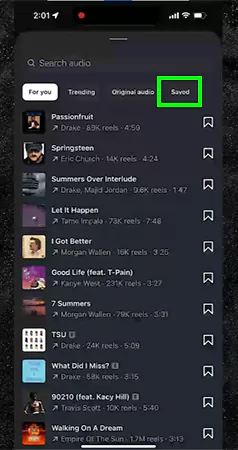
Select your song from the sound gallery.
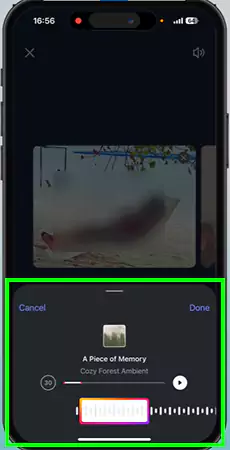
Choose the snippet of the song.
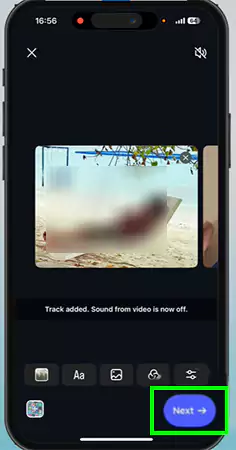
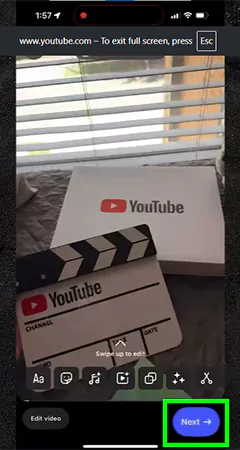
Tap on the next button at the bottom right corner.
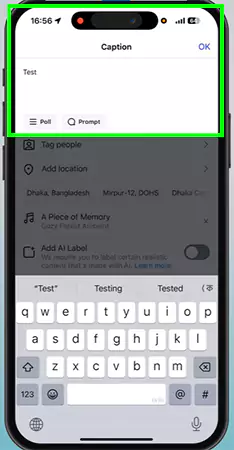
Add a caption in the last step before posting.
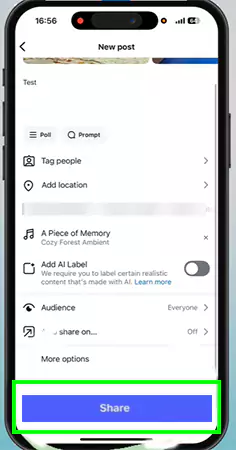
Finally, click the Share button to post.
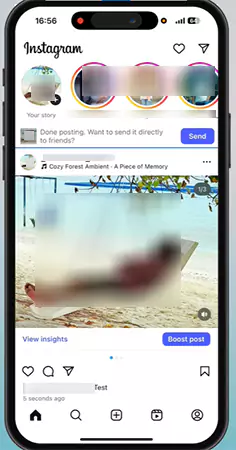
After doing all these steps, your Instagram post is live with your desired audio track.
If you want a video explanation of more such procedures and rapid META updates, check out the GetAssist YouTube channel and press the bell icon to never miss out on anything.
How to Add Music to Instagram Post? (Own Music)
If you aspire for your sounds or songs to go viral, create one, but it is technically not possible on Instagram; that’s why we will take the help of some other apps. Let’s take a look.
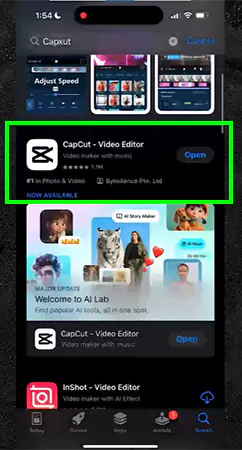
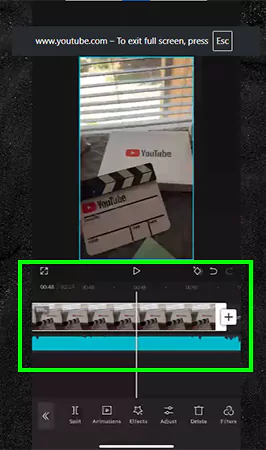
Download CapCut using the Play Store or App Store.
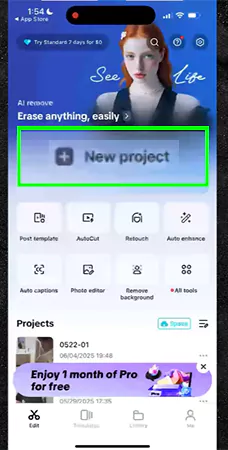
Open Capcut and Click on New Project
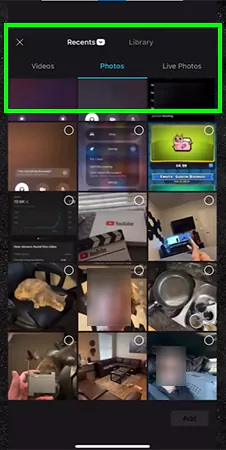
Then select a random image from your gallery
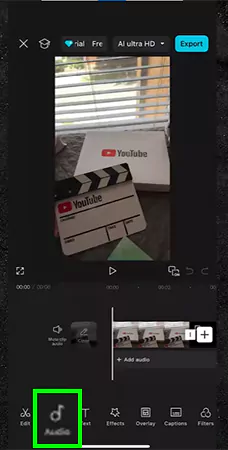
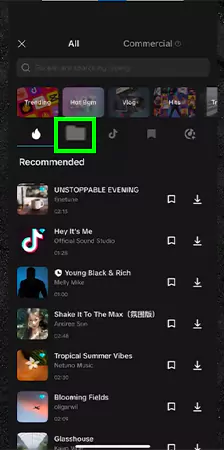
Tap on the audio button.
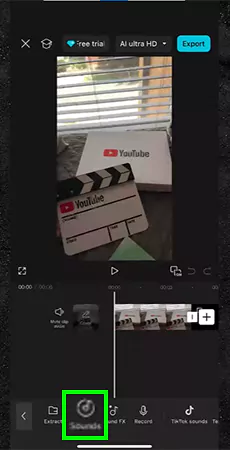
Tap on Sounds.
Now, tap on the folder icon.
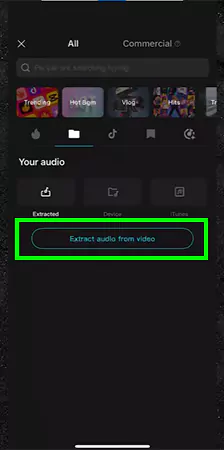
Hit the “ Extract audios from videos” option.
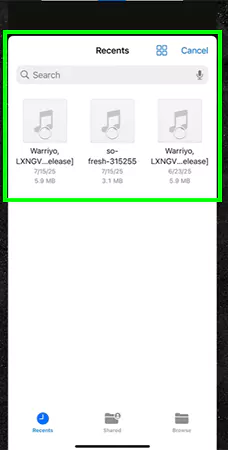
Select your File
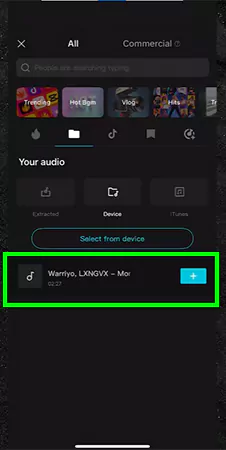
Click on the + icon.
Now, extract the videos.
Complete the extraction.
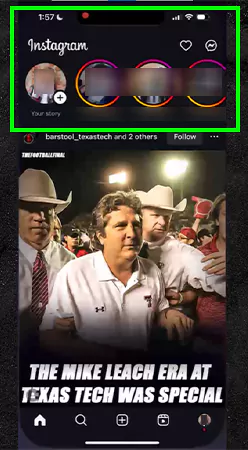
Open Instagram.
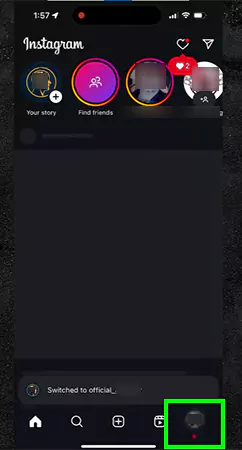
Then launch your secondary ID.
Click on the plus icon to post a reel.
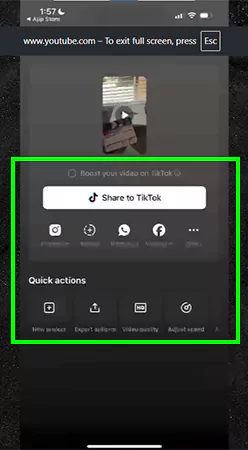
Then select the video that you have created in CapCut.
Publish the reel by clicking on Next.
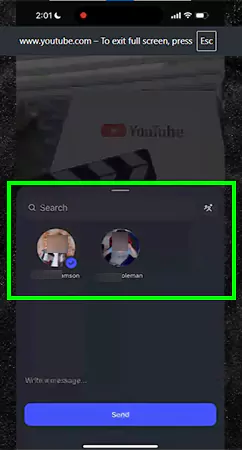
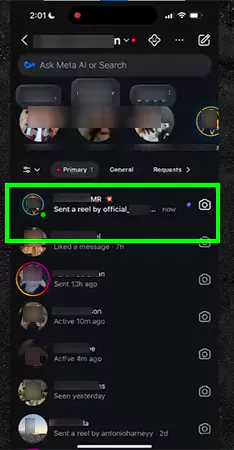
Send that reel to your primary account.
Then open the inbox of your primary account and check the messages of your secondary account.
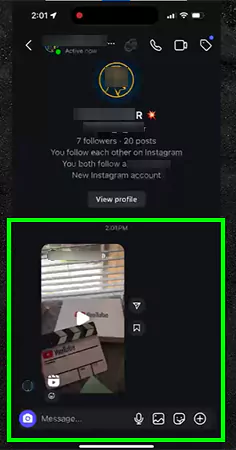
Open the inbox and tap on the reel to view it.
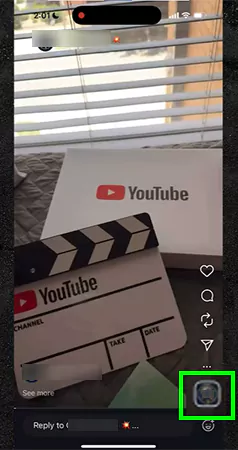
Check out the sent reel and tap on the audio logo.
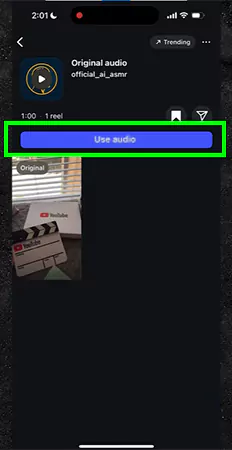
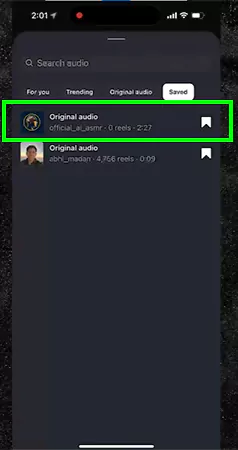
Save the audio.
Create a post using the methods mentioned in the previous section and tap on “Addaudio.”
Thinking of questions like “Can I add music to Instagram post?” is not acceptable in 2026, where everyone is gaining engagement through audio and visual appeal. Instead of merely trending sounds on your posts, bring immersive benefits to your social handles, like:
Posts with music are 33% more successful when it comes to matching the audience engagement ratios.
Music immediately sets the vibe, intrigues the emotions, and helps to make storytelling content from which most people can relate.
Adding music to carousel posts can boost their reach and, in some cases, cause them to appear in the Reels tab, doubling your visibility.
Conclusion
How to add music to instagram post? It is not as complicated as it looks. All you need to do is stay focused on the basics, select a snippet of your favorite verse, merge it, and you are good to go. Above here, every move is mentioned in detail, and if you want more such insightful articles, then make sure to rely on GetAssist without any hesitation.
FAQ
Why can’t I add music to my Instagram post?
It mostly occurs because you’re in a region that doesn’t support the feature, or you’re sharing branded content.
Can you upload your own audio to Instagram?
Yes, you can upload your own audio on Instagram and mix it with music or original audio by another Reels creator
Why is there no “Add music” option on my Instagram post?
It’s most likely because your account is a business account