You hit the bullseye on the shot. You have decent lighting and clean audio, but an obnoxious watermark in the corner significantly reduces your potential for reaching new followers on all social platforms.
It makes you look like a beginner and will therefore negatively impact how your posts perform on both social platforms and with algorithm-based systems. In the past, if you wanted to eliminate these significant flaws, you needed to use programs such as After Effects and transfer files from your phone to a computer.
However, that process is now over. If you have an iPhone or Android phone, you can now use a variety of different apps to correct your footage, eliminate unwanted blemishes, and recreate your image to perfection.
This article covers the top mobile applications for iPhone and Android; what’s cool about each application is that all the Vmake mobile application’s advanced functions use artificial intelligence.
KEY TAKEAWAYS
- Watermarked content is targeted by algorithms, so removing the watermark will ensure your content reaches as many platforms as possible.
- Remove any distracting logos from your film so that customers only see your brand.
- By eliminating clutter from your text, you will keep your viewer focused on what is happening in your video.
- New AI tools allow users to rebuild the backgrounds of their films, making the process of removing the backgrounds from individual frames unnecessary.
The main factor at stake is not the appearance of your video, but rather how effective it is at performing and what kind of reach it can achieve. This is about performance, not just aesthetics.
Social sites are territorial. Instagram explicitly punishes content transporting a competitor watermark. If you upload a video with a visible TikTok logo, your reach gets throttled. Scrubbing that stamp is the sole way to make a multi-platform strategy actually work.
If you are a business or an internet personality, yours should be the only brand on screen. A “Made with…” watermark dilutes authority. It signals that you rely on free tools, instantly lowering the value of what you are selling.
The eye is naturally drawn to text. The viewer is reading that instead of watching you if there is a random string of characters in the corner. Remove the distraction with a video watermark remover to keep them locked in.
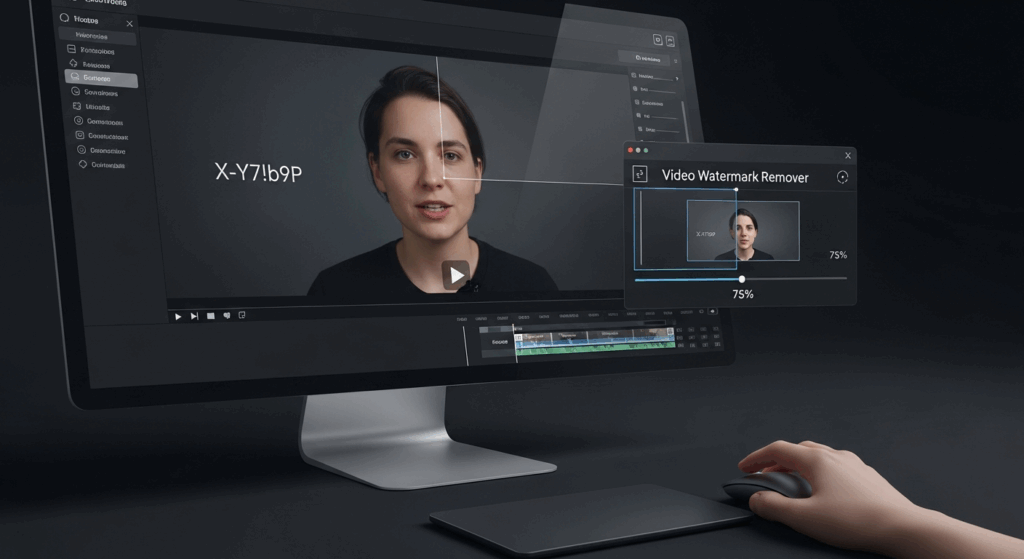
We researched and analyzed the best-rated and most downloaded video editing apps in the App Store, as well as Google Play. The following are the most highly rated options for cleaning up your videos while on the go.
While the apps identified above are solid utilities, they are still “tools.” You have to do the manual labor. You have to paint the mask, check the frames, and hope it works. Vmake is taking a different approach. They have acquainted the concept of an AI Video Agent.
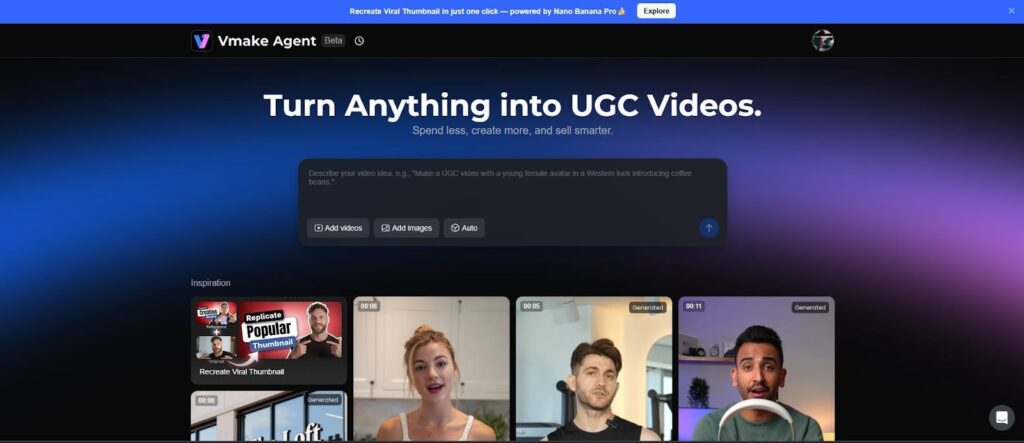
When you access the Vmake ecosystem (available on mobile browsers and via their dedicated app), you aren’t just opening a tool; you are interacting with a smart production assistant.
The Vmake Agent (https://vmake.ai/agent) is designed to handle the entire “drudgery” of video production. It doesn’t just look at pixels; it looks at context.
The Good:
Best For:
The Bad: Since the tool has more AI-based features, you may not have the control to do everything from scratch.
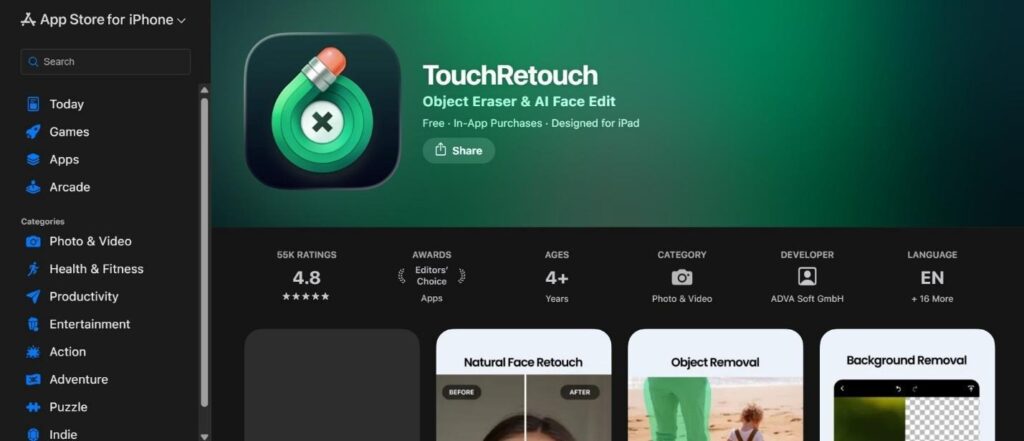
TouchRetouch has been the gold basic for object removal for years. It is famous for its simple interface. You don’t get a million confusing buttons; you get a brush and an eraser.
This is a utility-first app designed specifically for video. It gives a straightforward “remove watermark” function where you draw a box around the unwanted area.
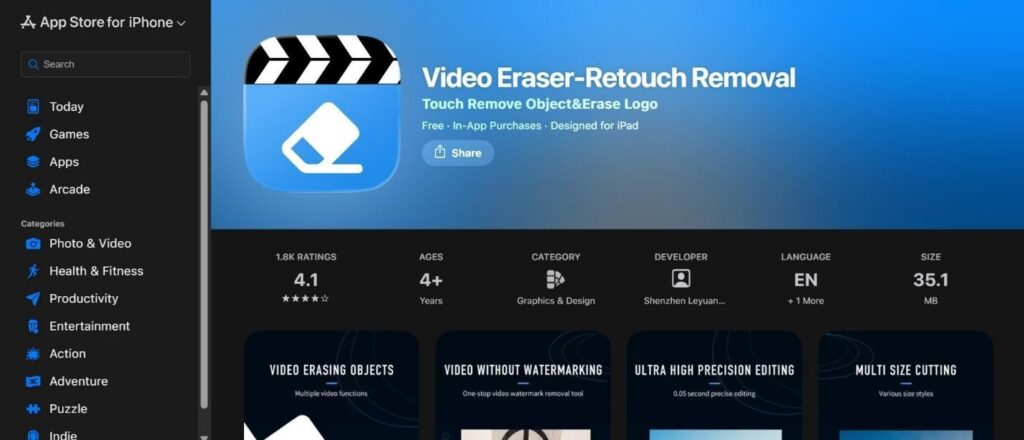
A favorite among Android users, this app present a suite of editing tools with a focus on watermark manipulation.
While mainly a photo editor, PhotoDirector has a robust AI removal tool that works on video frames.
The mobile market is filled with “Erasers,” but performance varies drastically. For casual fixes, TouchRetouch remains a solid, inexpensive option. For Android users willing to tolerate FDCTool, ads works.
But for passionate creators, Vmake is the superior choice. This moves beyond simple pixel deletion to professional asset production. By combining a video watermark remover, background isolator, and upscaler, it works less like an app and more like a pocket production studio.
There is no excuse for “dirty” video anymore. The tools are cheap and accessible. Clean up your feed and let the software control the technical work.
Instagram will detect that there is a logo that competes with theirs and lower the visibility of your videos in the Instagram feed because of that.
There are many apps out there that you could use, but TouchRetouch is the best choice when you need to quickly and easily remove a static logo due to its straightforward and precise interface.
Yes, Vmake has advanced artificial intelligence capabilities that allow users to remove all backgrounds and unwanted items from a video clip in its entirety.
The free versions that contain advertisements are safe to use, but due to the high volume of advertisements, you may find that they disrupt your workflow and make it difficult for you to complete a task.